Notify Card
bernikr
On Home Assistant 2026.11 or newer? Open it in the Marketplace
- GitHub stars
- 64
- Upkeep
- Updated in the last 6 months
- Version
- v0.4.0,
- Kind
- Dashboard card
- Needs
- Needs the Marketplace (HACS on 2026.10 and older)
- Issues
- Report an issue
Independent directory, made by the developer of Vulpo. Not affiliated with Home Assistant or the Open Home Foundation.
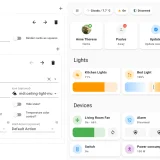
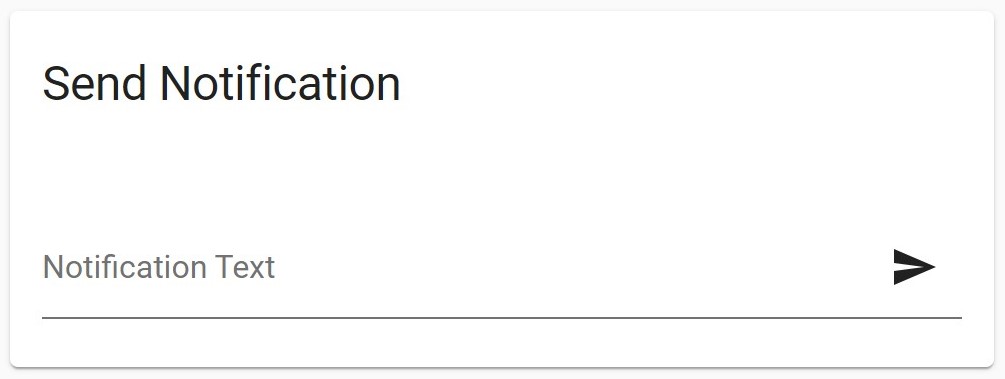
Screenshots From the README of bernikr/lovelace-notify-card.
About
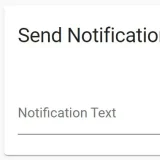
Notify Card is a dashboard card that sends notifications through any notification action from a text field. It adds a message input and a send button to a dashboard, so a notification can be sent by hand without building a separate script. The data passed to the action is configurable, and Home Assistant templates are supported, with the entered message, an optional title and the current user available as variables. An optional second text field lets a notification title be typed with each message. The placeholder text, card title and send button icon can be changed, and the title can be hidden entirely. A grouping option removes the border, shadow and background so the card can sit inside another card, and setup is done through the card configuration.
Automatic summary of the README of bernikr/lovelace-notify-card. Something wrong, or are you the maintainer and want your own text here? Get in touch
Supports
From the Marketplace Installed through the Marketplace, formerly HACS.
Actively maintained Its author released or pushed a change in the last six months.
Setting it up
Install it from the Marketplace, then add a card of this type to a dashboard.
From the README
This simple card allows you to notify any notification service manually from the dashboard.
Information
- GitHub stars
- 64
- Upkeep
- Updated in the last 6 months
- Version
- v0.4.0,
- Kind
- Dashboard card
- Needs
- Needs the Marketplace (HACS on 2026.10 and older)
- Issues
- Report an issue