
On Home Assistant 2026.10 or older? Open it in HACS
- Installs
- 53 sharing analytics
- GitHub stars
- 7
- Connection
- Uses the vendor's cloud
- Upkeep
- Updated in the last 6 months
- Version
- v0.2.2,
- Category
- Lighting
- Kind
- Marketplace integration
- Needs
- Needs the Marketplace (HACS on 2026.10 and older)
- Domain
lepro_cloud- Issues
- Report an issue
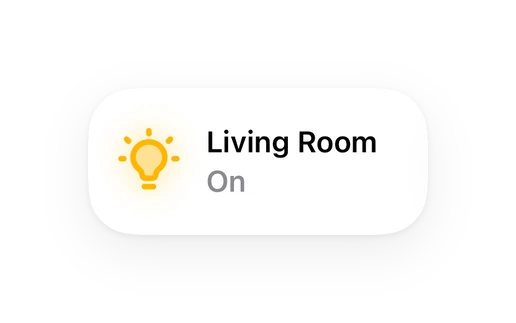
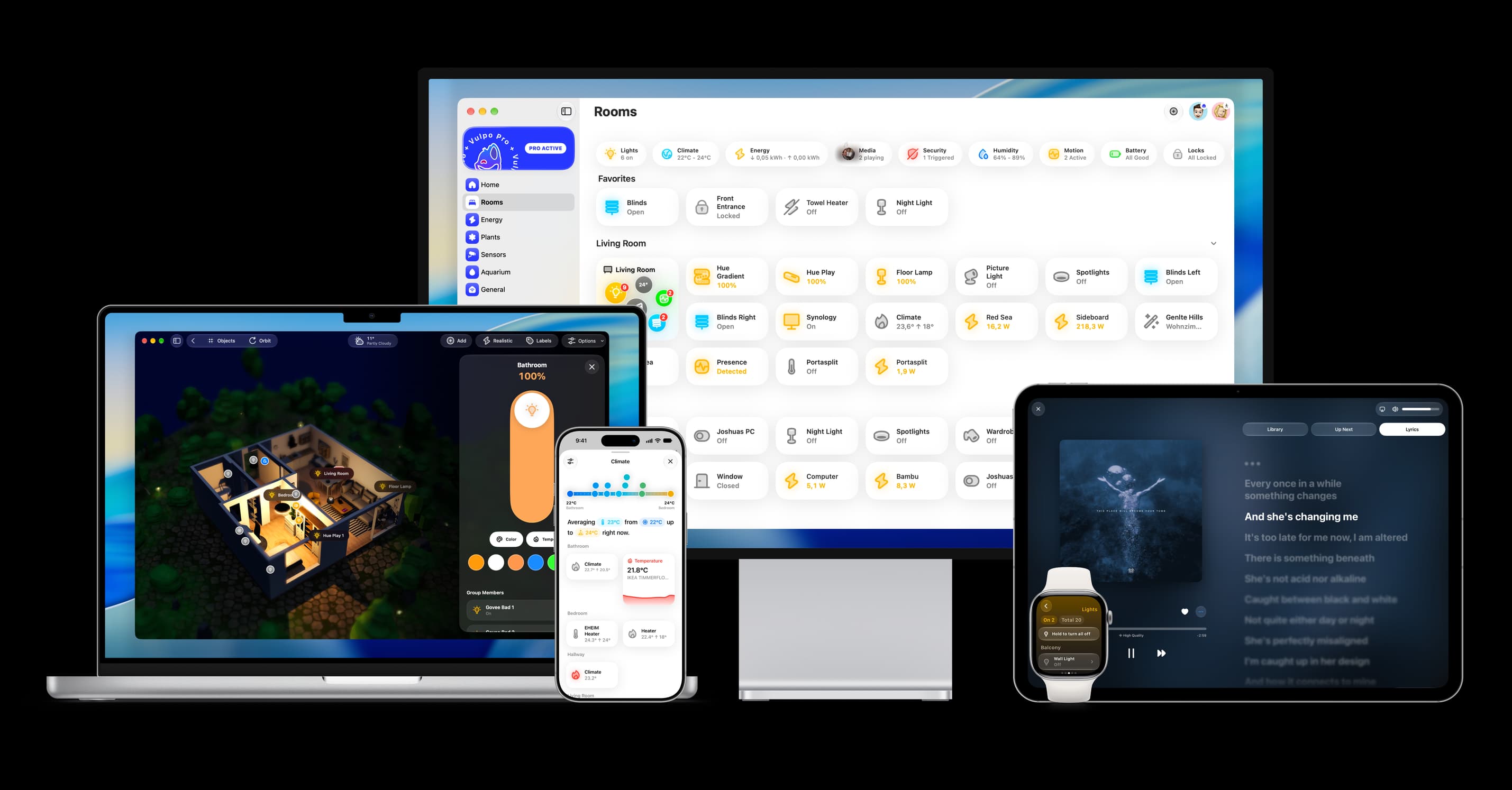
Shows in Vulpo Light card, Quick Toggle card, Apple Watch, Control Center.


Scan with your iPhone
DownloadIndependent directory, made by the developer of Vulpo. Not affiliated with Home Assistant or the Open Home Foundation.
About
Lepro Cloud is a Home Assistant integration that controls Lepro Wi-Fi lights and smart plugs through the vendor's cloud. It discovers devices from a Lepro account and adds lights, switches and binary sensors for connection status. Lights offer on and off, brightness, colour and colour temperature where the device supports them, and compatible app scenes and saved favourite patterns appear in the Effect selector. P1 plugs also get switches for Button Lock, Power Memory and Indicator Light, and TV backlights get Status LED and Auto-Toggle Lights switches. Sign-in uses an email address, password and optional server region, and the session is maintained with reauthentication if access is rejected. It supports devices used with the newer Lepro app, not Lepro LampUX devices.
Automatic summary of the README and code of Wheemer/lepro-cloud. Something wrong, or are you the maintainer and want your own text here? Get in touch

Shows in Vulpo
Light card, Quick Toggle card, Apple Watch, Control Center.Installs over time
#1,574 of 1,626 Marketplace integrations. Installs sharing analytics.
Supports
- Uses the vendor's cloudNeeds an internet connection and an account with the vendor.
- From the MarketplaceInstalled through the Marketplace, formerly HACS.
- Actively maintainedIts author released or pushed a change in the last six months.
Provides
- Lights
- Switches
Setting it up
Install it from the Marketplace and restart Home Assistant, then add it under Settings, Devices and services.
Lepro Cloud
- Email address
- Password
- Server region (optional)
Also asked when signing in again and changing the connection.
Texts from the code of Wheemer/lepro-cloud.
Troubleshooting
- DiagnosticsDownloads a diagnostics file to attach to a bug report.
From the README
- 💡 Lighting controls — On/off, brightness, colour and colour temperature, according to the device's capabilities.
- 🎨 Effects and favourites — Select compatible app-provided scenes and saved favourite patterns from the light's Effect selector, including multipart table-lamp patterns.
- 🌈 Effect brightness — Adjust brightness while retaining the active supported pattern.
- 🔌 Smart plugs — Outlet control, with Button Lock, Power Memory and Indicator Light settings for P1 plugs.
- 📺 TV backlights — Lighting and saved effects, plus Status LED and Auto-Toggle Lights settings.
- 📡 Cloud connection status — A diagnostic connectivity entity for each supported device, based on Lepro's reported online state.
- 🔄 Account recovery — Automatic session maintenance and Home Assistant reauthentication when authorization is rejected or revoked.
Information
- Installs
- 53 sharing analytics
- GitHub stars
- 7
- Connection
- Uses the vendor's cloud
- Upkeep
- Updated in the last 6 months
- Version
- v0.2.2,
- Category
- Lighting
- Kind
- Marketplace integration
- Needs
- Needs the Marketplace (HACS on 2026.10 and older)
- Domain
lepro_cloud- Issues
- Report an issue
You might also like







Try it with your own Home Assistant.
- Free to download
- iPhone, iPad, Mac and Apple Watch
- 40+ native card types
- Connects to your own Home Assistant