
On Home Assistant 2026.10 or older? Open it in HACS
- Installs
- 60 sharing analytics
- GitHub stars
- 29
- Connection
- Works locally
- Upkeep
- Updated in the last 6 months
- Version
- v1.0.0,
- Category
- Productivity and information, Calendars and to-dos
- Kind
- Marketplace integration
- Needs
- Needs the Marketplace (HACS on 2026.10 and older)
- Domain
chore_calendar- Issues
- Report an issue


Independent directory, made by the developer of Vulpo. Not affiliated with Home Assistant or the Open Home Foundation.
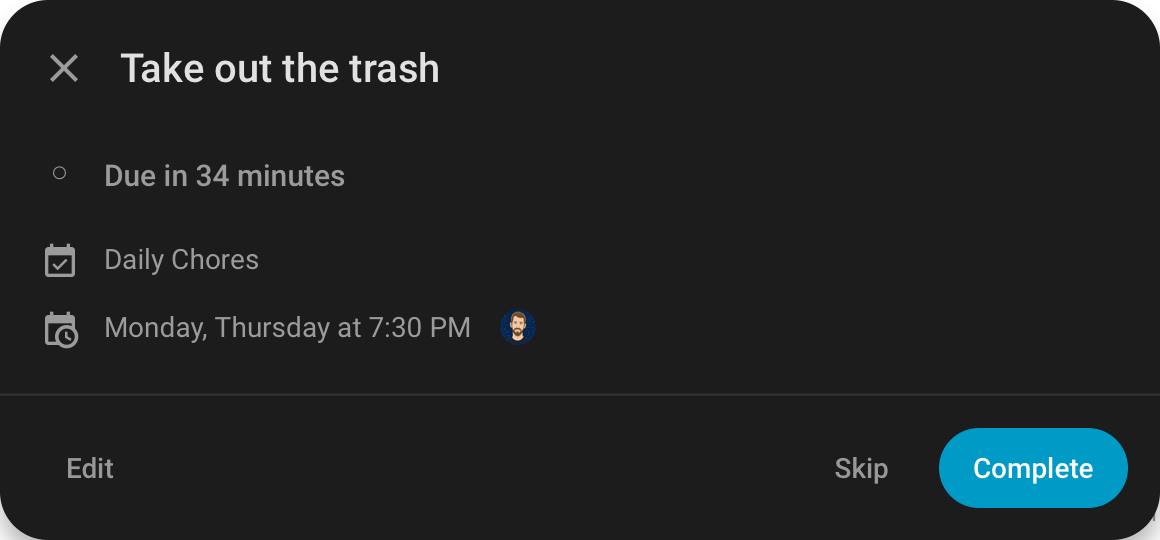
Screenshots From the README of tcarney/ha-chore-calendar.
About
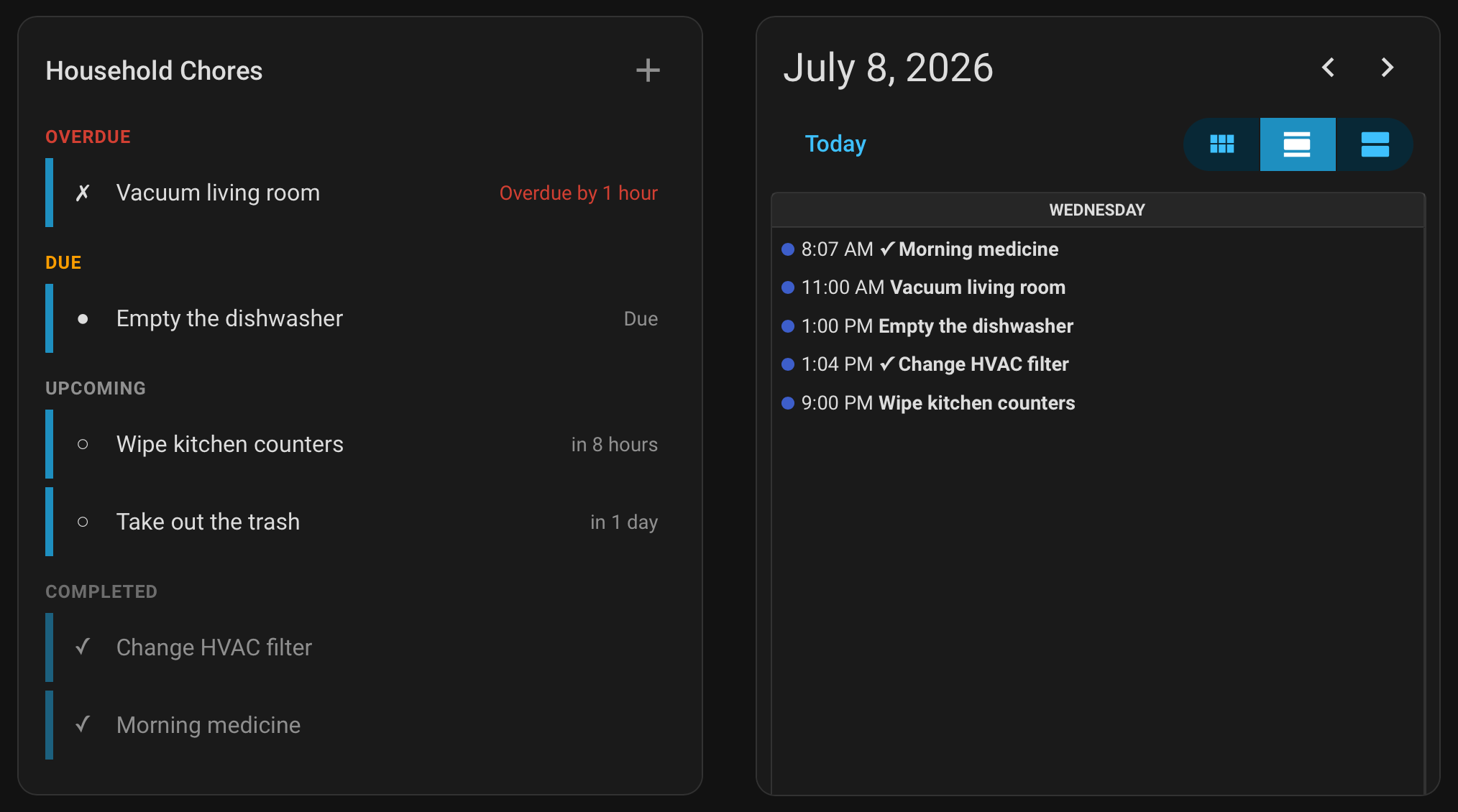
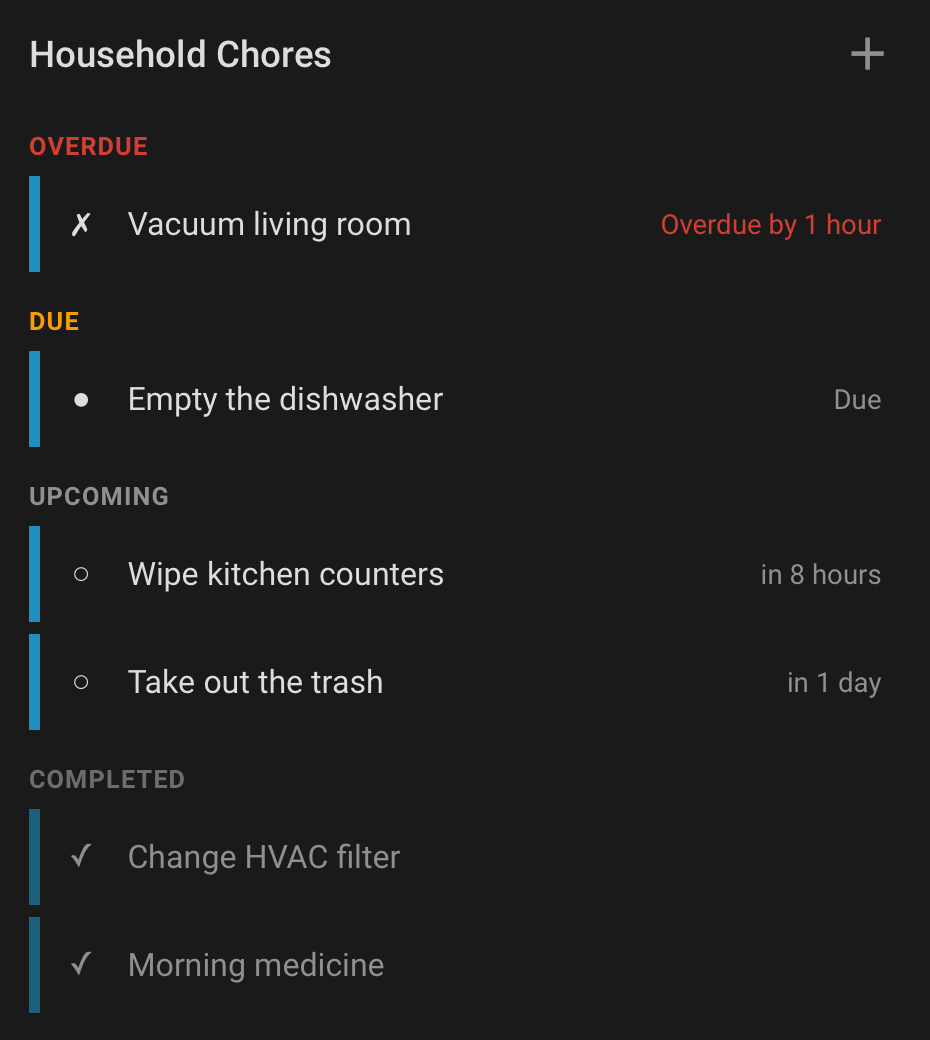
Chore Calendar is a custom integration that manages recurring household chores in Home Assistant. Each chore list is added through the UI and works locally, and it gives every list a read-only calendar and a to-do list, plus a sensor for each chore that tracks its status. Chores can be scheduled on a calendar-grid recurrence, repeated at an interval after the last completion, or set as one-time tasks with an optional due date. Actions cover creating, updating, deleting, completing, skipping and reverting chores, and skipping an occurrence leaves the completion history untouched. Tags can be assigned to chores so that scanning one marks the chore complete, and events fire when a chore is created, changes status or is deleted. A custom dashboard card with a timeline view is included, and installation goes through the Marketplace.
Automatic summary of the README and code of tcarney/ha-chore-calendar. Something wrong, or are you the maintainer and want your own text here? Get in touch

Shows in Vulpo
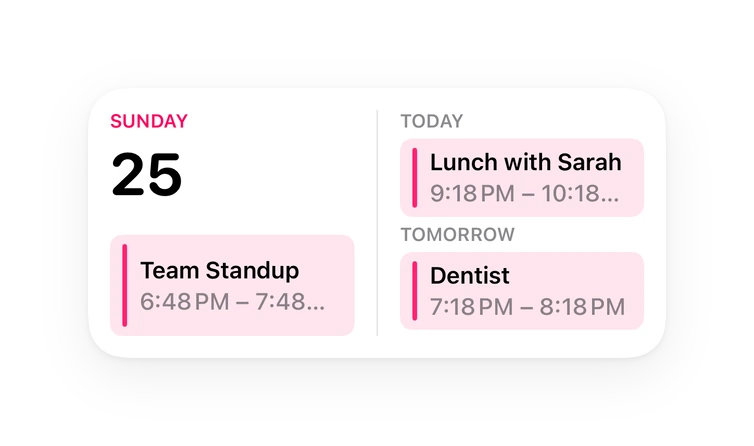
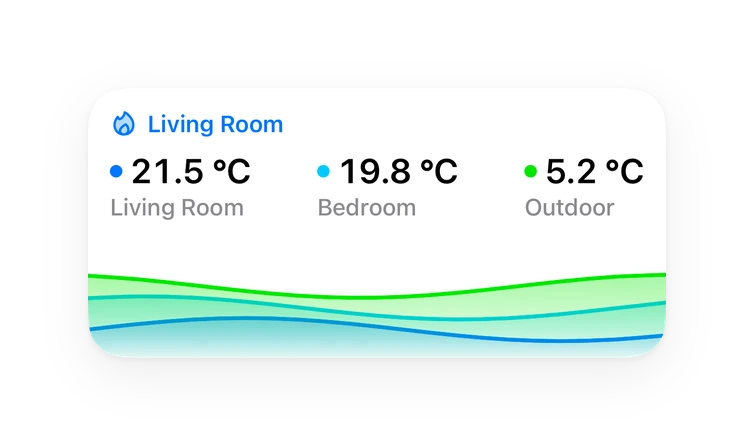
Calendar card, Chart card, Apple Watch.Supports
- Works locallyTalks to your devices on your own network. No vendor cloud in between.
- From the MarketplaceInstalled through the Marketplace, formerly HACS.
- Actively maintainedIts author released or pushed a change in the last six months.
Provides
- Sensors
- Calendars
Setting it up
Install it from the Marketplace and restart Home Assistant, then add it under Settings, Devices and services.
Create chore list
- List nameName for this chore list (e.g. "Daily Chores")
Rename chore list
- List nameNew name for this chore list
Texts from the code of tcarney/ha-chore-calendar.
Actions
- Create itemAdd a new chore to a chore list. Provide one of 'Scheduled', 'Interval', or 'Oneshot' configuration.
- Entity
- Chore name
- Description
- Trigger entity
- Assigned to
- Scheduled
- Interval
- Oneshot
- Pending period
- Grace period
- Update itemUpdate an existing chore in a chore list.
- Entity
- Item name or UID
- Chore name
- Description
- Trigger entity
- Assigned to
- Scheduled
- Interval
- Oneshot
- Pending period
- Delete itemRemove a chore from a chore list.
- Entity
- Item name or UID
- Complete itemMark a chore as completed.
- Entity
- Item name or UID
- Completed by
- Completed at
- Skip itemReschedule a chore's current occurrence without recording a completion.
- Entity
- Item name or UID
- Until
- Uncomplete itemRevert the most recent completion of a chore.
- Entity
- Item name or UID
- Hide completed itemsHide items completed before a cutoff from the calendar and todo entities. Completion history is preserved; finished chores without 'Keep when finished' are deleted.
- Entity
- Before
- Keep for
- Get itemsRetrieve chores from a chore list with their current status.
- Entity
- Status filter
Troubleshooting
- DiagnosticsDownloads a diagnostics file to attach to a bug report.
From the README
A Home Assistant custom integration for managing recurring household chores. Each chore list is added through Settings > Integrations. Chores are managed from the included dashboard card, or via services for automations. Provides per-chore sensor entities, a per-list calendar entity, and a per-list todo entity.
- Todo entity: One todo list per chore list, surfacing chores through HA's native todo UI and Assist pipelines. Add one-off chores, edit, complete, and reschedule the current occurrence from the…
- Calendar entity: Read-only calendar per list showing every upcoming occurrence and recently completed chores
- Sensor entities: One sensor per chore tracking its current status and attributes, for custom dashboards and automations
- Custom Lovelace card: Timeline card with per-entity filtering, colors, a detail dialog, create/edit/delete dialogs, and configurable actions
- Tag scan auto-completion: Assign HA tags to chores for scan-to-complete. Shared tags resolve to the correct chore based on completion windows
- Services: Create, update, delete, complete, and skip chores from automations and scripts
- Flexible scheduling: Calendar-grid recurrence (daily, weekly, monthly, or yearly with weekday ordinals, month days, season windows, and end conditions), interval-based ("after N hours/days/months"),…
- Skip occurrences: Skip the current occurrence or defer until a later datetime, without touching completion history
Information
- Installs
- 60 sharing analytics
- GitHub stars
- 29
- Connection
- Works locally
- Upkeep
- Updated in the last 6 months
- Version
- v1.0.0,
- Category
- Productivity and information, Calendars and to-dos
- Kind
- Marketplace integration
- Needs
- Needs the Marketplace (HACS on 2026.10 and older)
- Domain
chore_calendar- Issues
- Report an issue
You might also like











Try it with your own Home Assistant.
- Free to download
- iPhone, iPad, Mac and Apple Watch
- 40+ native card types
- Connects to your own Home Assistant