WeatherSense
smkrv
Open in Home Assistant
On Home Assistant 2026.11 or newer? Open it in the Marketplace
- Installs
- 199 sharing analytics
- GitHub stars
- 57
- Connection
- Works locally
- Upkeep
- Updated in the last 6 months
- Version
- v1.3.2,
- Category
- Sensors, Temperature and humidity
- Kind
- Marketplace integration
- Needs
- Needs the Marketplace (HACS on 2026.10 and older)
- Domain
weathersense- Issues
- Report an issue
Independent directory, made by the developer of Vulpo. Not affiliated with Home Assistant or the Open Home Foundation.
Screenshots From the README of smkrv/ha-weathersense.
About
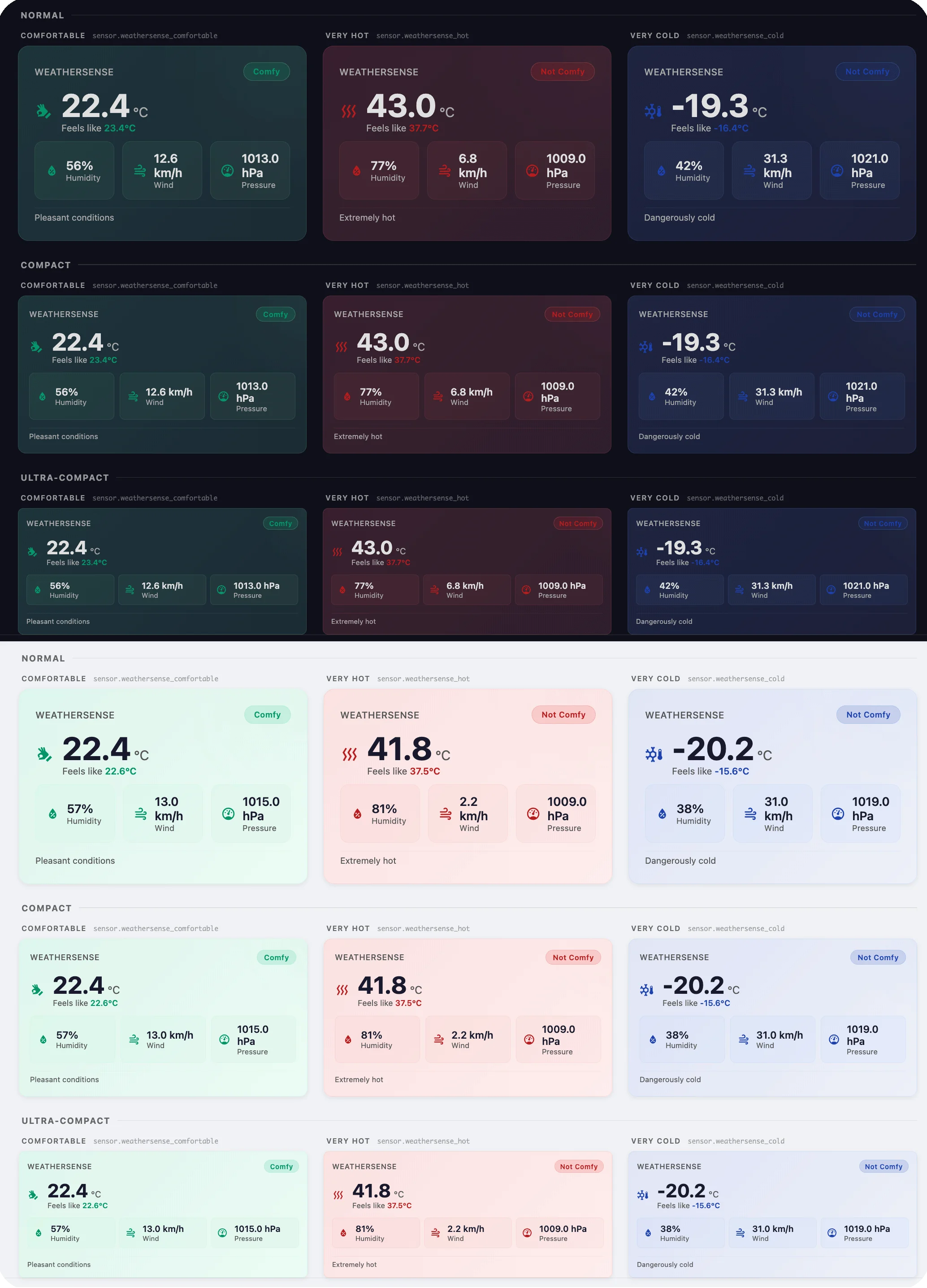
Plug-and-play “feels-like” readings and an instant comfy/not-comfy flag for Home Assistant. No jargon, just data that works!
Description from smkrv/ha-weathersense
Supports
Works locally Talks to your devices on your own network. No vendor cloud in between.
From the Marketplace Installed through the Marketplace, formerly HACS.
Actively maintained Its author released or pushed a change in the last six months.
Provides
- Sensors
Setting it up
Install it from the Marketplace and restart Home Assistant, then add it under Settings, Devices and services.
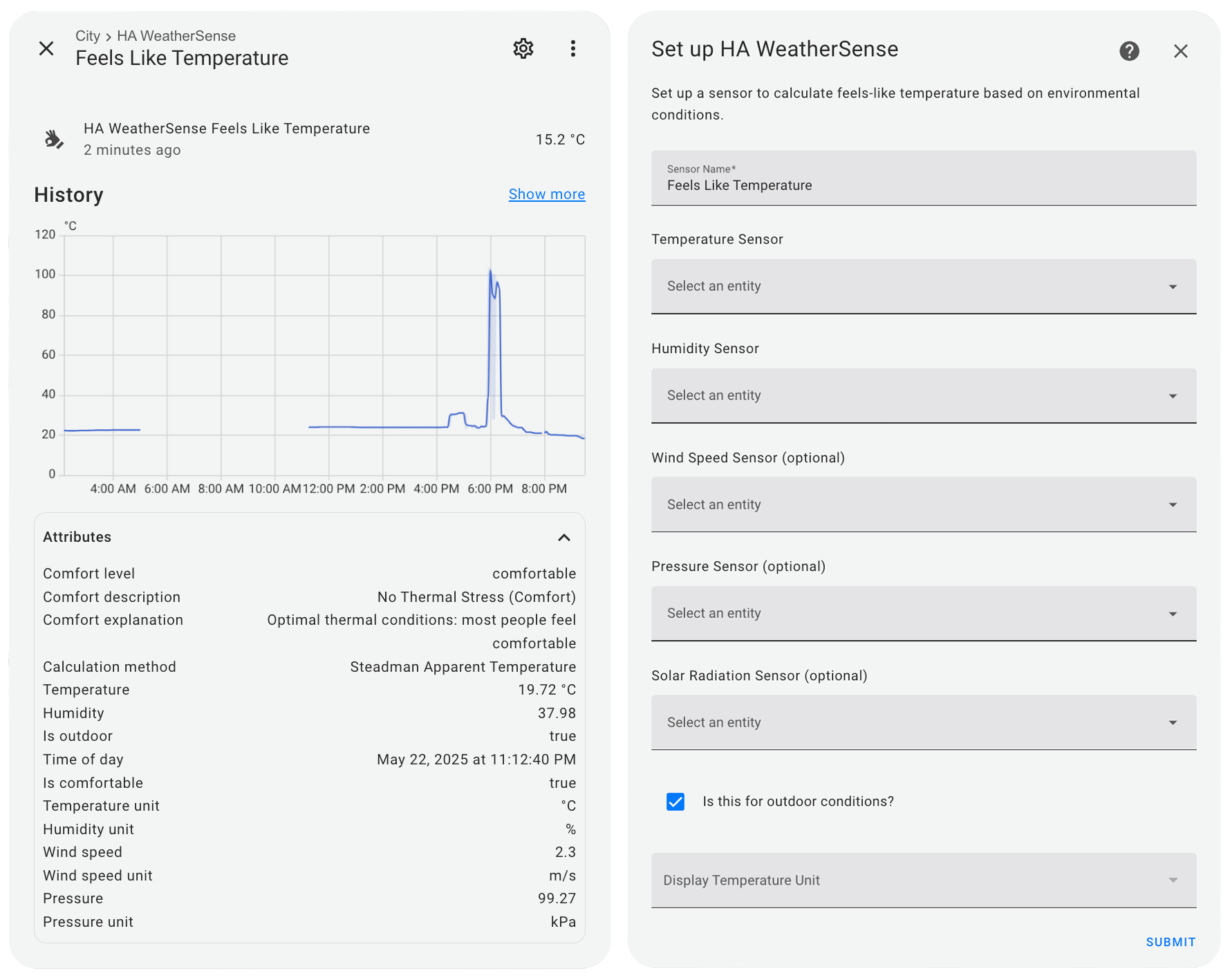
Set up HA WeatherSense
- Sensor Name
- Temperature Sensor
- Humidity Sensor
- Wind Speed Sensor (optional)
- Pressure Sensor (optional)
- Solar Radiation Sensor (optional)
- Wind Direction Sensor (optional)
- Enable wind direction correction (experimental)
- Enable output smoothing (EMA filter)
- Smoothing responsiveness (lower = smoother, higher = faster)
- Is this for outdoor conditions?
- Display Temperature Unit
After setup
- Temperature Sensor
- Humidity Sensor
- Wind Speed Sensor (optional)
- Pressure Sensor (optional)
- Solar Radiation Sensor (optional)
- Wind Direction Sensor (optional)
- Enable wind direction correction (experimental)
- Enable output smoothing (EMA filter)
- Smoothing responsiveness (lower = smoother, higher = faster)
- Is this for outdoor conditions?
- Display Temperature Unit

Shows in Vulpo
Chart card, Apple Watch.Information
- Installs
- 199 sharing analytics
- GitHub stars
- 57
- Connection
- Works locally
- Upkeep
- Updated in the last 6 months
- Version
- v1.3.2,
- Category
- Sensors, Temperature and humidity
- Kind
- Marketplace integration
- Needs
- Needs the Marketplace (HACS on 2026.10 and older)
- Domain
weathersense- Issues
- Report an issue