
HyperHDR
Shaffer-Softworks
On Home Assistant 2026.11 or newer? Open it in the Marketplace
- Installs
- 570 sharing analytics
- GitHub stars
- 100
- Connection
- Works locally
- Upkeep
- Updated in the last 6 months
- Version
- v1.2.1,
- Category
- Lighting, LED strips and controllers
- Kind
- Marketplace integration
- Needs
- Needs the Marketplace (HACS on 2026.10 and older)
- Domain
hyperhdr- Issues
- Report an issue
Independent directory, made by the developer of Vulpo. Not affiliated with Home Assistant or the Open Home Foundation.
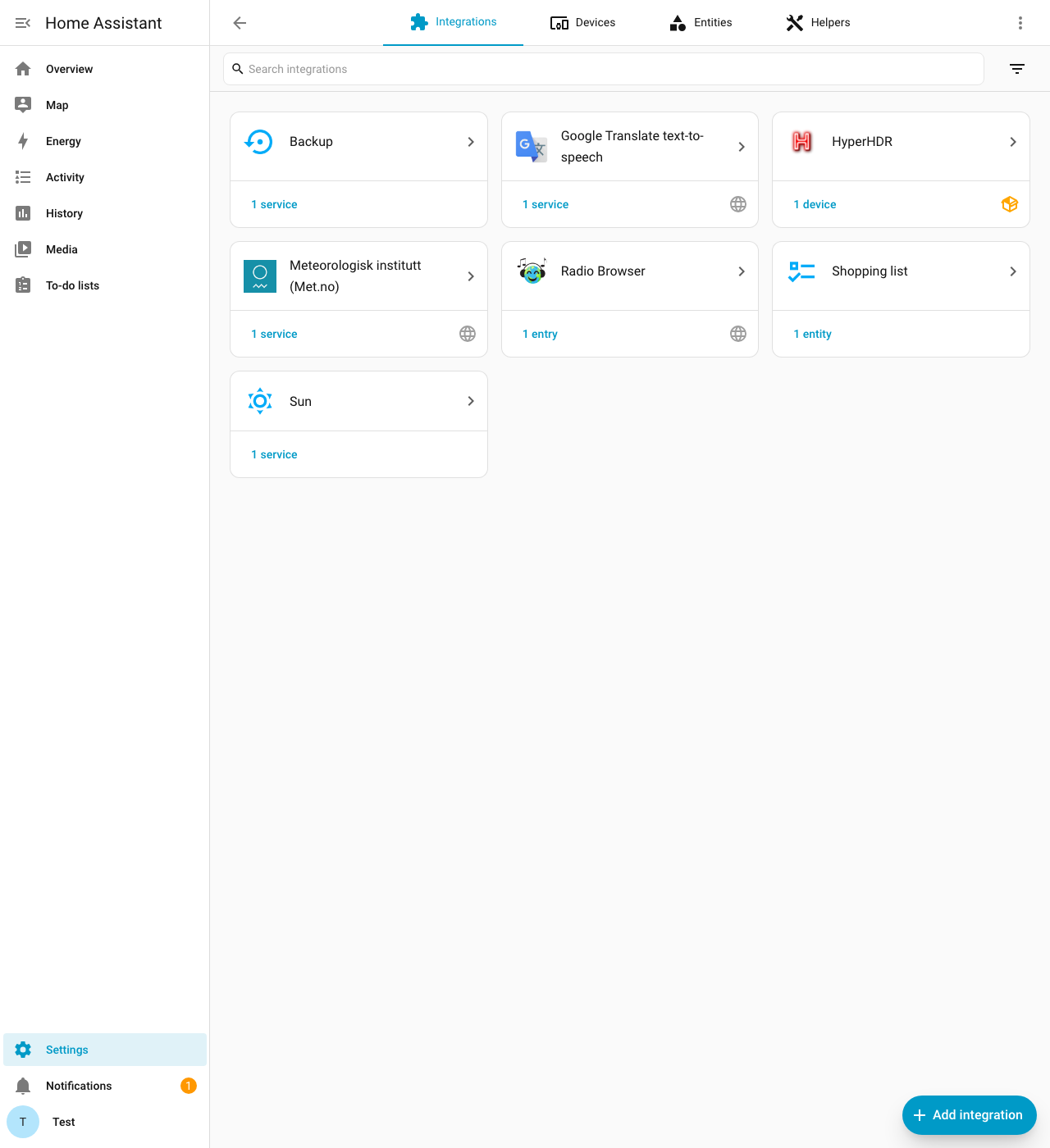
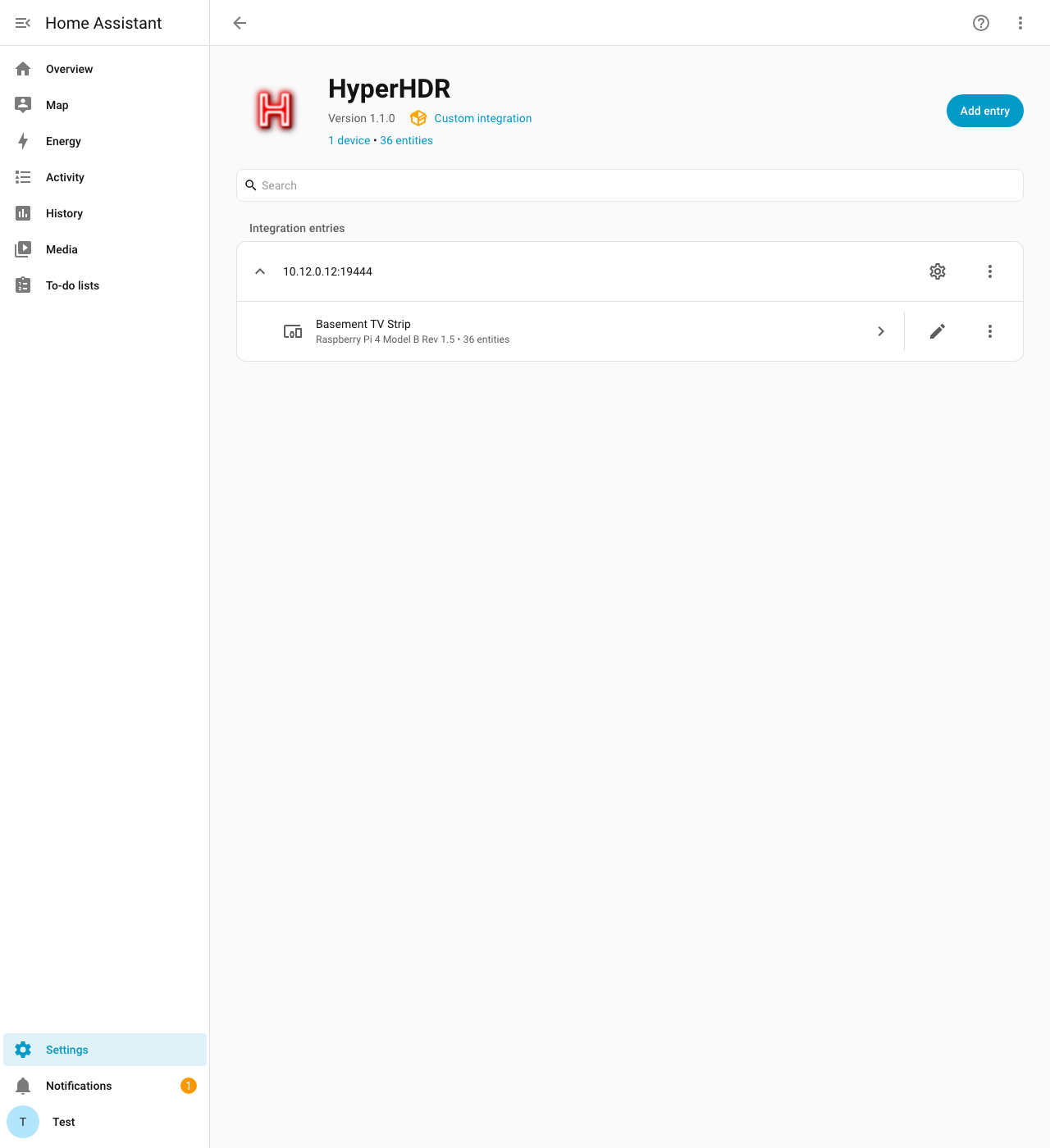
Screenshots From the README of Shaffer-Softworks/hyperhdr-ha.
About
HyperHDR is a local integration that connects Home Assistant to a HyperHDR bias lighting instance. It adds a main light and a priority light, plus a button that clears the active priority. Cameras show the LED colors as a live stream and as a per-LED gradient image, and a sensor reports the average color. Number and select entities adjust smoothing and HDR tone mapping, and switches toggle components, blackbar detection, the anti-flicker filter and continuous output. Further sensors report system details such as version, hostname and CPU information. Home Assistant can discover instances on the network, and setup is done in the UI with a new or existing token and an optional admin password.
Automatic summary of the README and code of Shaffer-Softworks/hyperhdr-ha. Something wrong, or are you the maintainer and want your own text here? Get in touch
Supports
Works locally Talks to your devices on your own network. No vendor cloud in between.
Found by itself Home Assistant spots it on the network and offers to add it.
From the Marketplace Installed through the Marketplace, formerly HACS.
Actively maintained Its author released or pushed a change in the last six months.
Provides
- Lights
- Cameras
- Switches
- Sensors
Setting it up
Install it from the Marketplace and restart Home Assistant, then add it under Settings, Devices and services.
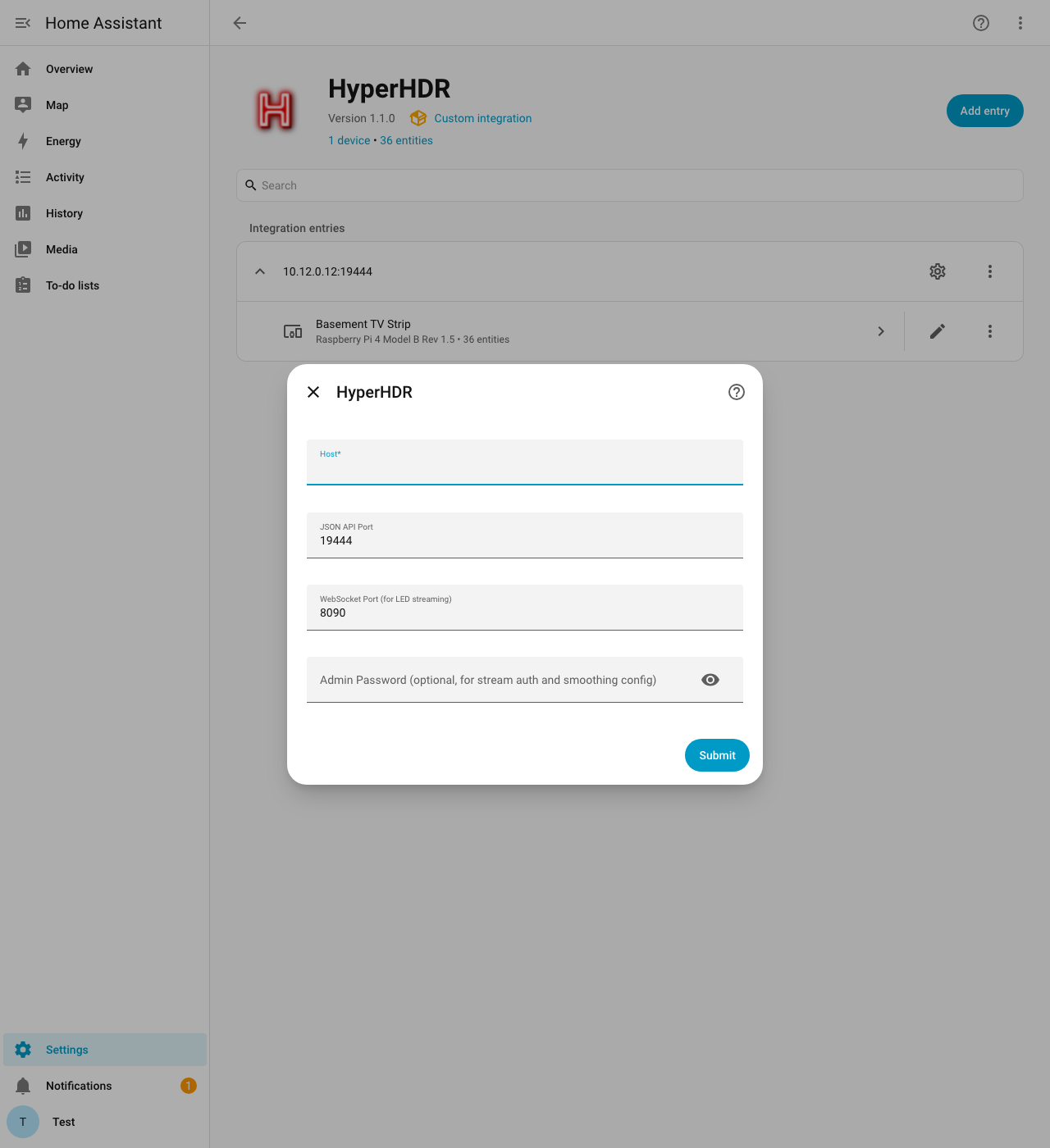
Connect
- Host
- JSON API Port
- WebSocket Port (for LED streaming)
- Admin Password (optional, for stream auth and smoothing config)
Sign in
- Automatically create new token
- Or provide pre-existing token
After setup
- HyperHDR effects to show
- Host
- JSON API Port
- HyperHDR priority to use for colors and effects
- Clear priority when main light turns off
- Keep WLED in realtime mode when off (idle black)
- WebSocket Port (for LED streaming)
- Admin Password (for LED streams and smoothing config)
Texts from the code of Shaffer-Softworks/hyperhdr-ha.
Entities
- ButtonsClear Priority
- LightsLight, Priority Light
- NumbersSmoothing Time, Smoothing Update Frequency, Smoothing Factor, Smoothing Stiffness, Smoothing Damping, Smoothing Y Limit, HDR Tone Mapping
- SelectsSmoothing Type
- SensorsVisible Priority, Average Color, Build, Version, CPU Hardware, CPU Model Name, CPU Model Type, CPU Revision, Kernel Type, Hostname, Platform, Architecture, and 2 more
- SwitchesAll, Smoothing, Blackbar Detection, Forwarder, Boblight Server, Platform Capture, LED Device, USB Capture, HDR Tone Mapping, Anti-flicker Filter, Continuous Output
From the README
HyperHDR is an open source bias lighting implementation which runs on many platforms.
This component will set up the following platforms.
- LED Colors Camera: Live WebSocket stream of the HyperHDR imagestream output — ideal for PicCap instances or visualizing exact LED output.
- LED Gradient Camera: Real-time per-LED gradient visualization rendered as a JPEG image from raw RGB data.
- Average Color Sensor: Average RGB as hex with attributes, from current-state/average-color RPC (with LED stream and priority-color fallbacks).
- HDR Tone Mapping: Adjust HDR tone mapping intensity with a dedicated number entity. Supports both legacy hdrToneMappingMode and the newer videomodehdr command paths.
- Smoothing Controls (conditional): Number and select entities for HyperHDR v22 smoothing config (time_ms, update frequency, factor, stiffness, damping, Y limit, interpolator type) — created when…
- Anti-flicker / Continuous Output (conditional): Config switches for antiFlickeringFilter and continuousOutput.
- Component Switches: Enable/disable HyperHDR components (advanced users).
- Automatic Entity Cleanup: Stale entities from removed features (old camera, color engine, decay, unsupported smoothing) are automatically pruned from the entity registry on integration load.
- SSDP Auto-Discovery: HyperHDR instances on your network are automatically discovered via SSDP/UPnP — no manual IP entry required.

Shows in Vulpo
Light card, Quick Toggle card, Camera card, Button card, Apple Watch, Control Center.Information
- Installs
- 570 sharing analytics
- GitHub stars
- 100
- Connection
- Works locally
- Upkeep
- Updated in the last 6 months
- Version
- v1.2.1,
- Category
- Lighting, LED strips and controllers
- Kind
- Marketplace integration
- Needs
- Needs the Marketplace (HACS on 2026.10 and older)
- Domain
hyperhdr- Issues
- Report an issue