Screenshots From the README of SH1FT-W/flode.
About
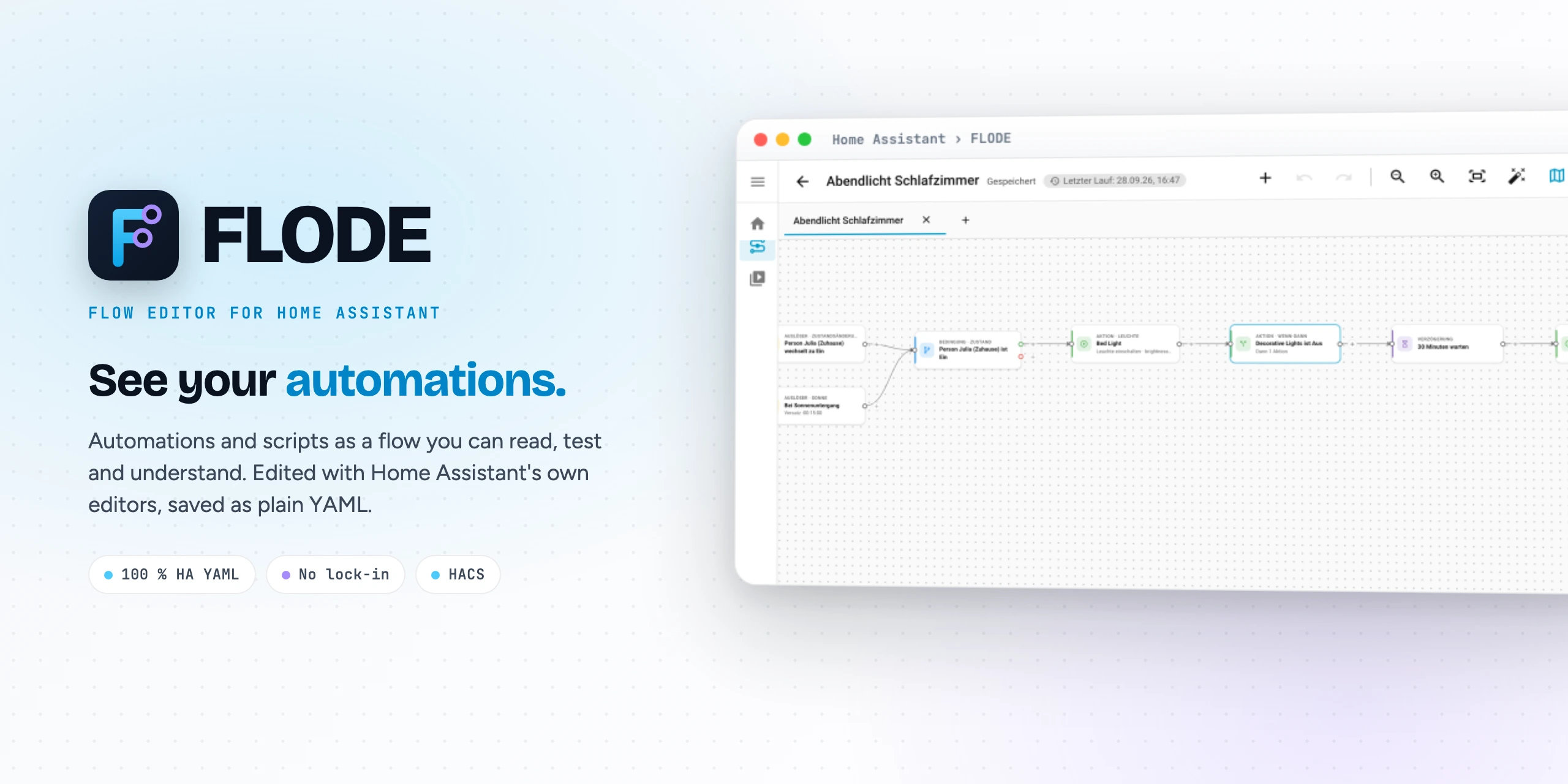
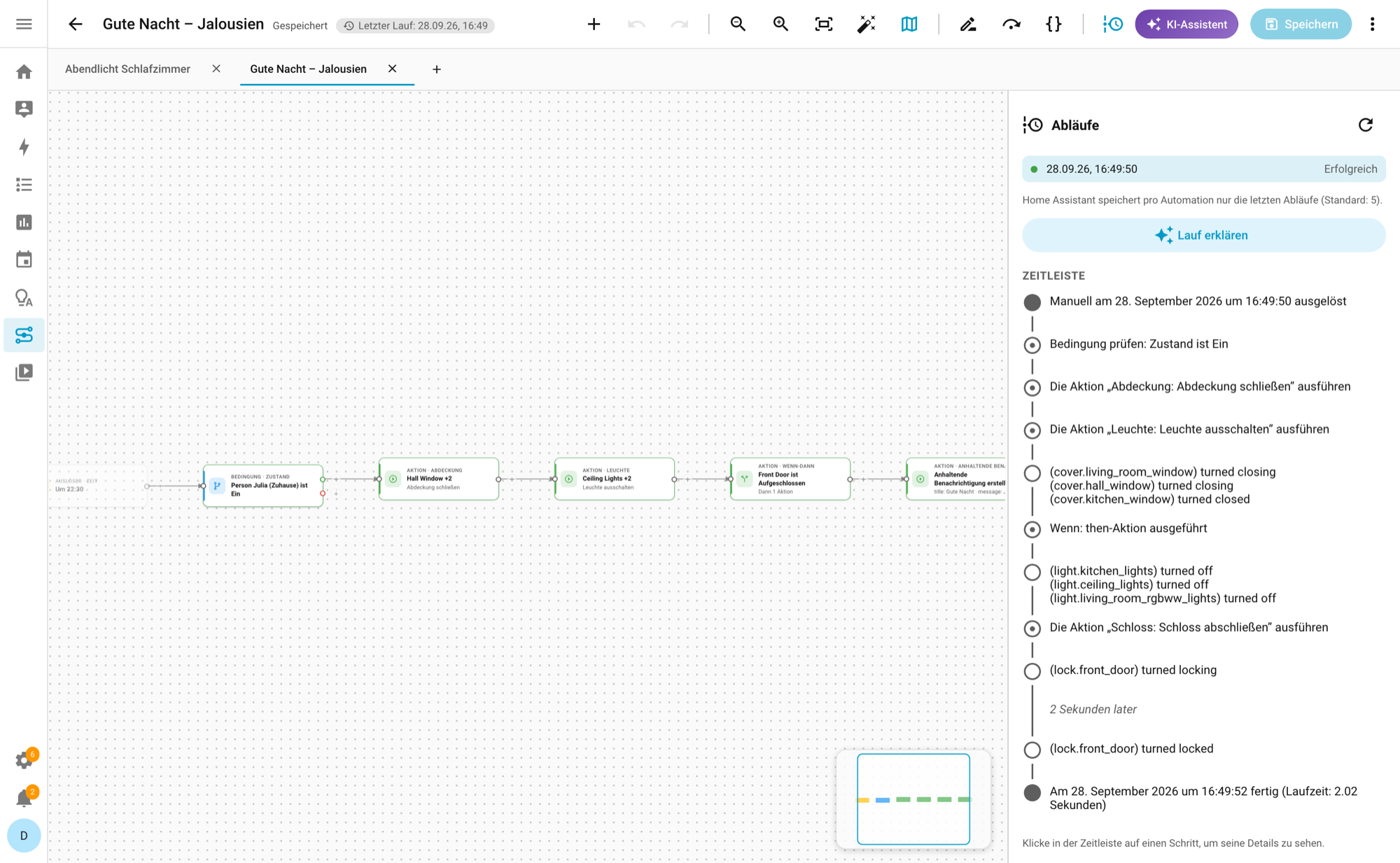
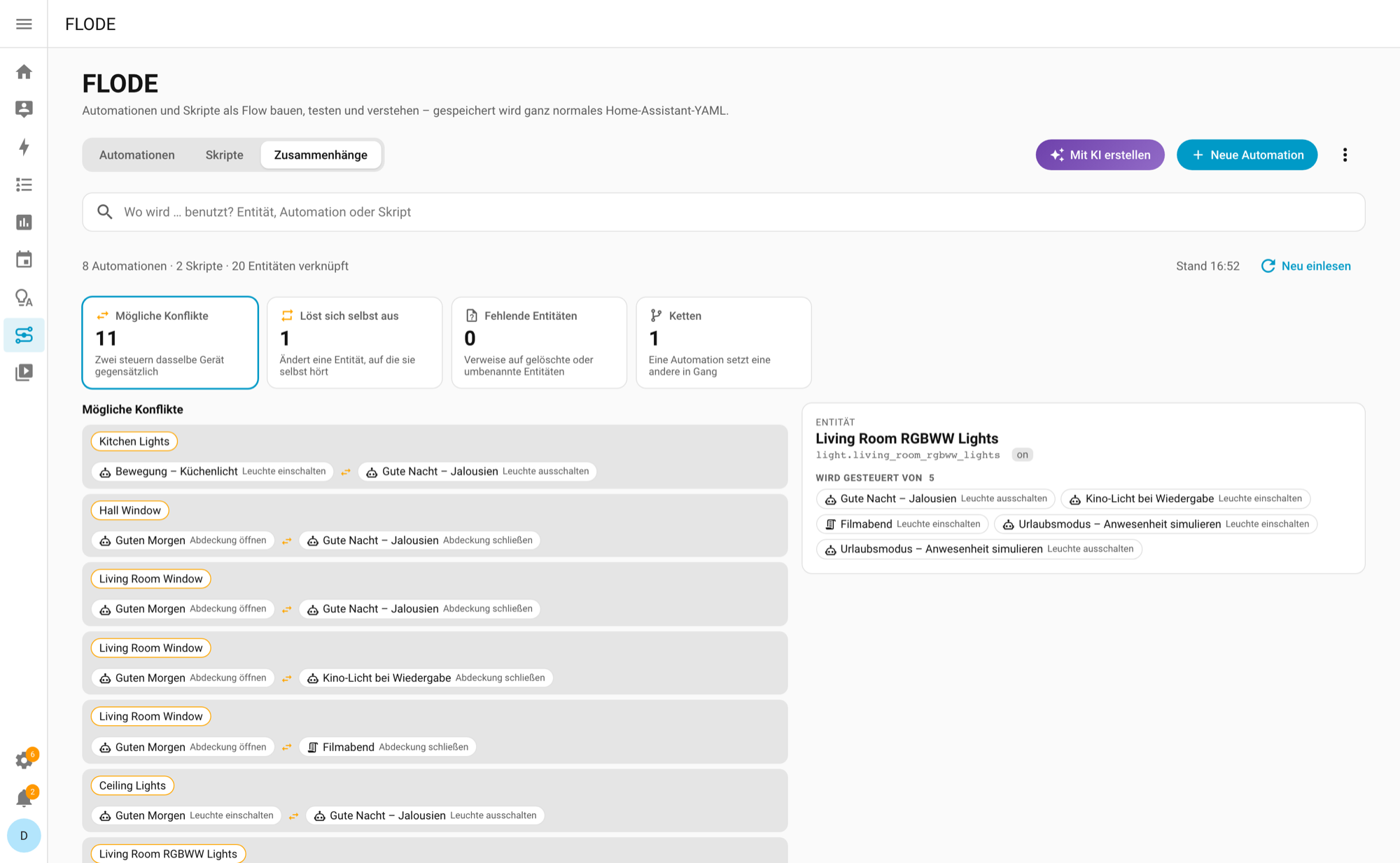
FLODE is an integration that shows Home Assistant automations and scripts as a flow on a canvas. Triggers, conditions and actions open in Home Assistant's own editors, and the result is saved as plain Home Assistant YAML. Choose and If-then blocks show their branches as cards, and flows can be laid out top to bottom. A run view places Home Assistant's trace timeline beside the canvas, marks the path and branch that ran, and can run from any chosen step. Relation checks point out conflicting or self-triggering automations, chains and missing entities. If an AI task is configured in Home Assistant, it can explain runs, answer questions about a flow and draft new automations; without one these buttons do not appear. It works locally and is added through the UI.
Automatic summary of the README and code of SH1FT-W/flode. Something wrong, or are you the maintainer and want your own text here? Get in touch
Supports
Works locally Talks to your devices on your own network. No vendor cloud in between.
From the Marketplace Installed through the Marketplace, formerly HACS.
Actively maintained Its author released or pushed a change in the last six months.
Setting it up
Install it from the Marketplace and restart Home Assistant, then add it under Settings, Devices and services.
Troubleshooting
- DiagnosticsDownloads a diagnostics file to attach to a bug report.
From the README
FLODE shows Home Assistant automations and scripts as a flow you can read, test and understand.
Edited with Home Assistant's own editors, saved as plain Home Assistant YAML. No server, no lock-in.
Information
- Installs
- 165 sharing analytics
- GitHub stars
- 44
- Connection
- Works locally
- Upkeep
- Updated in the last 6 months
- Version
- 26.10.17,
- Category
- AI and voice, AI models
- Kind
- Marketplace integration
- Needs
- Needs the Marketplace (HACS on 2026.10 and older)
- Domain
flode- Source
- github.com/SH1FT-W/flode
- Issues
- Report an issue