

Polaris IQ Home MQTT
samoswall
On Home Assistant 2026.11 or newer? Open it in the Marketplace
- Installs
- 279 sharing analytics
- GitHub stars
- 147
- Connection
- Works locally
- Upkeep
- Updated in the last 6 months
- Version
- v1.1.6,
- Category
- Hubs and protocols
- Kind
- Marketplace integration
- Needs
- Needs the Marketplace (HACS on 2026.10 and older)
- Domain
polaris- Issues
- Report an issue
Independent directory, made by the developer of Vulpo. Not affiliated with Home Assistant or the Open Home Foundation.
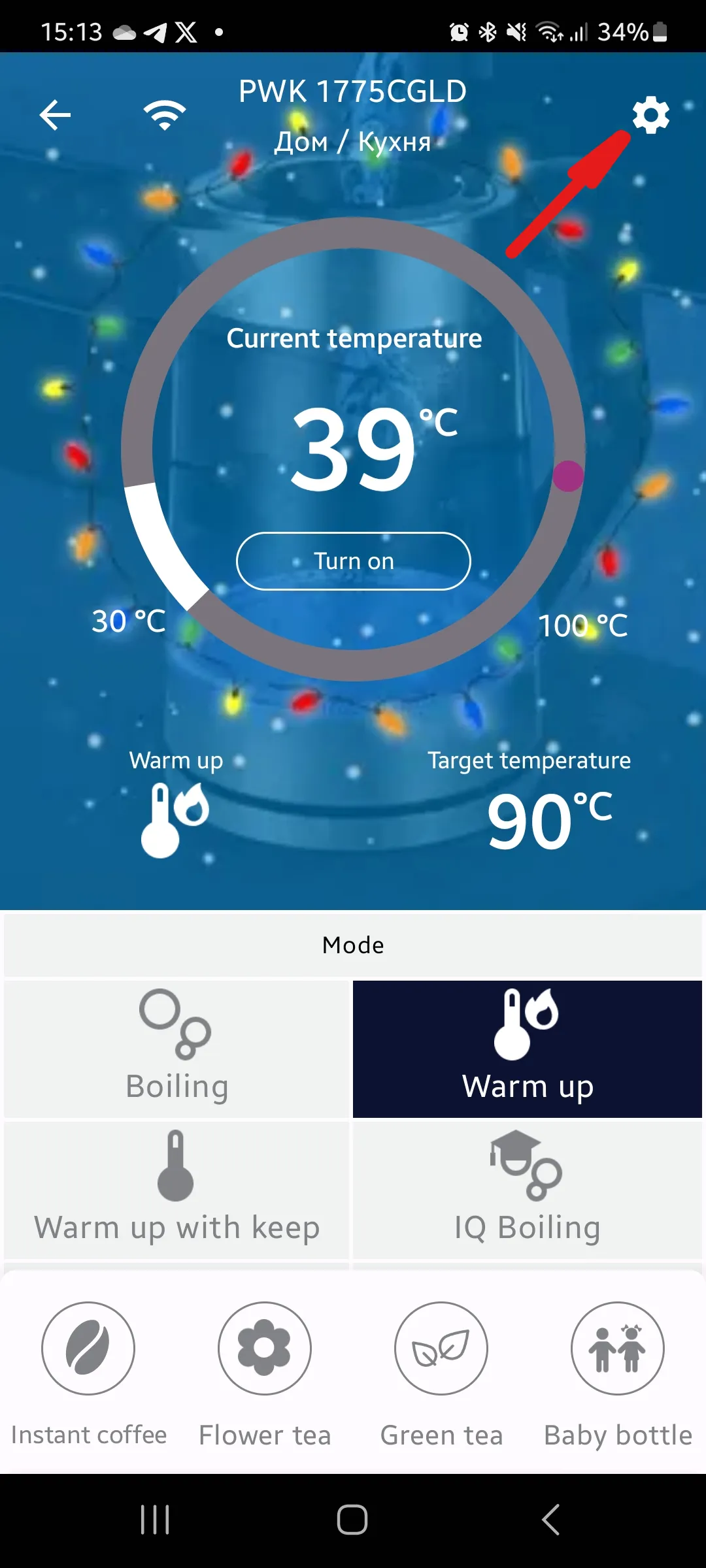
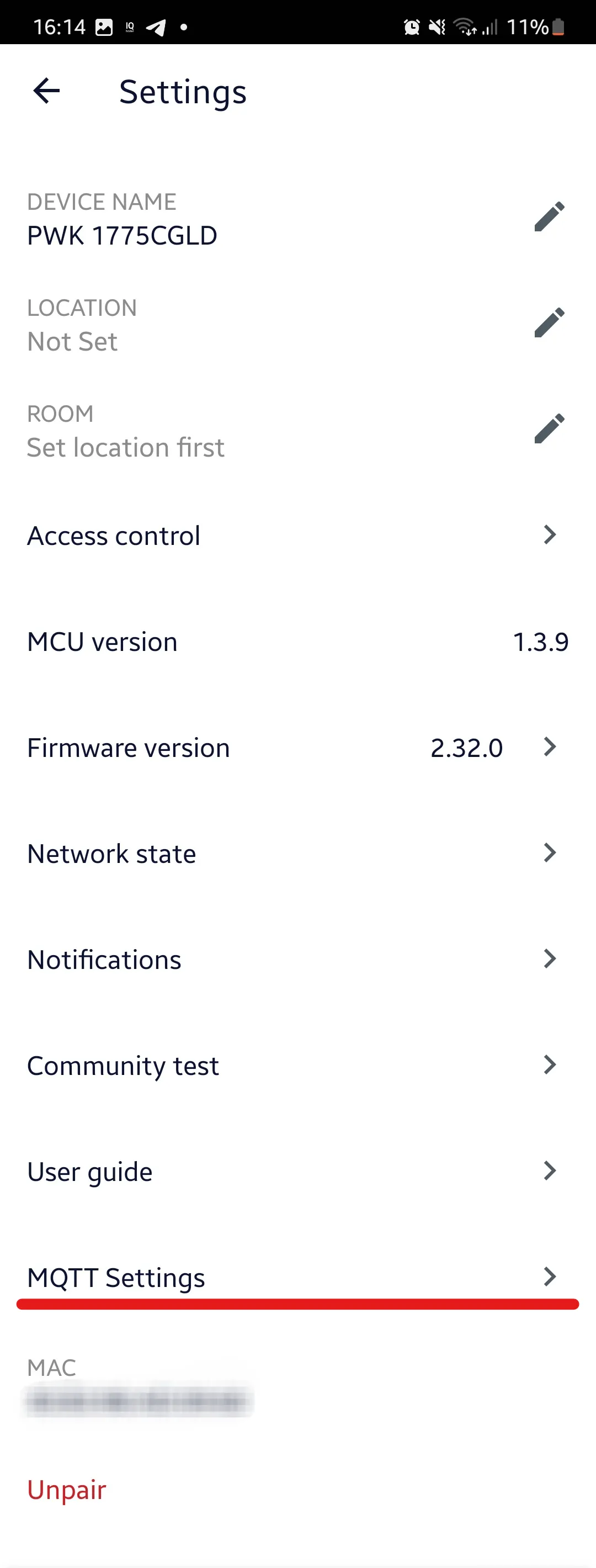
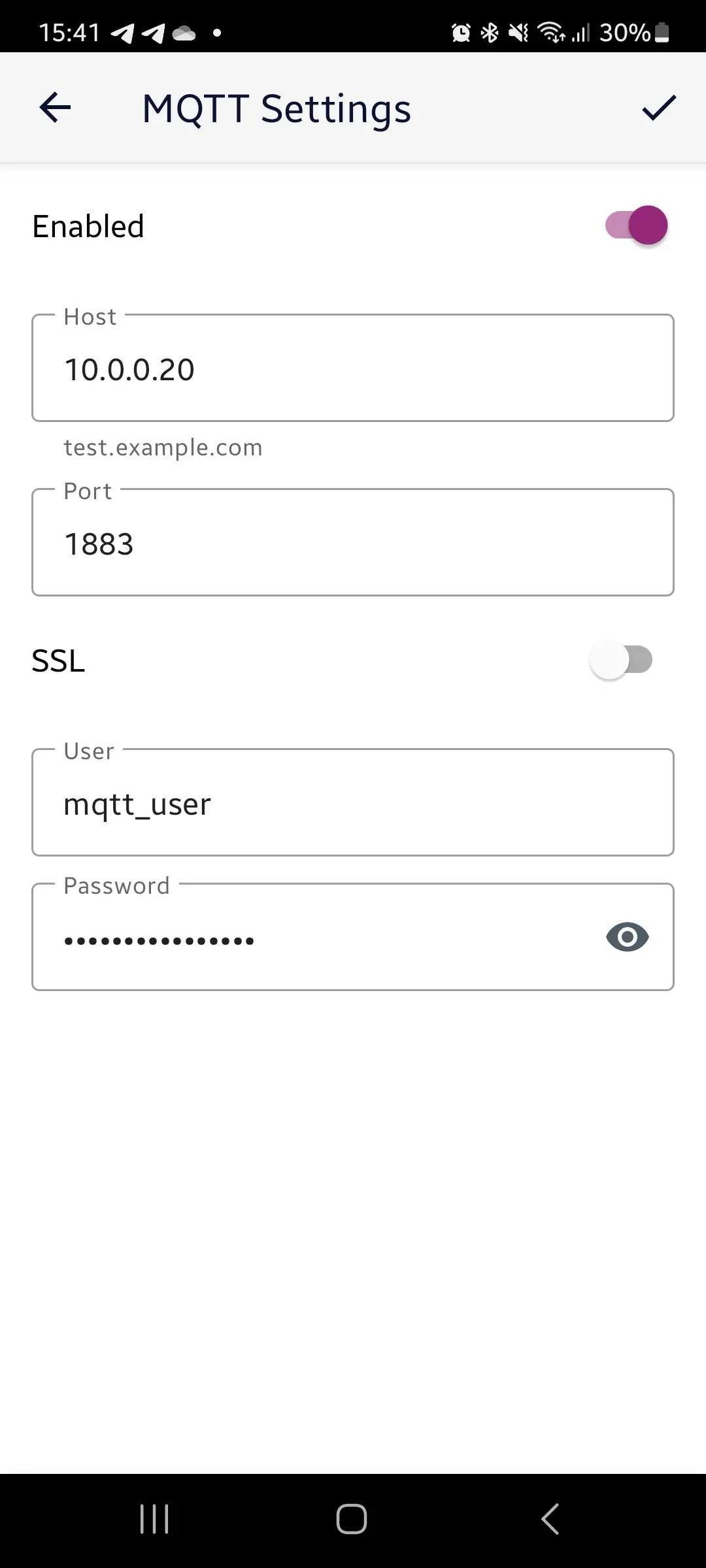
Screenshots From the README of samoswall/polaris-mqtt.
About
Polaris IQ Home MQTT is an integration that connects Polaris and Rusklimat (Hommyn) appliances to Home Assistant over a local MQTT broker. It works locally, and Home Assistant can discover it on the network and offer to add it. Setup is done in the UI, where a device or all devices are selected, along with a topic prefix and the device type. It adds many platforms, including climate, fans, humidifiers, lights, vacuums, water heaters, switches, numbers, selects, sensors and times. Examples include child lock, ioniser and backlight switches, filter reset buttons and delay start or cooking time controls. Devices with older firmware may need traffic redirected to a local broker, which requires a valid SSL certificate and anonymous access on port 8883.
Automatic summary of the README and code of samoswall/polaris-mqtt. Something wrong, or are you the maintainer and want your own text here? Get in touch
Supports
Works locally Talks to your devices on your own network. No vendor cloud in between.
Found by itself Home Assistant spots it on the network and offers to add it.
From the Marketplace Installed through the Marketplace, formerly HACS.
Actively maintained Its author released or pushed a change in the last six months.
Provides
- Lights
- Climate
- Water heaters
- Humidifiers
- Fans
- Vacuums
- Switches
- Sensors
Setting it up
Install it from the Marketplace and restart Home Assistant, then add it under Settings, Devices and services.
Polaris Local MQTT
- Select a device (or all devices)
- Topic Prefix (usually 'polaris')
Polaris Local MQTT
- Select device type
Texts from the code of samoswall/polaris-mqtt.
Entities
- Binary sensorsPosition, Lid, Tank is removed, Cappuccinator, Heating, LAN
- ButtonsStop, Start, Reset time filter, Reset time pre-filter, Reset time water tank
- ClimateClimate, Heater, Air cleaner, Conditioner, Thermostat
- FansFan
- HumidifiersHumidifier
- LightsNight light, Top backlight, Bottom backlight
- NumbersIntensity, Evaporation rate, Set temperature, Amount, Weight, Water tank, Pressure, Speed, Temperature, and 10 more
- SelectsPreset, Recipes, Напиток, Melody, Personal modes, Night mode, Night backlight, Swing horizontal, Swing vertical, and 5 more
- SensorsTemperature, Firmware Version, Device Type, Humidity, Time to end, Time to end Turbo, Качество чистки, Power consume, and 24 more
- SwitchesSound, Power, Child lock, Backlight, Bottom backlight, Ioniser, Ozonation, Warm stream, and 30 more
- TimesDelay start, Cooking time
- VacuumsRobot vacuum cleaner
- Water heatersWater heater, Boiler

Shows in Vulpo
Light card, Quick Toggle card, Climate card, Fan card, Apple Watch, Control Center, Climate Live Activity, Vacuum Live Activity.Information
- Installs
- 279 sharing analytics
- GitHub stars
- 147
- Connection
- Works locally
- Upkeep
- Updated in the last 6 months
- Version
- v1.1.6,
- Category
- Hubs and protocols
- Kind
- Marketplace integration
- Needs
- Needs the Marketplace (HACS on 2026.10 and older)
- Domain
polaris- Issues
- Report an issue










