
On Home Assistant 2026.10 or older? Open it in HACS
- Installs
- 50 sharing analytics
- GitHub stars
- 3
- Connection
- Works locally
- Upkeep
- Updated in the last 6 months
- Version
- v0.2.1,
- Category
- Productivity and information, Documents and photos
- Kind
- Marketplace integration
- Brand
- Immich
- Needs
- Needs the Marketplace (HACS on 2026.10 and older)
- Domain
immich_gallery- Issues
- Report an issue
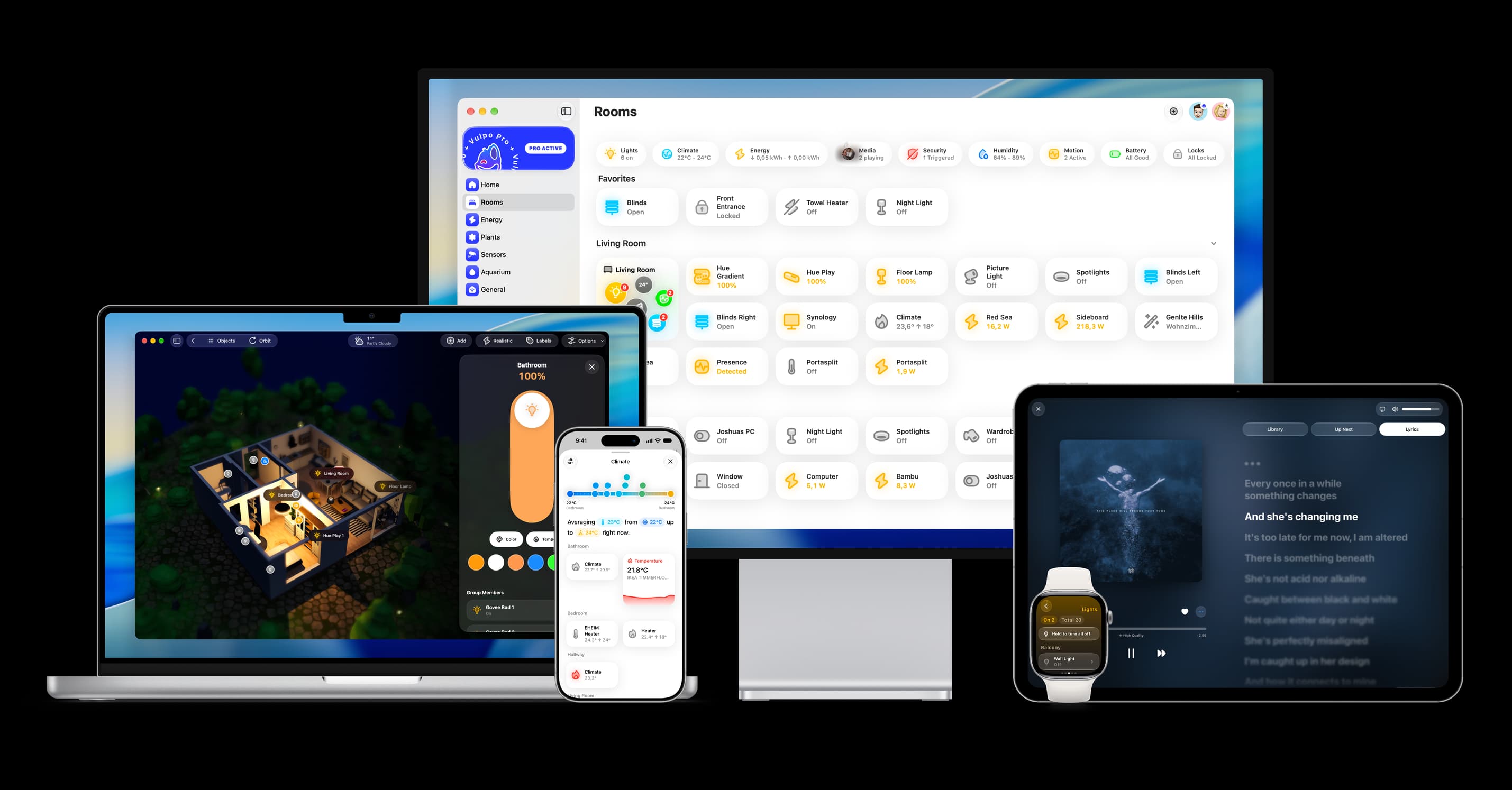
Shows in Vulpo Quick Toggle card, Button card, Apple Watch, Control Center.


Scan with your iPhone
DownloadIndependent directory, made by the developer of Vulpo. Not affiliated with Home Assistant or the Open Home Foundation.
About
Rotating Immich album, favorite, and library images for Home Assistant
Description from ofilis/ha-immich-gallery

Shows in Vulpo
Quick Toggle card, Button card, Apple Watch, Control Center.Installs over time
#1,622 of 1,637 Marketplace integrations, down 26 places in 30 days. Installs sharing analytics.
Supports
- Works locallyTalks to your devices on your own network. No vendor cloud in between.
- From the MarketplaceInstalled through the Marketplace, formerly HACS.
- Actively maintainedIts author released or pushed a change in the last six months.
Provides
- Switches
Setting it up
Install it from the Marketplace and restart Home Assistant, then add it under Settings, Devices and services.
Connect to Immich
- Immich URLHTTPS, local HTTP, Tailscale IP, and MagicDNS hostnames are supported. A trailing /api is accepted.
- API keyThe key is sent only in the x-api-key header.
- Verify TLS certificateKeep enabled unless the server deliberately uses a trusted private certificate.
Choose image sources
- Random image from the whole library
- Random image from favorites
- Albums
- Recent images remembered per sourcePrevents this many recently shown images for each source from being selected again when alternatives are available. Use 0 to disable.
- Refresh intervalMinutes between image changes. Enter a value from 1 to 60.
- Automatic slideshowChange images automatically. Turn off to advance only with buttons or automations.
Update the Immich API key
- New API key
Reconfigure the Immich server
- Immich URL
- Verify TLS certificate
After setup
- Immich hostHTTPS, local HTTP, Tailscale IP, and MagicDNS hostnames are supported. A trailing /api is accepted.
- New API key (optional)Leave blank to keep the current key.
- Verify TLS certificateKeep enabled for HTTPS unless the server deliberately uses a trusted private or self-signed certificate.
- Random image from the whole library
- Random image from favorites
- Albums
- Recent images remembered per sourcePrevents this many recently shown images for each source from being selected again when alternatives are available. Use 0 to disable.
- Refresh intervalMinutes between image changes. Enter a value from 1 to 60.
- Automatic slideshowChange images automatically. Turn off to advance only with buttons or automations.
Texts from the code of ofilis/ha-immich-gallery.
Entities
- ButtonsNext image
- ImagesRandom library, Random favorites
- NumbersRefresh interval
- SwitchesAutomatic slideshow
Troubleshooting
- DiagnosticsDownloads a diagnostics file to attach to a bug report.
From the README
Bring your self-hosted Immich photos into Home Assistant.
Display a rotating photo from your entire library, favorites, or selected albums — with no cloud relay or third-party service.
- Server-side random selection that remains efficient with large libraries
- Repeat avoidance for recently displayed images
- Rotation interval from 1 to 60 minutes
- A Next image button for every source, usable from dashboards and automations
- Live interval slider and Automatic slideshow switch
- Album, favorites, and whole-library sources
- Settings that can be changed later without reinstalling
- HTTPS, local HTTP, reverse proxies, and Tailscale addresses
- Immich-generated previews for HEIC, HEIF, RAW, TIFF, and other supported formats
- No telemetry, analytics, cloud relay, or external runtime service
Information
- Installs
- 50 sharing analytics
- GitHub stars
- 3
- Connection
- Works locally
- Upkeep
- Updated in the last 6 months
- Version
- v0.2.1,
- Category
- Productivity and information, Documents and photos
- Kind
- Marketplace integration
- Brand
- Immich
- Needs
- Needs the Marketplace (HACS on 2026.10 and older)
- Domain
immich_gallery- Issues
- Report an issue
More from Immich


You might also like











Try it with your own Home Assistant.
- Free to download
- iPhone, iPad, Mac and Apple Watch
- 40+ native card types
- Connects to your own Home Assistant