
Marketplace integration
Hello Fairy Bluetooth Lights
On Home Assistant 2026.10 or older? Open it in HACS
- Installs
- 50 sharing analytics
- GitHub stars
- 12
- Connection
- Works locally
- Upkeep
- Updated in the last 6 months
- Version
- v2.0.0,
- Category
- Lighting
- Kind
- Marketplace integration
- Needs
- Needs the Marketplace (HACS on 2026.10 and older)
- Domain
hello_fairy_ble- Issues
- Report an issue


Independent directory, made by the developer of Vulpo. Not affiliated with Home Assistant or the Open Home Foundation.
Screenshots From the README of nzrutman/hello_fairy_ble.
About
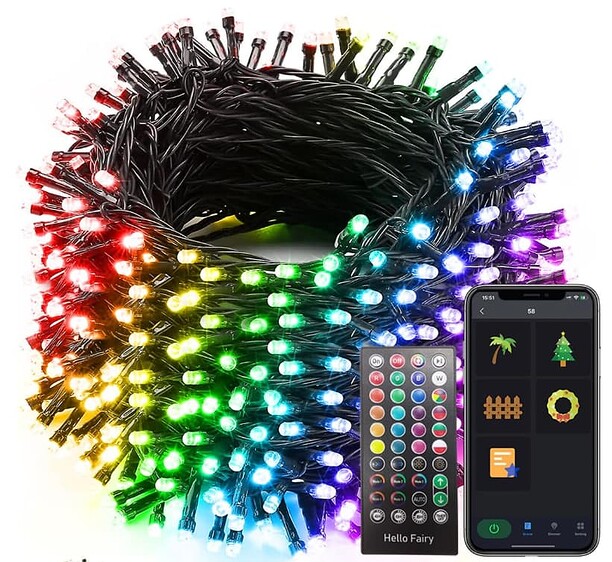
Hello Fairy BLE integration for Home Assistant
Description from nzrutman/hello_fairy_ble

Shows in Vulpo
Light card, Button card, Apple Watch, Control Center.Installs over time
50+25 in 30 daysNew
Oct 21Nov 21
#1,618 of 1,632 Marketplace integrations, down 1 place in 30 days. Installs sharing analytics.
Supports
- Works locallyTalks to your devices on your own network. No vendor cloud in between.
- Found by itselfHome Assistant spots it on the network and offers to add it.
- From the MarketplaceInstalled through the Marketplace, formerly HACS.
- Actively maintainedIts author released or pushed a change in the last six months.
Provides
- Lights
Setting it up
Install it from the Marketplace and restart Home Assistant, then add it under Settings, Devices and services.
Hello Fairy BLE setup
- Device
Entities
- NumbersPreset
Troubleshooting
- DiagnosticsDownloads a diagnostics file to attach to a bug report.
Information
- Installs
- 50 sharing analytics
- GitHub stars
- 12
- Connection
- Works locally
- Upkeep
- Updated in the last 6 months
- Version
- v2.0.0,
- Category
- Lighting
- Kind
- Marketplace integration
- Needs
- Needs the Marketplace (HACS on 2026.10 and older)
- Domain
hello_fairy_ble- Issues
- Report an issue
You might also like







Try it with your own Home Assistant.
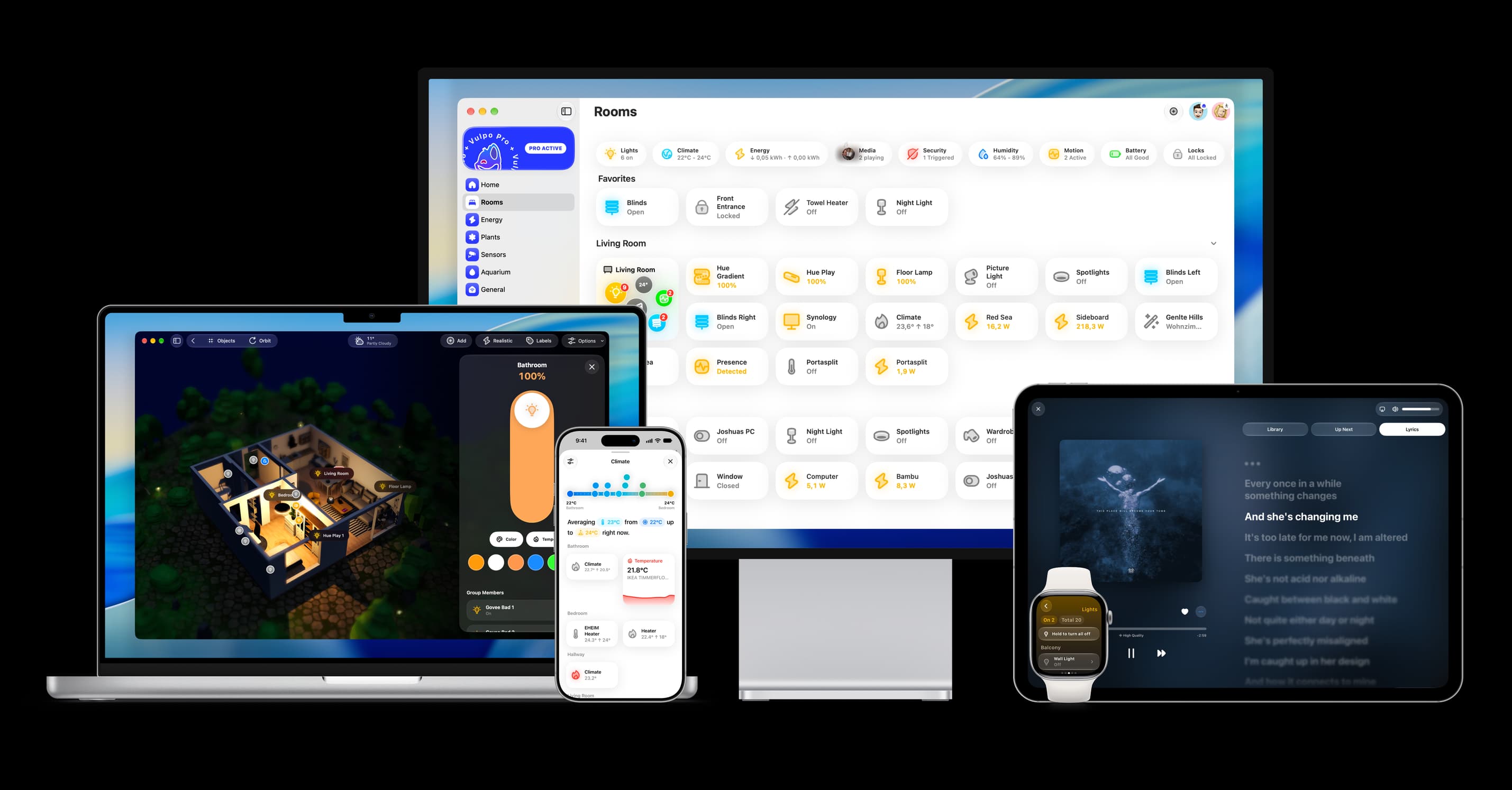
- Free to download
- iPhone, iPad, Mac and Apple Watch
- 40+ native card types
- Connects to your own Home Assistant