View Assist Companion App
msp1974
On Home Assistant 2026.11 or newer? Open it in the Marketplace
- Installs
- 1.4k sharing analytics
- GitHub stars
- 516
- Connection
- Works locally
- Upkeep
- Updated in the last 6 months
- Version
- v0.13.5,
- Category
- AI and voice, Voice assistants
- Kind
- Marketplace integration
- Needs
- Needs the Marketplace (HACS on 2026.10 and older)
- Domain
vaca- Issues
- Report an issue
Independent directory, made by the developer of Vulpo. Not affiliated with Home Assistant or the Open Home Foundation.
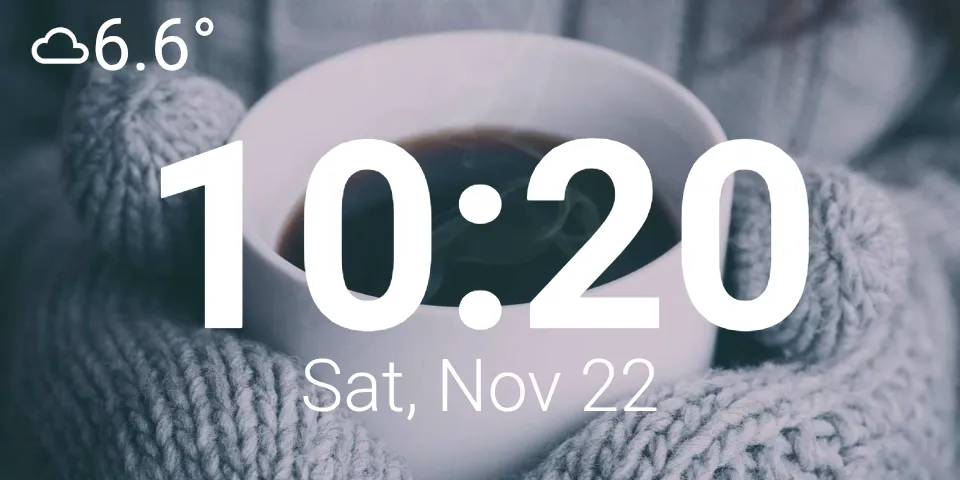
Screenshots From the README of msp1974/ViewAssist_Companion_App.
About
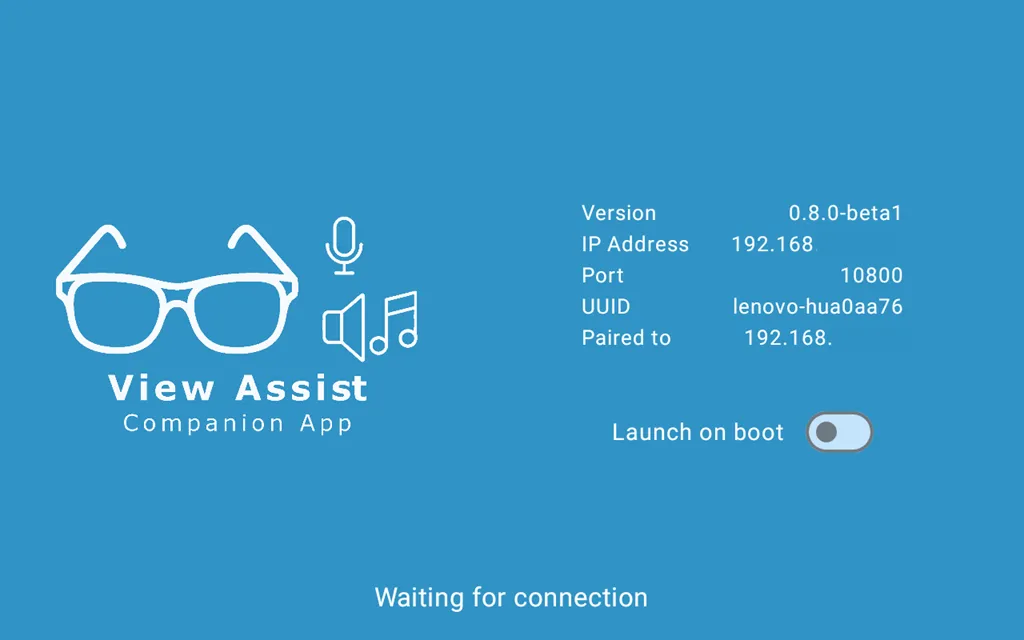
View Assist Companion App connects an Android device to Home Assistant as a voice-controlled smart display. It works together with the View Assist integration and communicates locally. The integration adds a media player plus controls for the device, including buttons to wake or sleep the screen, switches for mute, do not disturb and dark mode, and numbers for screen brightness and volumes. Selects cover the wake word engine, wake word, assistant and screen timeout, and sensors report battery, light level, orientation and the last speech and intent results. Motion detection is available for devices with a camera, and gesture and proximity events are exposed. Home Assistant can find the device on the network and offer to add it, and setup is done in the UI by entering a host and port.
Automatic summary of the README and code of msp1974/ViewAssist_Companion_App. Something wrong, or are you the maintainer and want your own text here? Get in touch
Supports
Works locally Talks to your devices on your own network. No vendor cloud in between.
Found by itself Home Assistant spots it on the network and offers to add it.
From the Marketplace Installed through the Marketplace, formerly HACS.
Actively maintained Its author released or pushed a change in the last six months.
Provides
- Media
- Switches
- Sensors
Setting it up
Install it from the Marketplace and restart Home Assistant, then add it under Settings, Devices and services.
Connect
- Host
- Port
After setup
- Home Assistant URLThe URL passed to the device to connect back to Home Assistant. Leave blank to use the internal network URL configured in Home Assistant.
Texts from the code of msp1974/ViewAssist_Companion_App.
Entities
- Binary sensorsBattery charging, Screen, Motion
- ButtonsRefresh, Wake screen, Sleep screen, Wake
- EventsGesture, Proximity
- MediaMedia Player
- NumbersMic gain, Screen brightness, Voice volume, Motion detection sensitivity, Music volume, Alarm volume, Ducking volume, Wake word threshold, Zoom level, Text size, Proximity threshold, Bump sensitivity
- SelectsNoise suppression level, Assistant, Finished speaking detection, Wake word engine, Wake word, Wake word sound, Alarm sound, Screen timeout, Screen orientation, Motion detection
- SensorsSTT, TTS, Intent, Light level, Orientation, Battery, App version, Current path, Last motion
- SwitchesMute, Screen, Quick actions, Auto brightness, Screen always on, Do not disturb, Dark mode, On screen diagnostics, Continue conversation, Alarm, Motion detection, Screen on with wake word, and 4 more
From the README
The easiest way to build your own smart display with View Assist and Home Assistant!
View Assist Companion App (or VACA for short) is an Android application and Home Assistant integration, designed to turn your old Android device into a Home Assistant integrated, voice controlled smart display! Along with the amazing View Assist project by @dinki, you can make your own Alexa Show or Google Home replacement.

Shows in Vulpo
Quick Toggle card, Media Player card, Button card, Select card, Apple Watch, Control Center.Information
- Installs
- 1.4k sharing analytics
- GitHub stars
- 516
- Connection
- Works locally
- Upkeep
- Updated in the last 6 months
- Version
- v0.13.5,
- Category
- AI and voice, Voice assistants
- Kind
- Marketplace integration
- Needs
- Needs the Marketplace (HACS on 2026.10 and older)
- Domain
vaca- Issues
- Report an issue