
On Home Assistant 2026.10 or older? Open it in HACS
- Installs
- 50 sharing analytics
- GitHub stars
- 3
- Connection
- Uses the vendor's cloud
- Upkeep
- Updated in the last 6 months
- Version
- v2.0.2,
- Category
- Productivity and information, Calendars and to-dos
- Kind
- Marketplace integration
- Needs
- Needs the Marketplace (HACS on 2026.10 and older)
- Domain
iss_track- Issues
- Report an issue


Independent directory, made by the developer of Vulpo. Not affiliated with Home Assistant or the Open Home Foundation.
Screenshots From the README of mattbratt/iss_track.
About
Follows the International Space Station live on a map and predicts the passes you can see from where you are, rated by quality and brightness. Entities, a calendar, a dashboard card and an alert...
Description from mattbratt/iss_track

Shows in Vulpo
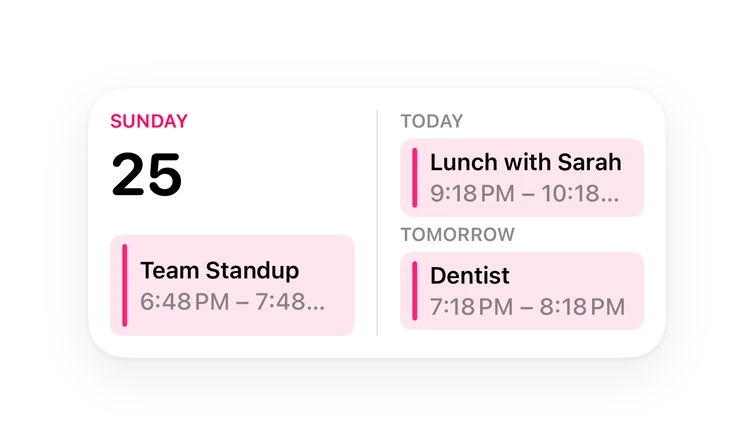
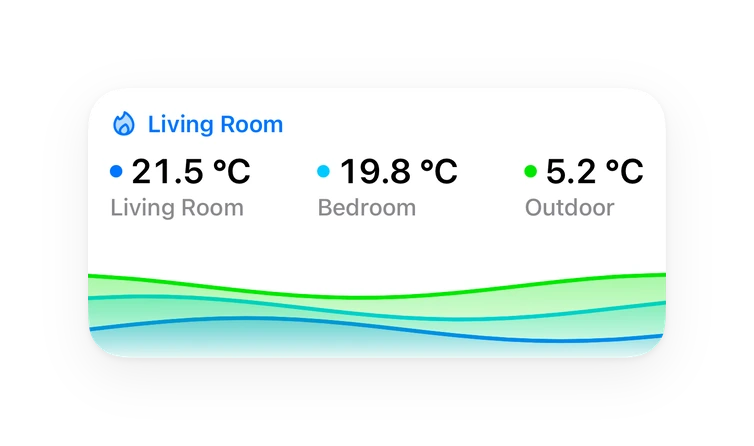
Calendar card, Chart card, Apple Watch.Installs over time
#1,642 of 1,656 Marketplace integrations, down 4 places in 30 days. Installs sharing analytics.
Supports
- Uses the vendor's cloudNeeds an internet connection and an account with the vendor.
- From the MarketplaceInstalled through the Marketplace, formerly HACS.
- Actively maintainedIts author released or pushed a change in the last six months.
Provides
- Sensors
- Calendars
Setting it up
Install it from the Marketplace and restart Home Assistant, then add it under Settings, Devices and services.
ISS Track
- Default unitsAltitude and speed are shown in this system by default. Switch anytime with the toggle on the map.
After setup
- Default unitsAltitude and speed on the map are shown in this system by default.
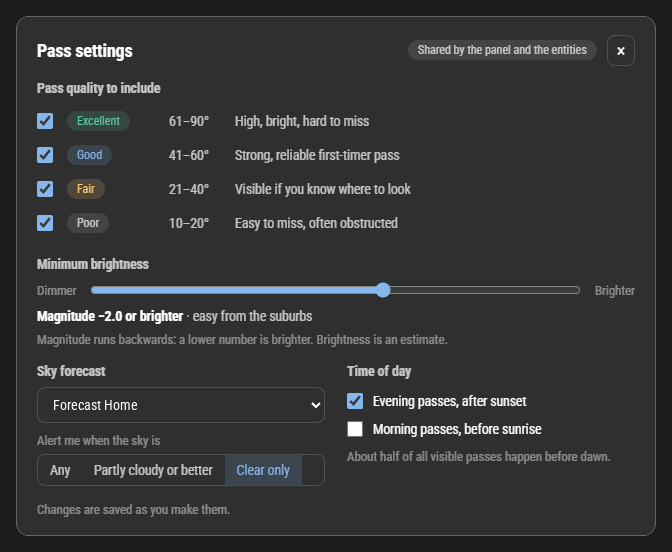
- Pass quality to includeJudged on the highest point reached while the station is visible.
- Minimum brightness (magnitude)Lower is brighter. -2 is easy from the suburbs, -3 is unmissable, 1 needs a dark site. Brightness is an estimate.
- Evening passes, after sunset
- Morning passes, before sunrise
- Weather entity for the sky forecastOptional. A pass with no forecast yet is never skipped.
- Alert when the sky isUsed by alerts and the dashboard card. The pass list and calendar never drop a pass for weather.
- Also predict passes for these peopleEach person gets their own pass entities, following the location their Home Assistant app reports.
- Position update intervalHow often the live position entities update. Pass start and end are always exact to the second.
Texts from the code of mattbratt/iss_track.
Entities
- Binary sensorsPass in progress
- CalendarsPasses
- SensorsLatitude, Longitude, Altitude, Speed, Position, TLE updated, Elevation, Azimuth, Distance, Next pass, Next pass quality, Next pass peak elevation, and 2 more
Troubleshooting
- Repair noticesNotices it can show in Settings, Repairs:ISS Track orbital data is out of date
From the README
A Home Assistant integration that tracks the International Space Station (ISS) in real time and tells you when you can step outside and see it.
It predicts every pass you can actually see from where you are: the station in sunlight, your sky dark, and high enough to spot. Each pass is rated from Poor to Excellent with an estimated brightness, and you choose which ones count. When the station crosses your sky unseen, it says why.
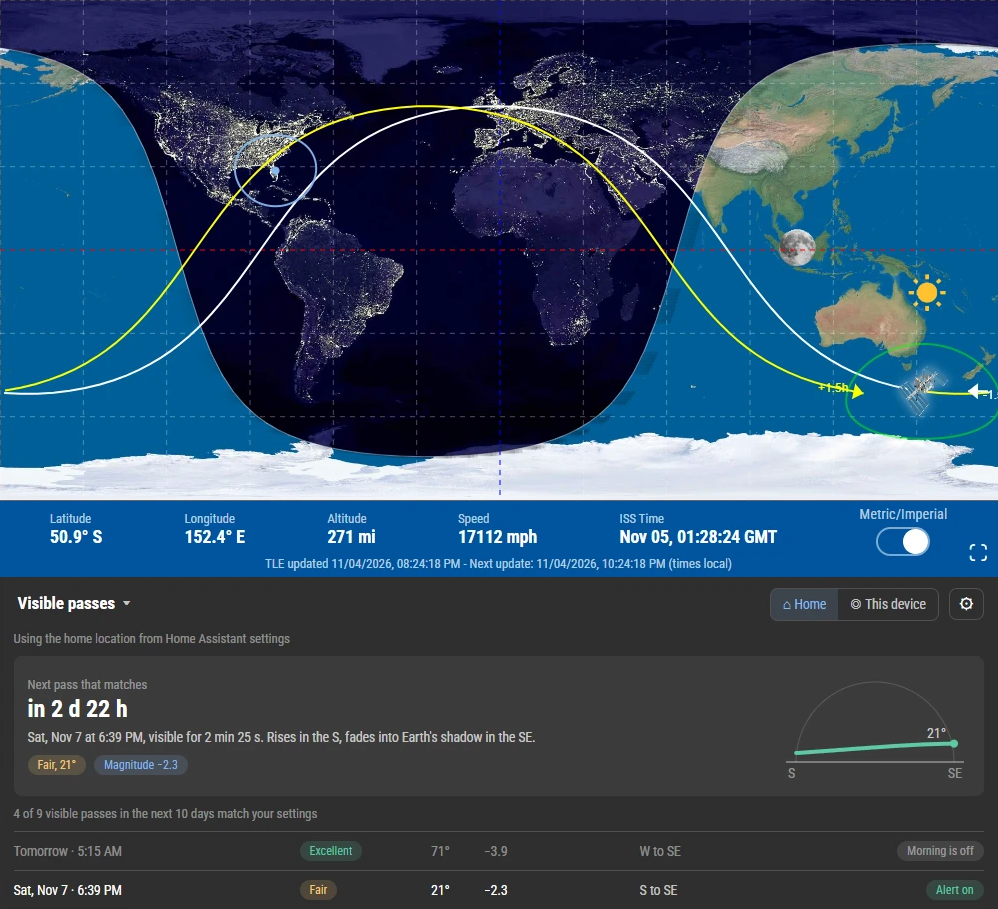
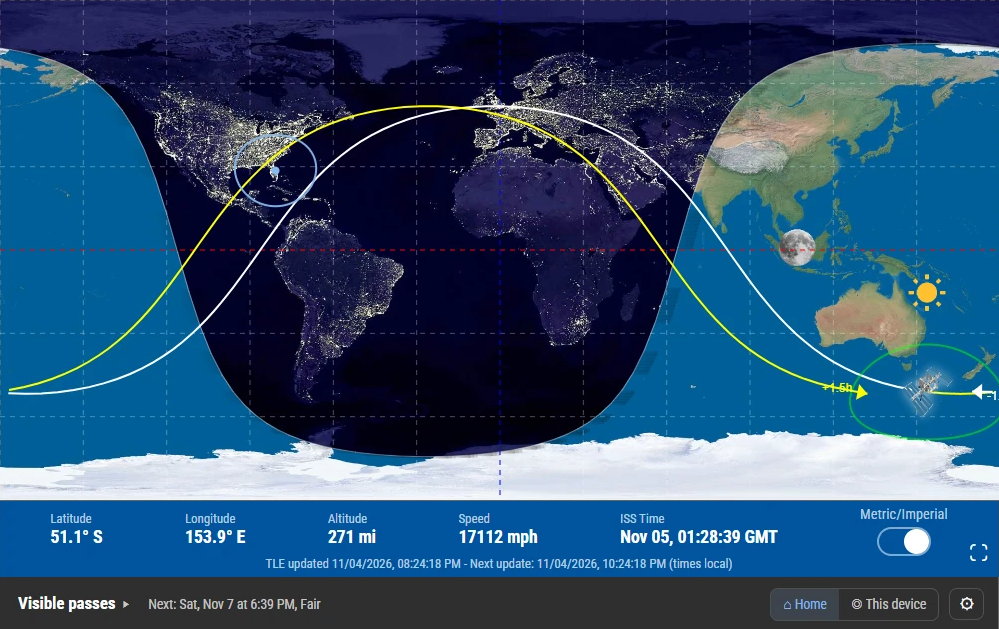
- Displays the current position of the ISS on a world map with day/night shading and orbit paths (1.5 hours ahead and behind).
- Shows live data including latitude, longitude, altitude, speed, and ISS time.
- Adds an "ISS Track" panel to the Home Assistant sidebar automatically, with no manual dashboard setup.
- Predicts the passes you can actually see: the station in sunlight, your sky dark, and the station at least 10° up.
- Rates each pass (Poor, Fair, Good, Excellent) and estimates its brightness, and lets you choose which ones count.
- Works for your home location, for the device you are holding, and optionally for chosen people.
- Exposes everything as entities, a calendar and a dashboard card, so automations can act on a pass.
- Optional sky forecast from any weather entity, so alerts can skip a cloudy pass.
- Imperial or metric units, with a toggle on the map.
- Fetches fresh ISS orbital elements (TLE) from Celestrak every 2 hours and keeps the last good set if Celestrak cannot be reached.
- Click the ISS icon to open a live video feed from the ISS (via YouTube).
Information
- Installs
- 50 sharing analytics
- GitHub stars
- 3
- Connection
- Uses the vendor's cloud
- Upkeep
- Updated in the last 6 months
- Version
- v2.0.2,
- Category
- Productivity and information, Calendars and to-dos
- Kind
- Marketplace integration
- Needs
- Needs the Marketplace (HACS on 2026.10 and older)
- Domain
iss_track- Issues
- Report an issue
You might also like











Try it with your own Home Assistant.
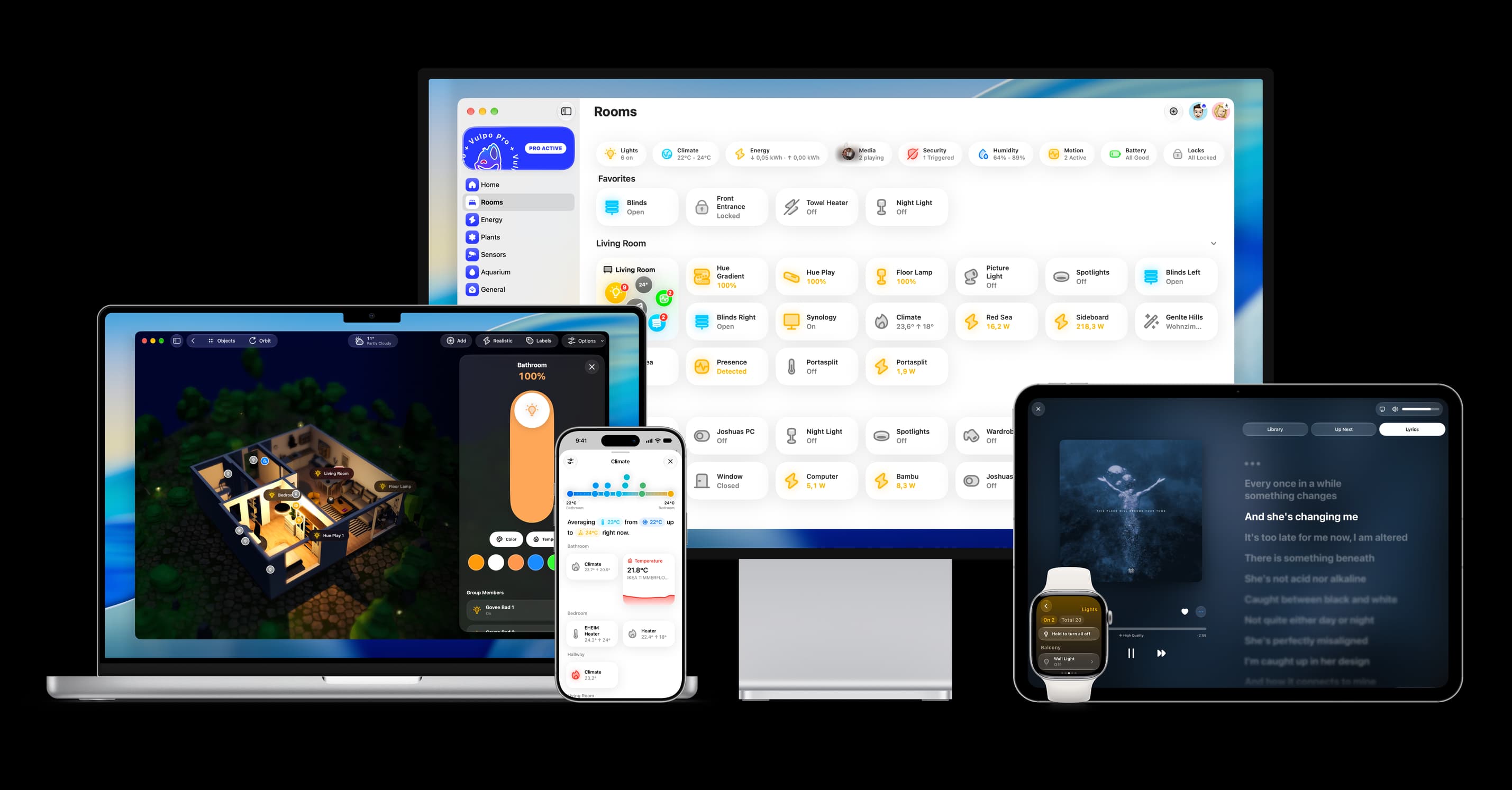
- Free to download
- iPhone, iPad, Mac and Apple Watch
- 40+ native card types
- Connects to your own Home Assistant