
Screenshots From the README of lSi0270/Awesome-Theme-Collection.
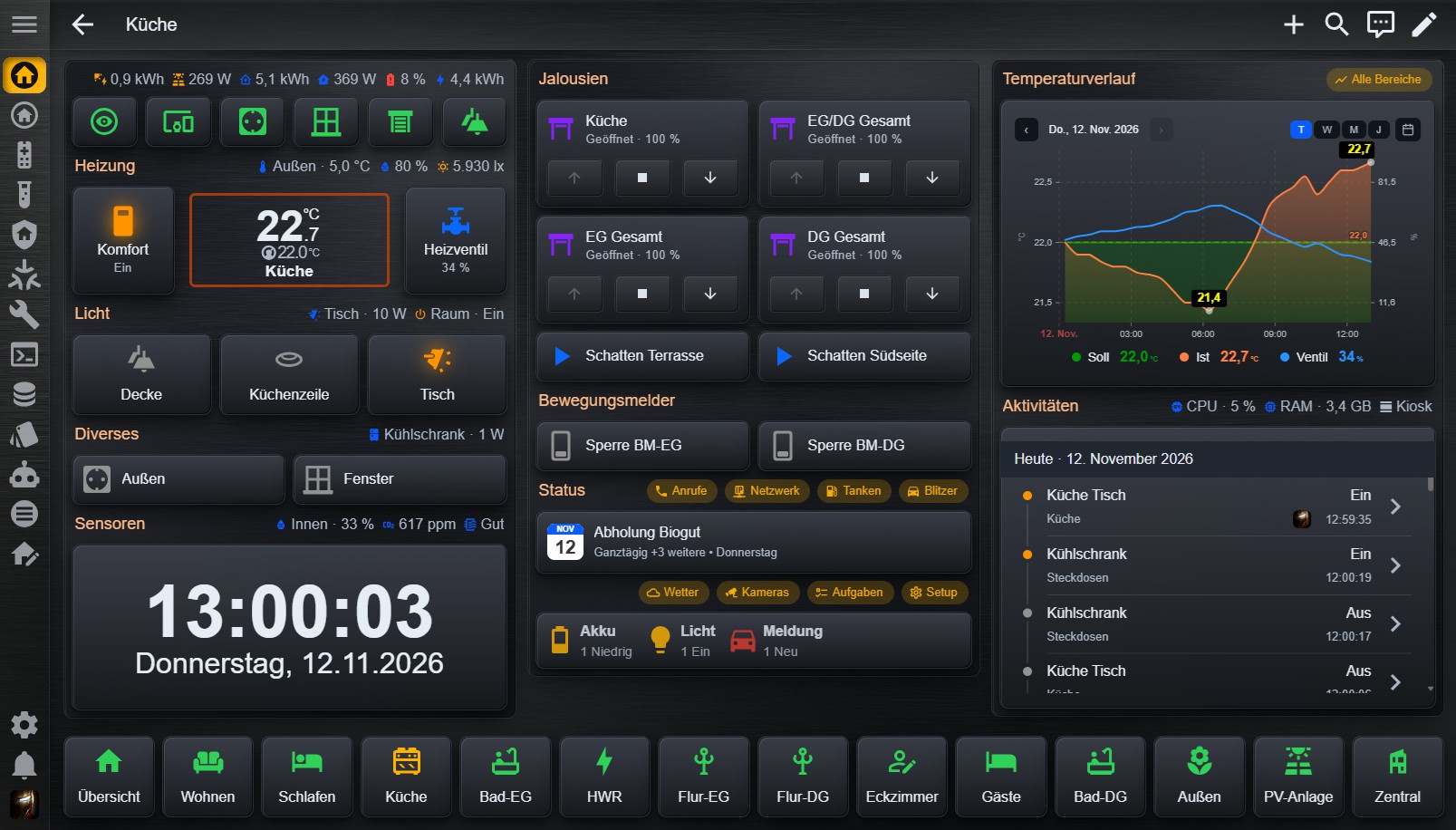
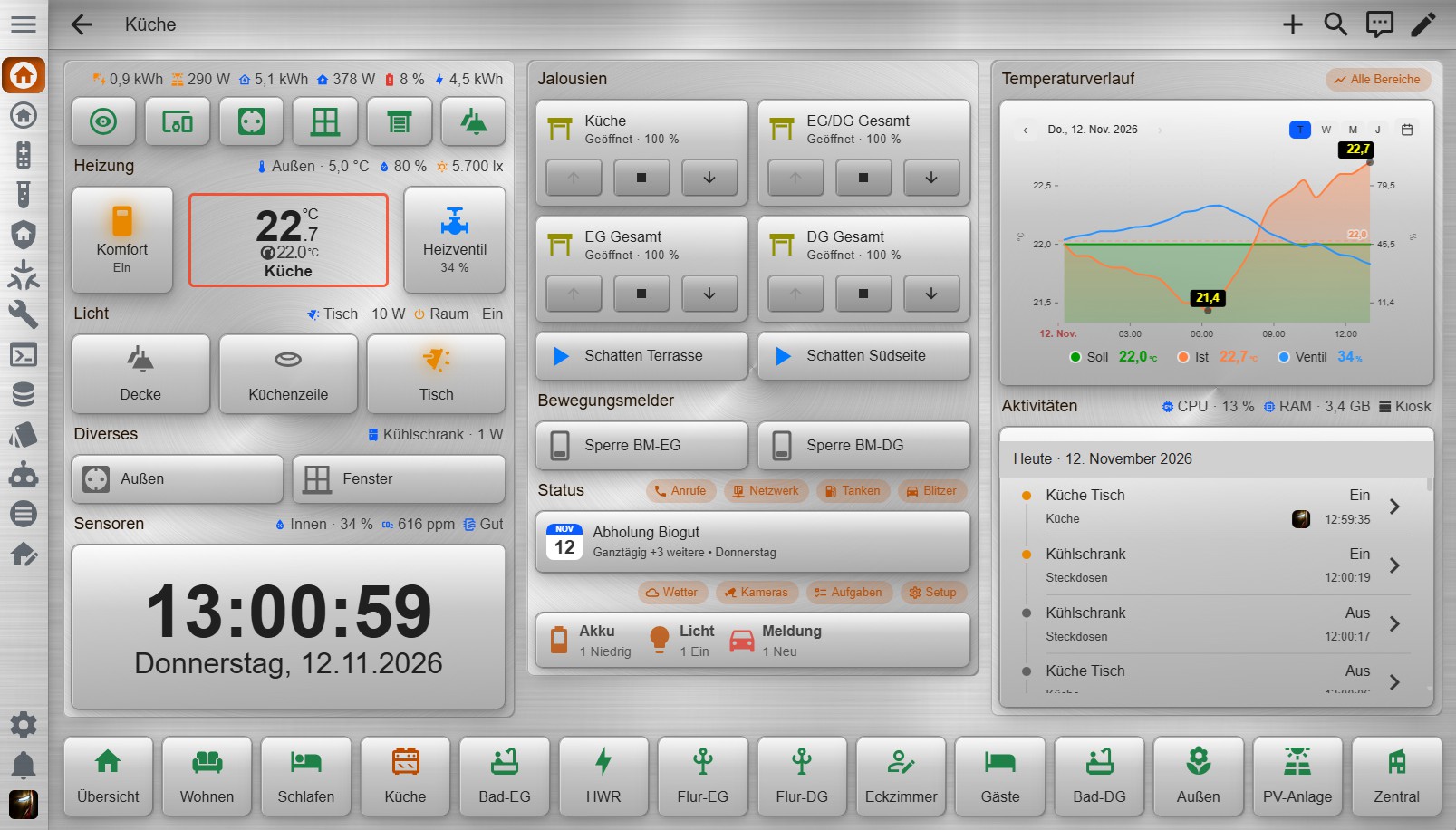
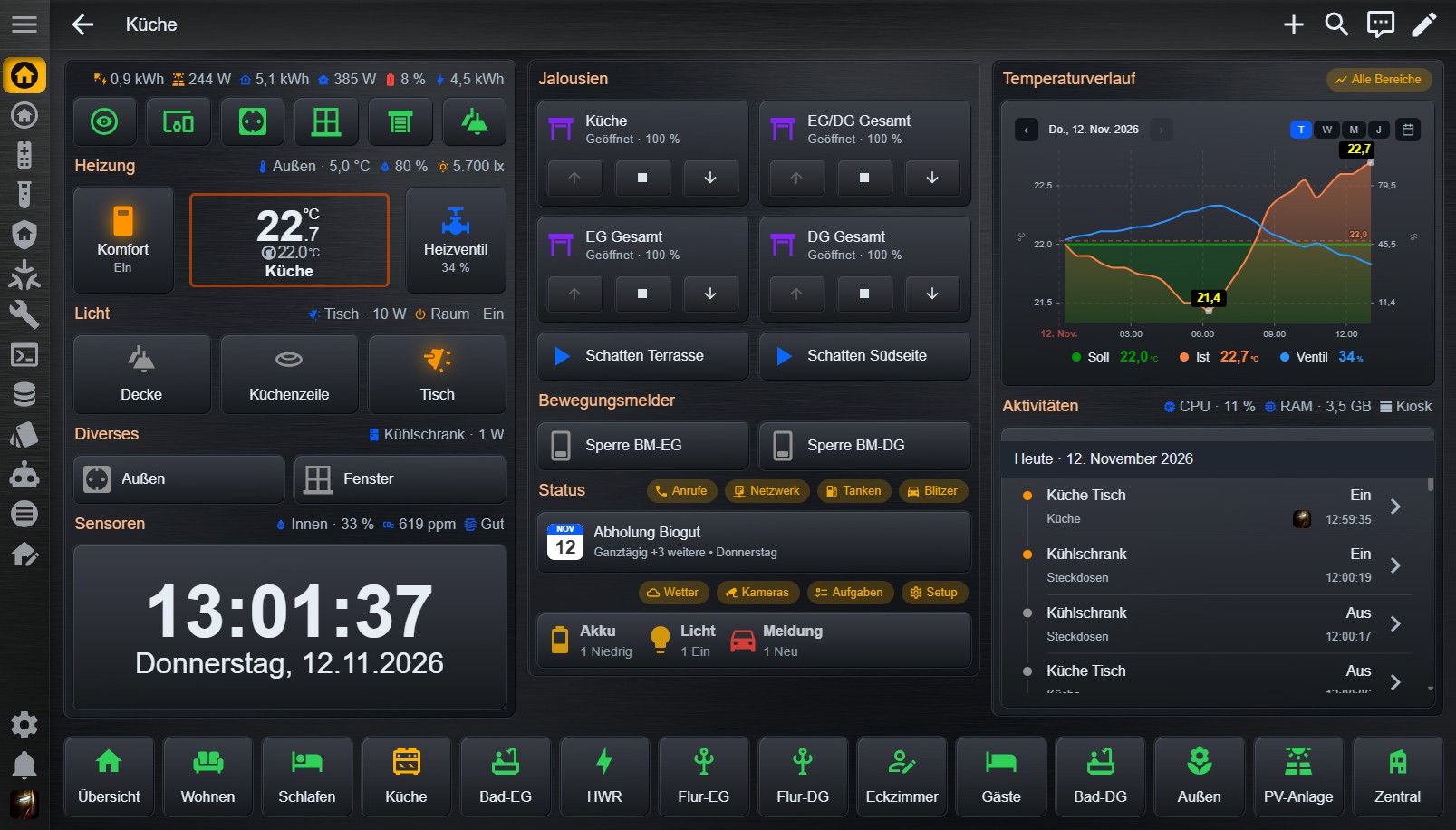
About
4 UIX-Themes with 8 Card-Designs and customisable image backgrounds for dashboards, dialogs, popups, sections, sidebar and header-toolbar, featuring light and dark modes, all with a consistent look...
Description from lSi0270/Awesome-Theme-Collection
Installs over time
#1,525 of 1,647 Marketplace integrations. Installs sharing analytics.
Supports
- Works locallyTalks to your devices on your own network. No vendor cloud in between.
- From the MarketplaceInstalled through the Marketplace, formerly HACS.
- Actively maintainedIts author released or pushed a change in the last six months.
Setting it up
Install it from the Marketplace and restart Home Assistant, then add it under Settings, Devices and services.
After setup
- Awesome Metal Shadows
- Awesome Metal
- Awesome Leather Shadows
- Awesome Leather
- Dashboard - Image - Dark Mode
- Dashboard - Color - Dark Mode
- Dashboard - Image - Light Mode
- Dashboard - Color - Light Mode
- Popup - Image - Dark Mode
- Popup - Color - Dark Mode
- Popup - Image - Light Mode
- Popup - Color - Light Mode
- Reset to default backgrounds
- Reset to default colors
- Horizontal spacing (default: 32px)
- Vertical spacing (default: 24px)
- Border color (when a section background is active)
- Reset section settings to defaults
- Background always activeBackground is set even if no section background has been selected.
- Enable design mode control
- Enable HA entity names
- Naming mode
Texts from the code of lSi0270/Awesome-Theme-Collection.
Actions
- Set design mode and themeChanges appearance mode and/or theme for all active Home Assistant users. Unspecified settings are preserved.
- Design mode
- Theme
From the README
Das ist eine Kollektion von 4 UIX-Themes mit 8 verschiedenen Karten-Designs und passenden Hintergründen für Home Assistant. Die Themes stylen (fast) alle HA-Standard-Karten, Custom-Karten, Bubble-Karten und Mushroom-Karten mit einem einheitlichen Aussehen.
Zusätzlich werden alle Seiten (Einstellungen, Profile usw.), Dialoge, Bubble-Card-Popups, Abschnitte, Seitenleiste, Kopfleiste mit einem Bild-Hintergrund versehen.
Information
- Installs
- 59 sharing analytics
- GitHub stars
- 3
- Connection
- Works locally
- Upkeep
- Updated in the last 6 months
- Version
- v1.4.0,
- Category
- Lighting
- Kind
- Marketplace integration
- Needs
- Needs the Marketplace (HACS on 2026.10 and older)
- Domain
awesome_theme_collection- Issues
- Report an issue
You might also like








Try it with your own Home Assistant.
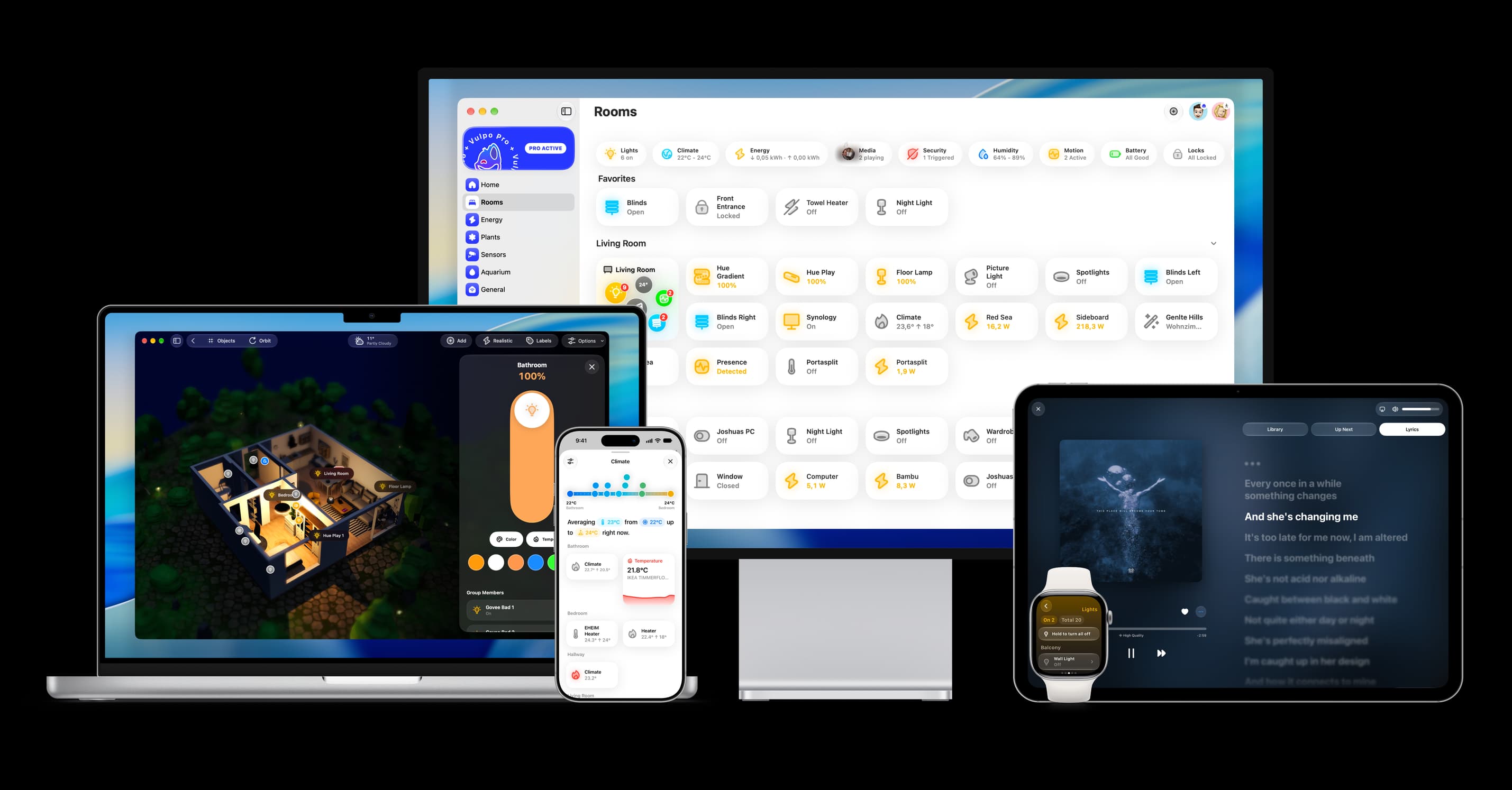
- Free to download
- iPhone, iPad, Mac and Apple Watch
- 40+ native card types
- Connects to your own Home Assistant