
About
Auto-off timers, smooth dimming, and flash-free turn-on for Zigbee, Shelly, Hue, Matter & Control4
Description from DeviceSide/DeviceSide
Installs over time
54+54 in 30 daysNew
Nov 4Nov 24
#1,593 of 1,656 Marketplace integrations. Installs sharing analytics.
Supports
- Works locallyTalks to your devices on your own network. No vendor cloud in between.
- From the MarketplaceInstalled through the Marketplace, formerly HACS.
- Actively maintainedIts author released or pushed a change in the last six months.
Setting it up
Install it from the Marketplace and restart Home Assistant, then add it under Settings, Devices and services.
After setup
- Fix Hue Bridge brightness reports while dimmingWhen dimming starts, Hue Bridges report 0% or 100% brightness and only snap back to a light's actual brightness after ~10 s. This setting shows the starting brightness in Home Assistant when dimming starts, and the light's actual brightness when it stops. Disable the setting to get the raw bridge reports.
- Fix colors of full-color Zigbee2MQTT lightsFull color lights use both XY and HS modes, but Zigbee2MQTT announces them as XY mode only which breaks attribute reporting in Home Assistant when lights are in HS mode. This setting overrides Z2M and announces both modes to HA. Turn it off to revert to Z2M's native behavior.
- LabsTry out new integrations, actions and action options, and unproven devices. Labs features may misbehave, change or be withdrawn without notice. Please report how they go with the "Report a device test result or bug" form.
- Lights and switches
- Entity
Texts from the code of DeviceSide/DeviceSide.
Actions
- Clear auto-offDisables auto-off.
- Clear auto-onDisables auto-on.
- Get attributesRead a device's brightness, color temp, color (RGB, HS, XY), running on/off timers and auto-off/auto-on settings, even when the device is off. Returns one record per target.
- Lower brightnessStart lowering the brightness.
- Sweep time
- Minimum brightness limit
- Lower hueStart decreasing the hue angle: red to magenta to blue to green, wrapping at 360°. It cycles until a stop action.
- Sweep time
- Lower saturationStart lowering the saturation, to make the color paler.
- Sweep time
- Minimum saturation limit
- Raise brightnessStart raising the brightness.
- Sweep time
- Maximum brightness limit
- Raise hueStart increasing the hue angle: red to yellow to green to blue, wrapping at 360°. It cycles until a stop action.
- Sweep time
- Raise saturationStart raising saturation, to make the color richer.
- Sweep time
- Maximum saturation limit
- Set attributesSet brightness, color temp, or color without changing on/off state.
- Brightness
- Minimum brightness
- Maximum brightness
- Color temperature
- RGB color
- Hue/Sat color
- XY color
- Set auto-offTurn off automatically after every turn-on. Stored on the device. Clear auto-off removes it.
- Duration
- Set auto-onTurn on automatically after every turn-off. Stored on the device. Clear auto-on removes it.
- Duration
- Set sceneSet a Hue scene without turning on its lights.
- StopFreezes brightness and color transitions.
- Turn off with timerDevices turn off, then on again after a delay.
- Duration
- Turn on with timerDevices turn on, then off again after a delay.
- Duration
- Brightness
- Color temperature
- Hue/Sat color
- Color
- XY-color
- Transition
From the README
DeviceSide unlocks features that run natively on your devices, via the Z2M, ZHA, Shelly, Hue, Matter and Control4 integrations.
It's the successor to Hue Smooth Dimming.
- Auto-off/on: Turn devices off/on safely and automatically, even if HA crashes or restarts.
- Dim smoothly: Press to dim and release to stop, using third-party buttons. No more jittery steps or overshoots.
- Change colors smoothly: Press to change hue or saturation, release to stop.
- Flash-free turn-on: Set brightness, color, color temperature or scenes without turning the lights on
- Zero setup: Connects to your devices automatically via the core integrations
Information
- Installs
- 54 sharing analytics
- GitHub stars
- 4
- Connection
- Works locally
- Upkeep
- Updated in the last 6 months
- Version
- v0.1.0,
- Category
- Lighting, Lighting systems
- Kind
- Marketplace integration
- Needs
- Needs the Marketplace (HACS on 2026.10 and older)
- Domain
deviceside- Issues
- Report an issue
You might also like







Try it with your own Home Assistant.
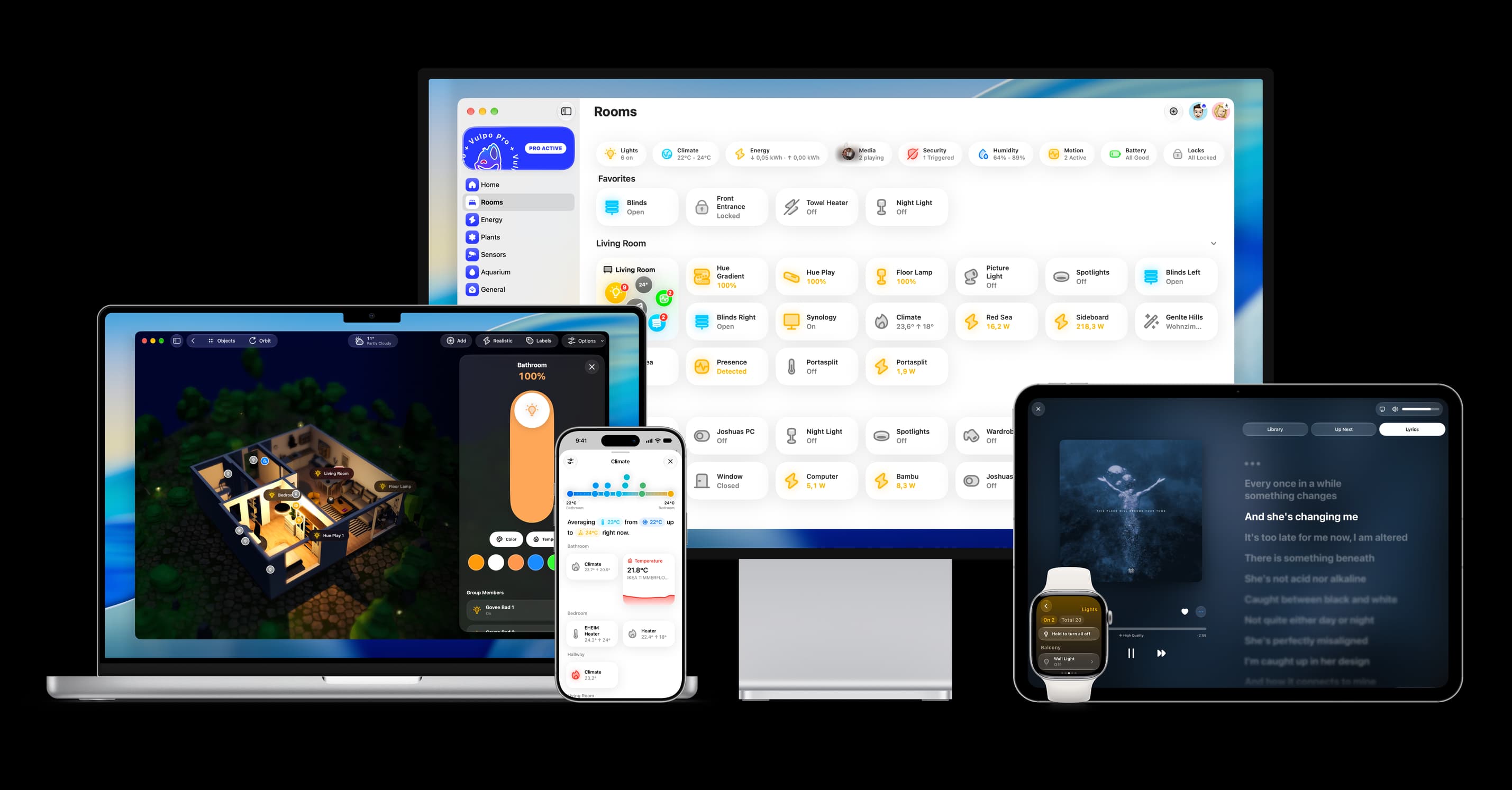
- Free to download
- iPhone, iPad, Mac and Apple Watch
- 40+ native card types
- Connects to your own Home Assistant