Scenery
j9brown
On Home Assistant 2026.11 or newer? Open it in the Marketplace
- Installs
- 67 sharing analytics
- GitHub stars
- 54
- Connection
- Works locally
- Upkeep
- No update in 6 to 18 months
- Version
- v0.7.1,
- Category
- Lighting
- Kind
- Marketplace integration
- Needs
- Needs the Marketplace (HACS on 2026.10 and older)
- Domain
scenery- Issues
- Report an issue
Independent directory, made by the developer of Vulpo. Not affiliated with Home Assistant or the Open Home Foundation.
Screenshots From the README of j9brown/scenery.
About
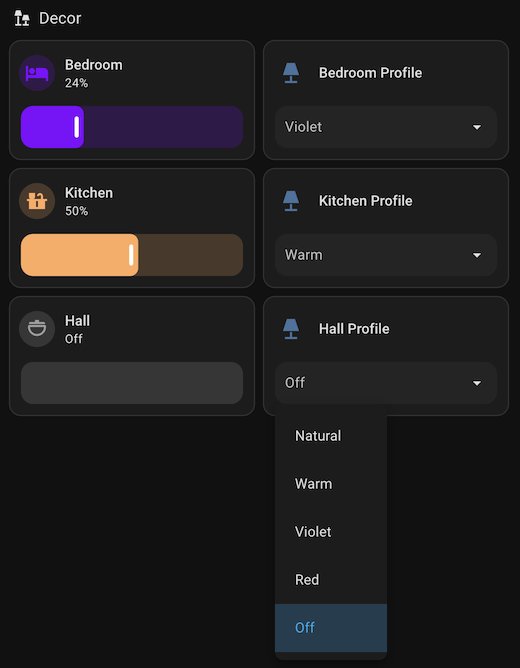
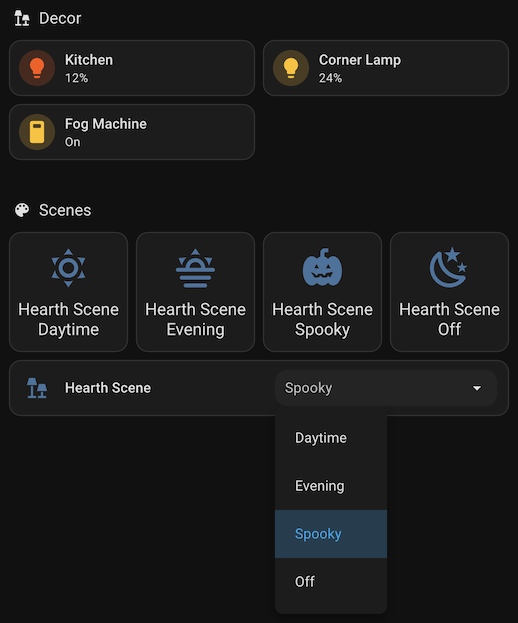
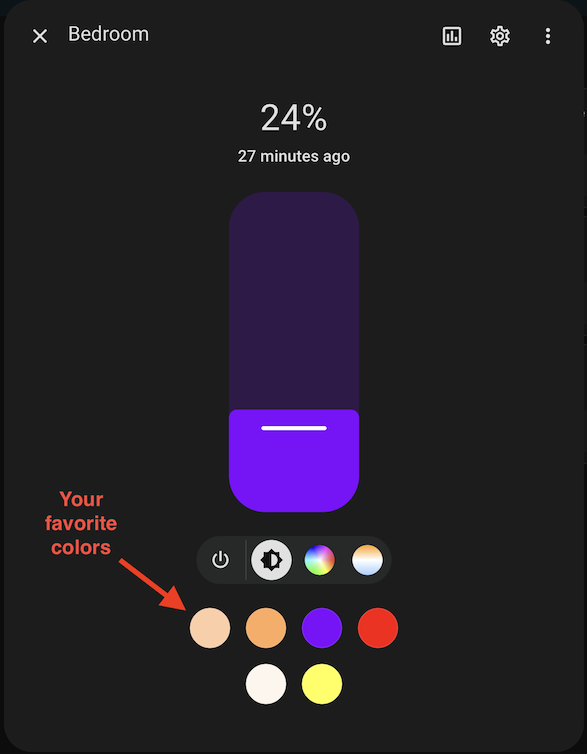
Scenery is a local integration for defining light profiles, favorite colors, and scenes for lights in Home Assistant. Light profiles preset the color and brightness of each light and set its default turn-on behavior, with more color formats than the standard light profiles file supports. Favorite colors for all lights are declared in one place in YAML, instead of being configured one light at a time in the more-info dialog. Select entities are created for profiles and scenes, so a light profile or scene can be applied from a dropdown, and the selected option follows the current state of the light or scene entities. Scenes can apply predefined states to lights and other entities, and they can be organized into groups. Two actions get and set the favorite colors of a light, and setup is done in the YAML configuration file.
Automatic summary of the README and code of j9brown/scenery. Something wrong, or are you the maintainer and want your own text here? Get in touch
Supports
Works locally Talks to your devices on your own network. No vendor cloud in between.
From the Marketplace Installed through the Marketplace, formerly HACS.
Setting it up
Install it from the Marketplace and restart Home Assistant. It is then set up in configuration.yaml.
Actions
- Get favorite colorsGets the favorite colors of a light.Fields: Light
- Set favorite colorsSets the favorite colors of a light.Fields: Light, Favorite colors
From the README
Scenery helps you configure light profiles, favorite colors, and scenes for all of your lights in Home Assistant.

Shows in Vulpo
Scene card, Select card, Apple Watch, Control Center.Information
- Installs
- 67 sharing analytics
- GitHub stars
- 54
- Connection
- Works locally
- Upkeep
- No update in 6 to 18 months
- Version
- v0.7.1,
- Category
- Lighting
- Kind
- Marketplace integration
- Needs
- Needs the Marketplace (HACS on 2026.10 and older)
- Domain
scenery- Issues
- Report an issue