
On Home Assistant 2026.10 or older? Open it in HACS
- Installs
- 52 sharing analytics
- GitHub stars
- 3
- Connection
- Uses the vendor's cloud
- Upkeep
- Updated in the last 6 months
- Version
- 1.7.1,
- Category
- Productivity and information, Calendars and to-dos
- Kind
- Marketplace integration
- Needs
- Needs the Marketplace (HACS on 2026.10 and older)
- Domain
dragonfly- Issues
- Report an issue


Independent directory, made by the developer of Vulpo. Not affiliated with Home Assistant or the Open Home Foundation.
About
Dragonfly & Intelcom tracks Dragonfly Shipping parcels in Netherlands, Australia or Canada from Home Assistant. Parcels are added by Track & Trace code, with no account or postal code, through the options dialog or a track parcel action, and an untrack action stops tracking one. It provides sensors for incoming parcels, the next delivery, delivered parcels and the last successful update, plus a read-only Deliveries calendar and a refresh button. Device triggers fire when a parcel is registered, changes status, is delivered or has its expected delivery time changed. Delivered parcels can be filtered by days or by count, and a per-parcel status history can be switched on. Polling adapts to parcel activity, and the integration relies on the vendor's cloud and is set up in the UI by choosing a country.
Automatic summary of the README and code of ha-parcel-integrations/ha-dragonfly. Something wrong, or are you the maintainer and want your own text here? Get in touch

Shows in Vulpo
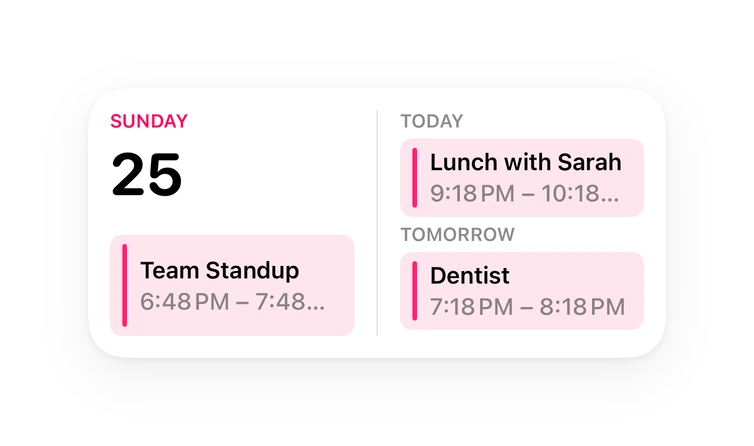
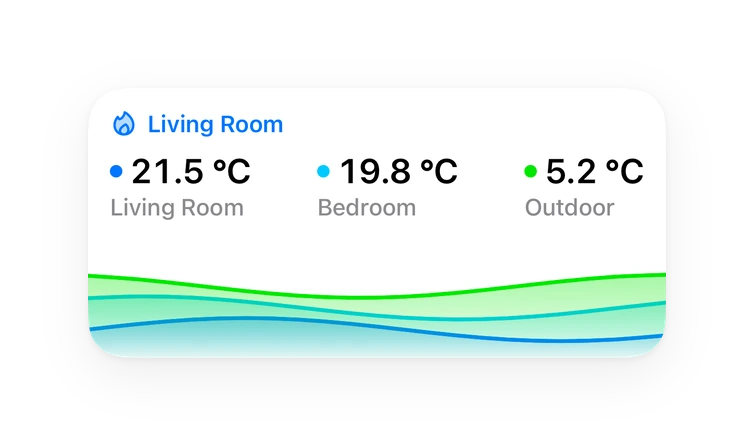
Button card, Calendar card, Chart card, Apple Watch.Installs over time
#1,555 of 1,599 Marketplace integrations. Installs sharing analytics.
Supports
- Uses the vendor's cloudNeeds an internet connection and an account with the vendor.
- Device triggersIts devices can start automations directly.
- From the MarketplaceInstalled through the Marketplace, formerly HACS.
- Actively maintainedIts author released or pushed a change in the last six months.
Provides
- Sensors
- Calendars
Setting it up
Install it from the Marketplace and restart Home Assistant, then add it under Settings, Devices and services.
Set up Dragonfly
- Country
After setup
- Add a parcelEnter a Dragonfly Track & Trace code to start tracking it. You find it on the shipping confirmation or the missed-delivery card.
- Remove parcels
- Filter byShow delivered parcels from the last X days, or limit to the X most recent.
- AmountNumber of days or parcels to show.
- Include status historyAdd a per-parcel history attribute listing each status update (timestamp, status, original text). Off by default.
- Tracking codes
- Delivered parcels: filter by
- Delivered parcels: amount
- Include status history
Texts from the code of ha-parcel-integrations/ha-dragonfly.
Entities
- ButtonsRefresh
- CalendarsDeliveries
- SensorsIncoming parcels, Next delivery, Delivered parcels, Last successful update
Actions
- Track parcelStart tracking a Dragonfly parcel by its Track & Trace code.
- Tracking code
- Untrack parcelStop tracking a Dragonfly parcel by its Track & Trace code.
- Tracking code
Troubleshooting
- DiagnosticsDownloads a diagnostics file to attach to a bug report.
From the README
📦 Part of ha-parcel-integrations, a family of package-tracking integrations for Home Assistant that all publish the same parcel format, statuses and events, so they plug into cross-carrier automations and the optional Parcel Aggregator. Browse the other carriers on the website.
💬 Questions or feedback? Join the discussion on the Home Assistant community.
- Track any number of Dragonfly parcels by Track & Trace code — no account, no postal code
- Per-parcel sensor with the canonical status (registered / in_transit / out_for_delivery / delivered / …), the carrier's own status text (in your hub's country language), the expected delivery window…
- Summary sensors: incoming parcels, next delivery, recently delivered parcels
- Read-only Deliveries calendar with the expected delivery windows
- dragonfly.track_parcel / dragonfly.untrack_parcel services, so a dashboard button can add a parcel
- Events + device triggers for no-code automations (parcel registered, status changed, delivered, delivery time changed)
- Opt-in per-parcel status history
- Manual refresh button and a diagnostic last-update sensor
Information
- Installs
- 52 sharing analytics
- GitHub stars
- 3
- Connection
- Uses the vendor's cloud
- Upkeep
- Updated in the last 6 months
- Version
- 1.7.1,
- Category
- Productivity and information, Calendars and to-dos
- Kind
- Marketplace integration
- Needs
- Needs the Marketplace (HACS on 2026.10 and older)
- Domain
dragonfly- Issues
- Report an issue
You might also like











Try it with your own Home Assistant.
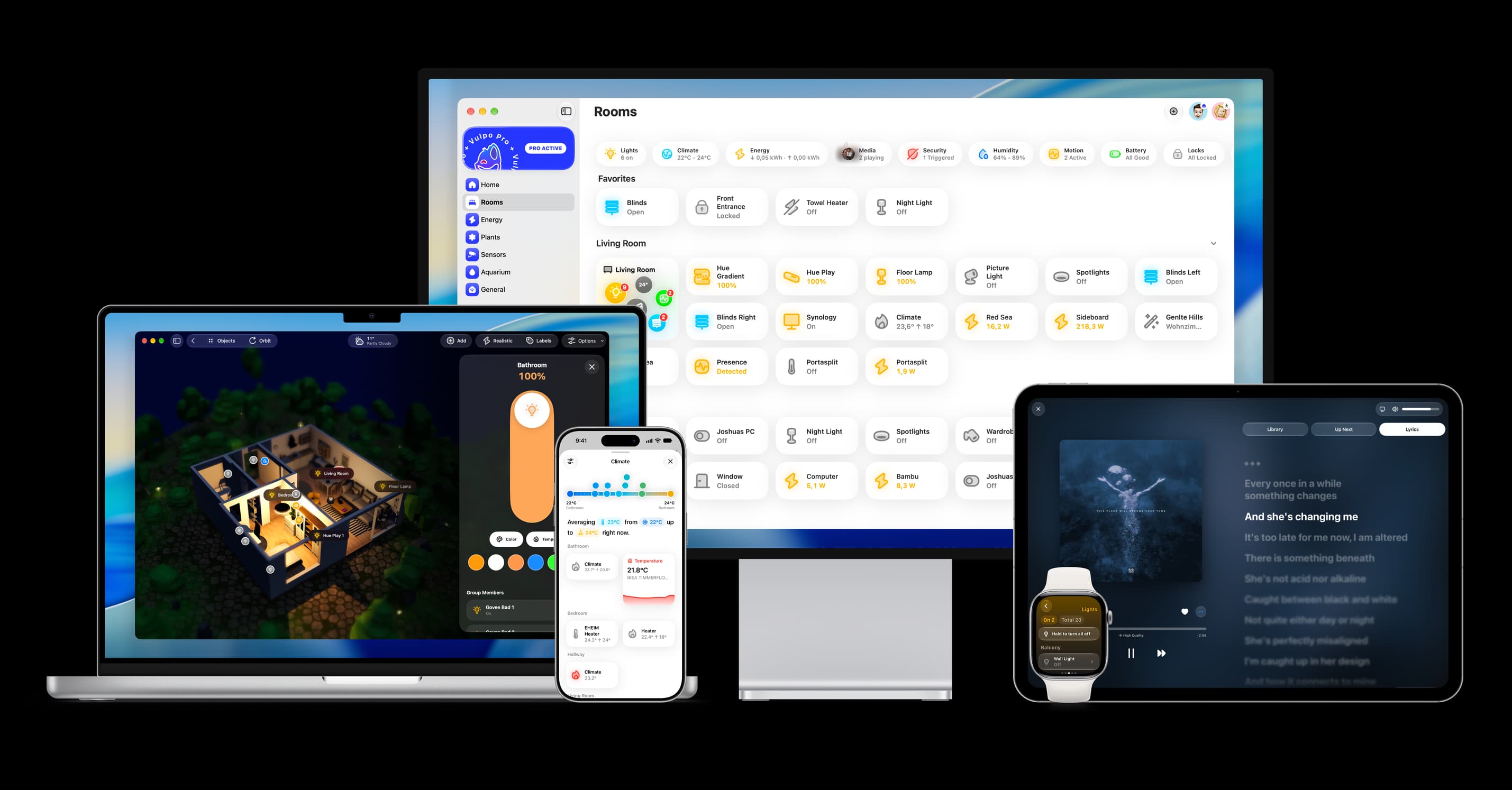
- Free to download
- iPhone, iPad, Mac and Apple Watch
- 40+ native card types
- Connects to your own Home Assistant