

Marketplace integration
iDotMatrix Display
On Home Assistant 2026.10 or older? Open it in HACS
- Installs
- 65 sharing analytics
- GitHub stars
- 7
- Connection
- Works locally
- Upkeep
- Updated in the last 6 months
- Version
- v1.10.7,
- Category
- Lighting
- Kind
- Marketplace integration
- Needs
- Needs the Marketplace (HACS on 2026.10 and older)
- Domain
idotmatrix- Issues
- Report an issue
Shows in Vulpo Light card, Quick Toggle card, Button card, Select card, Apple Watch, Control Center.


Scan with your iPhone
DownloadIndependent directory, made by the developer of Vulpo. Not affiliated with Home Assistant or the Open Home Foundation.
About
Home Assistant integration for iDotMatrix LED displays
Description from EarMaster/home-assistant-idotmatrix

Shows in Vulpo
Light card, Quick Toggle card, Button card, Select card, Apple Watch, Control Center.Supports
- Works locallyTalks to your devices on your own network. No vendor cloud in between.
- Found by itselfHome Assistant spots it on the network and offers to add it.
- Device triggersIts devices can start automations directly.
- From the MarketplaceInstalled through the Marketplace, formerly HACS.
- Actively maintainedIts author released or pushed a change in the last six months.
Provides
- Lights
- Switches
Setting it up
Install it from the Marketplace and restart Home Assistant, then add it under Settings, Devices and services.
Add Device Manually
- Device Name
- MAC Address
Select Device
- Select Device
- Enter device manually instead
Configure
- Screen Size
After setup
- Update interval (seconds)
Texts from the code of EarMaster/home-assistant-idotmatrix.
Actions
- Show icon & messageShows an icon in the top part of the display with text below. Text that fits is shown still; longer text scrolls back and forth. Also updates the Icon & Message entities.
- Icon
- Text
- Text color
- Icon color
- Background color
- Restore after
- Show textShows scrolling text. Also updates the Text: Message entity.
- Text
- Color
- Font size
- Speed
- Background color
- Restore after
- Start countdownStarts the countdown on the display (up to 59:59).
- Duration
- Restore after
- Set scoreboardShows the scoreboard with both scores in one update.
- Home
- Away
- Restore after
- Show clockShows the clock. Also updates the Clock entities.
- Style
- Color
- Show date
- 24-hour format
- Restore after
- Show effectShows an animated effect in your colors. Also updates the Effect: Mode entity.
- Effect
- Color 1
- Color 2
- Color 3
- Color 4
- Restore after
- Show imageShows an image or animated GIF full screen. Also updates the Image: File entity.
- Image
- Background color
- Restore after
- Start chronographStarts the stopwatch from zero.
- Restore after
From the README
A custom Home Assistant integration for iDotMatrix LED displays that provides device discovery, connection management, and comprehensive control through the Home Assistant UI.
- Automatic Device Discovery: Scan for iDotMatrix devices via Bluetooth
- Manual Device Entry: Add devices by MAC address if auto-discovery fails
- Display Control: Turn display on/off and adjust brightness
- Text Display: Send custom text messages to the display
- Clock Modes: Multiple clock styles (RGB Swipe Outline, Christmas Tree, Checkers, Color, Hourglass, Alarm Clock, Outlines, RGB Corners) with configurable 24h/12h format, date display, and color
- Visual Effects: Various effects like Horizontal Rainbow, Random Colored Pixels, Vertical Rainbow, Diagonal Rainbow, and more
- Stable Connection: Persistent Bluetooth connection with automatic reconnect — commands work reliably without manual intervention
- Screen Controls: Flip/rotate screen orientation
- Chronograph: Start, stop, and reset stopwatch functionality
- Scoreboard: Display two scores (0–999 each) for home and away teams
- Countdown: Display a countdown timer with start, pause, stop, and restart controls; optionally syncs automatically with a Home Assistant Timer entity
- Time Synchronization: Sync device time with Home Assistant — automatically on connect, once a day and when the UTC offset changes (daylight saving time)
Information
- Installs
- 65 sharing analytics
- GitHub stars
- 7
- Connection
- Works locally
- Upkeep
- Updated in the last 6 months
- Version
- v1.10.7,
- Category
- Lighting
- Kind
- Marketplace integration
- Needs
- Needs the Marketplace (HACS on 2026.10 and older)
- Domain
idotmatrix- Issues
- Report an issue
You might also like







Try it with your own Home Assistant.
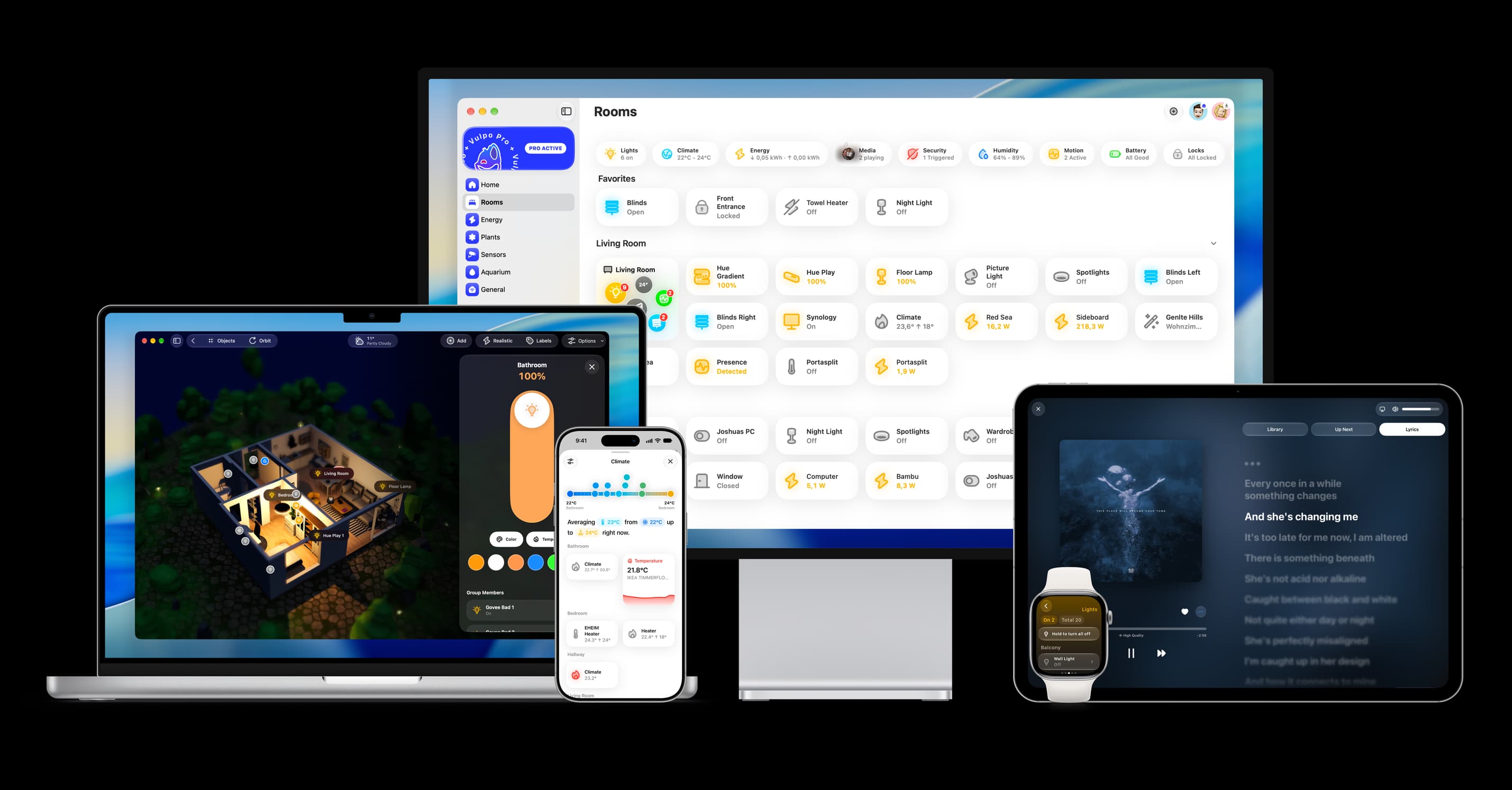
- Free to download
- iPhone, iPad, Mac and Apple Watch
- 40+ native card types
- Connects to your own Home Assistant