Screenshots From the README of denysdovhan/ha-check-weather.
About
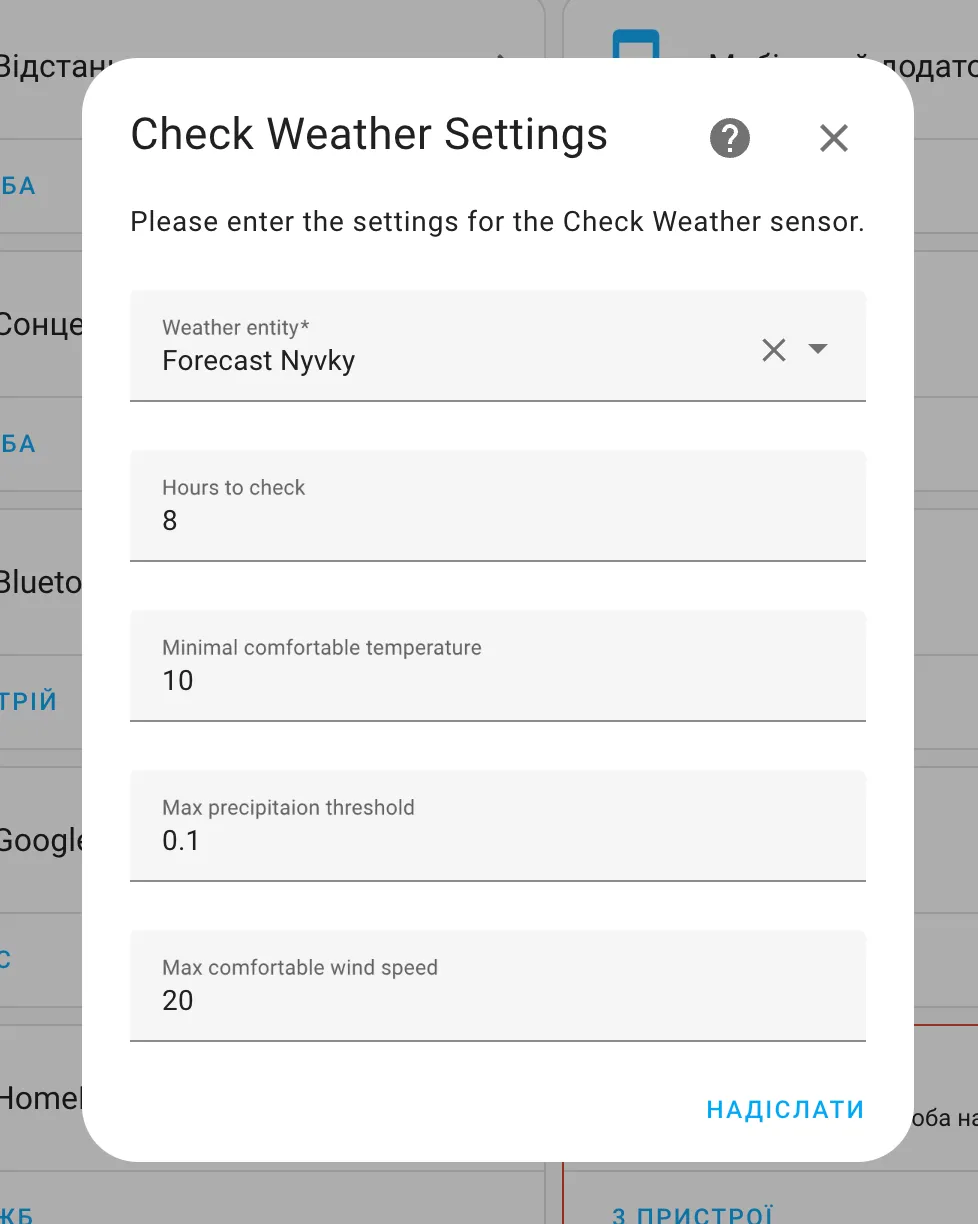
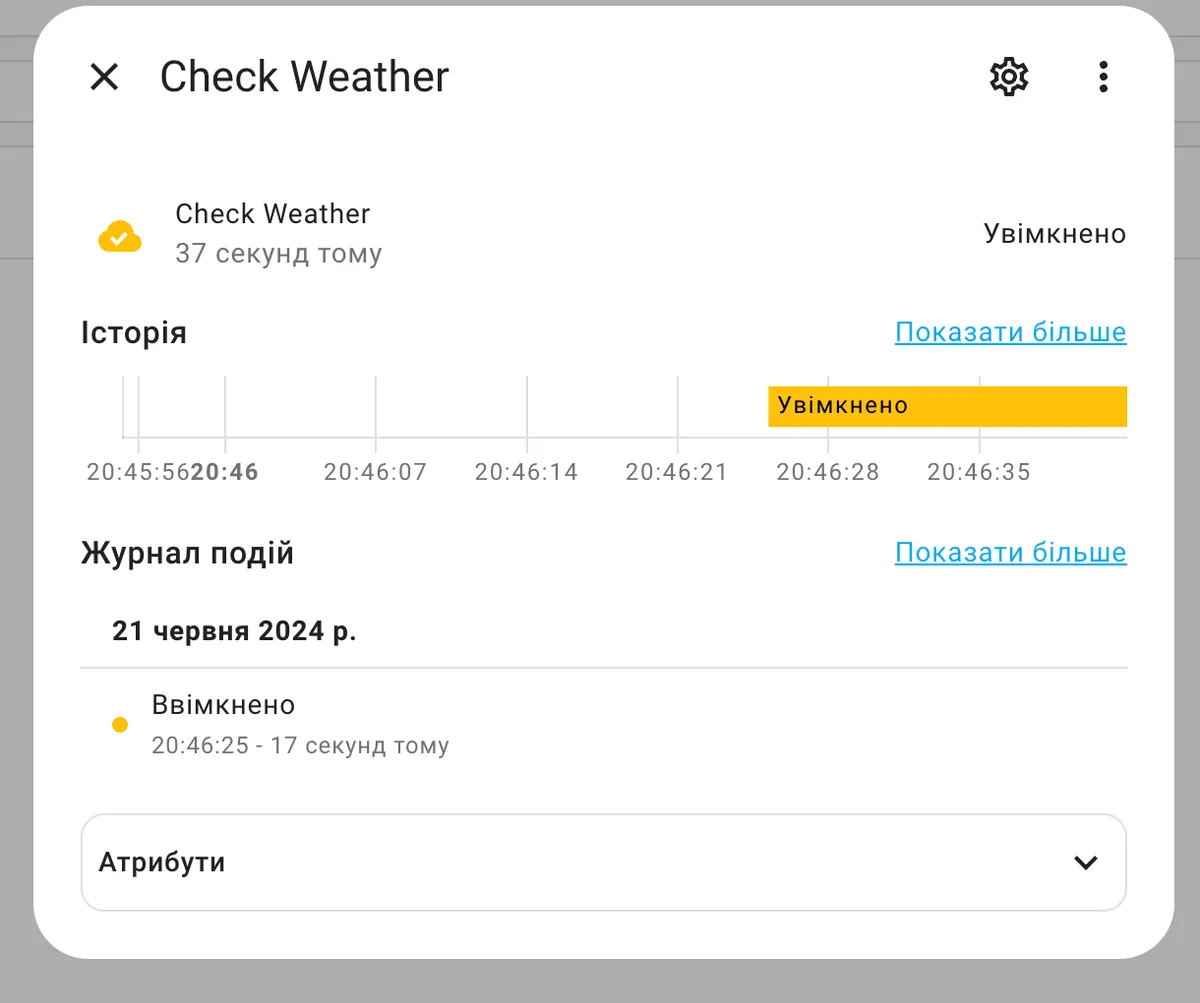
Check Weather is an integration that adds a binary sensor reflecting upcoming weather conditions. The sensor looks at the forecast for the next few hours from a chosen weather entity and turns on when it fits the set conditions. Thresholds cover minimal and maximal comfortable temperature, maximum precipitation, and maximum comfortable wind speed, along with the number of hours to check. The same settings can be changed later through the options step. The sensor can be renamed, for example to fit a bike ride, a walk, or a rain check. It works locally, is set up in the UI, and offers a diagnostics download for bug reports.
Automatic summary of the README and code of denysdovhan/ha-check-weather. Something wrong, or are you the maintainer and want your own text here? Get in touch
Supports
Works locally Talks to your devices on your own network. No vendor cloud in between.
From the Marketplace Installed through the Marketplace, formerly HACS.
Actively maintained Its author released or pushed a change in the last six months.
Setting it up
Install it from the Marketplace and restart Home Assistant, then add it under Settings, Devices and services.
Check Weather Settings
- Weather entity
- Hours to check
- Minimal comfortable temperature
- Maximal comfortable temperature
- Max precipitation threshold
- Max comfortable wind speed
After setup
- Weather entity
- Hours to check
- Minimal comfortable temperature
- Maximal comfortable temperature
- Max precipitation threshold
- Max comfortable wind speed
Texts from the code of denysdovhan/ha-check-weather.
Troubleshooting
- DiagnosticsDownloads a diagnostics file to attach to a bug report.
From the README
This integration provides a binary sensor that checks the weather for the next few hours and turns on when it matches the conditions you set.
You can rename the sensor to anything more meaningful to you.

Shows in Vulpo
Apple Watch.Information
- Installs
- 246 sharing analytics
- GitHub stars
- 64
- Connection
- Works locally
- Upkeep
- Updated in the last 6 months
- Version
- v1.5.1,
- Category
- Weather and alerts, Forecasts
- Kind
- Marketplace integration
- Needs
- Needs the Marketplace (HACS on 2026.10 and older)
- Domain
check_weather- Issues
- Report an issue