

Yeelock BLE
codyc1515
Open in Home Assistant
On Home Assistant 2026.11 or newer? Open it in the Marketplace
- Installs
- 68 sharing analytics
- GitHub stars
- 25
- Connection
- Works locally
- Upkeep
- No update in 6 to 18 months
- Version
- 2026.3.0,
- Category
- Hubs and protocols, Wireless protocols
- Kind
- Marketplace integration
- Needs
- Needs the Marketplace (HACS on 2026.10 and older)
- Domain
yeelock- Issues
- Report an issue
Independent directory, made by the developer of Vulpo. Not affiliated with Home Assistant or the Open Home Foundation.
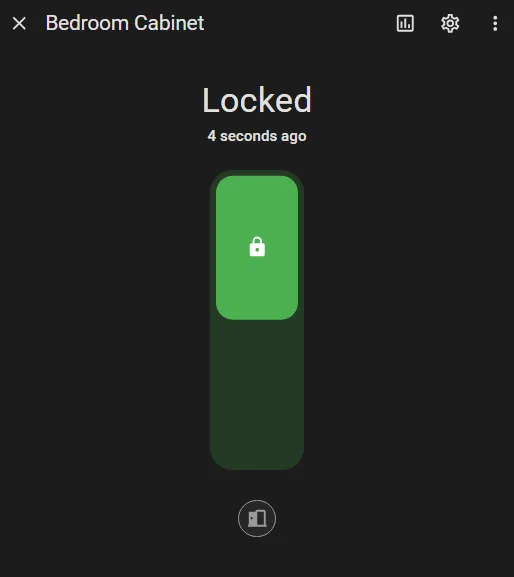
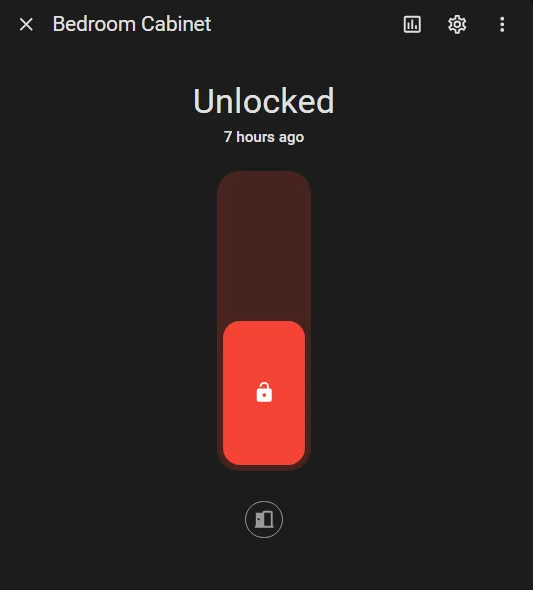
Screenshots From the README of codyc1515/ha-yeelock.
About
Add your Yeelock to Home Assistant with BLE
Description from codyc1515/ha-yeelock
Supports
Works locally Talks to your devices on your own network. No vendor cloud in between.
Found by itself Home Assistant spots it on the network and offers to add it.
From the Marketplace Installed through the Marketplace, formerly HACS.
Provides
- Locks
- Sensors
Setting it up
Install it from the Marketplace and restart Home Assistant, then add it under Settings, Devices and services.
Yeelock
- Sign-in method
Yeelock
- Account
- Password
- Automatically unlock on low battery
- Low battery unlock threshold (%)
- Name
- MAC Address
- API Key
Yeelock
- Country code
- Phone number
- Password
- Automatically unlock on low battery
- Low battery unlock threshold (%)
- Name
- MAC Address
- API Key
After setup
- Automatically unlock on low battery
- Low battery unlock threshold (%)
Texts from the code of codyc1515/ha-yeelock.
From the README
Add your Yeelock to Home Assistant locally with BLE.

Shows in Vulpo
Lock card, Chart card, Apple Watch.Information
- Installs
- 68 sharing analytics
- GitHub stars
- 25
- Connection
- Works locally
- Upkeep
- No update in 6 to 18 months
- Version
- 2026.3.0,
- Category
- Hubs and protocols, Wireless protocols
- Kind
- Marketplace integration
- Needs
- Needs the Marketplace (HACS on 2026.10 and older)
- Domain
yeelock- Issues
- Report an issue










