On Home Assistant 2026.10 or older? Open it in HACS
- Installs
- 55 sharing analytics
- GitHub stars
- 1
- Connection
- Works locally
- Upkeep
- Updated in the last 6 months
- Version
- 2.4.0,
- Category
- Sensors, Motion and presence
- Kind
- Marketplace integration
- Needs
- Needs the Marketplace (HACS on 2026.10 and older)
- Domain
apollo_mmwave- Issues
- Report an issue
Independent directory, made by the developer of Vulpo. Not affiliated with Home Assistant or the Open Home Foundation.
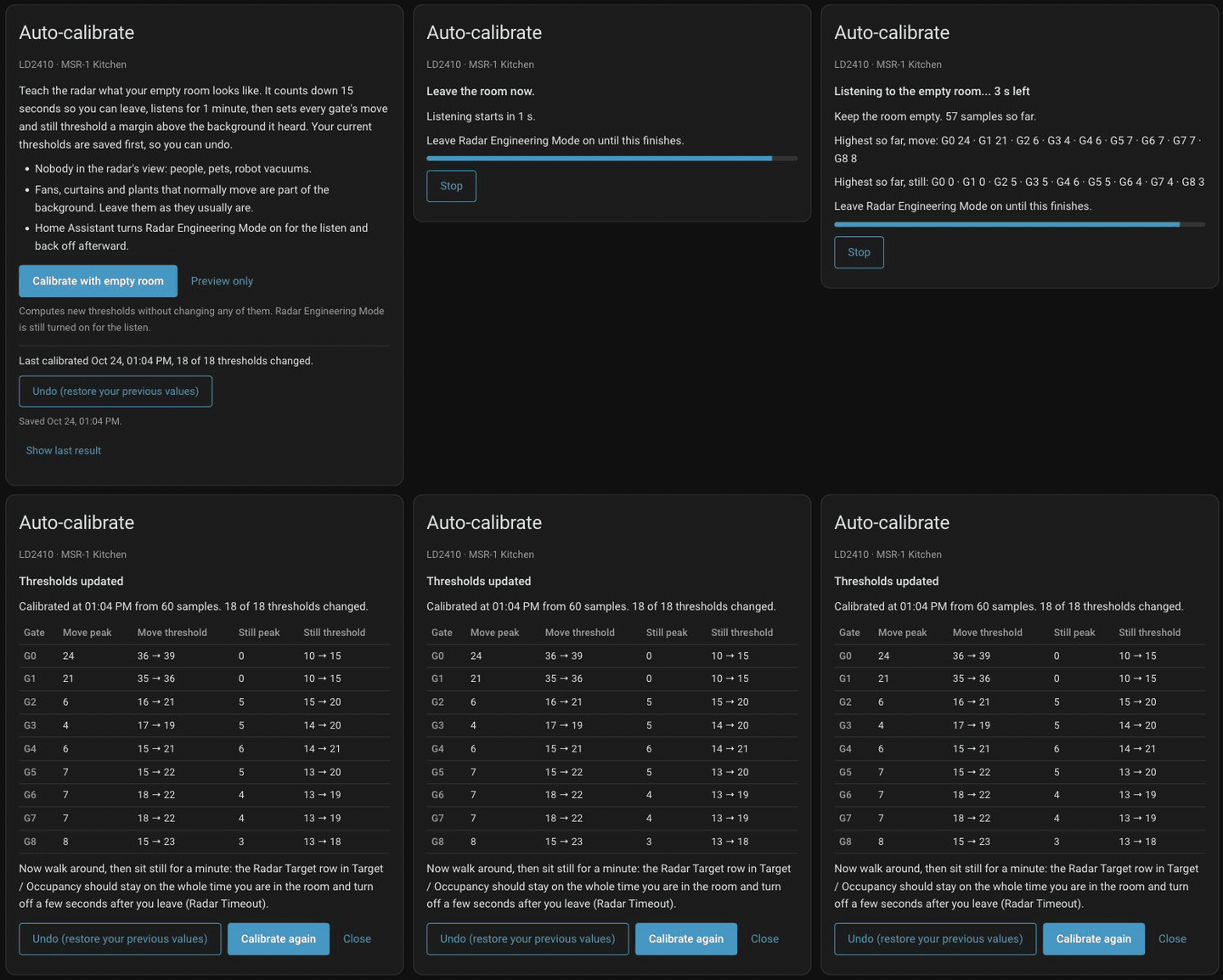
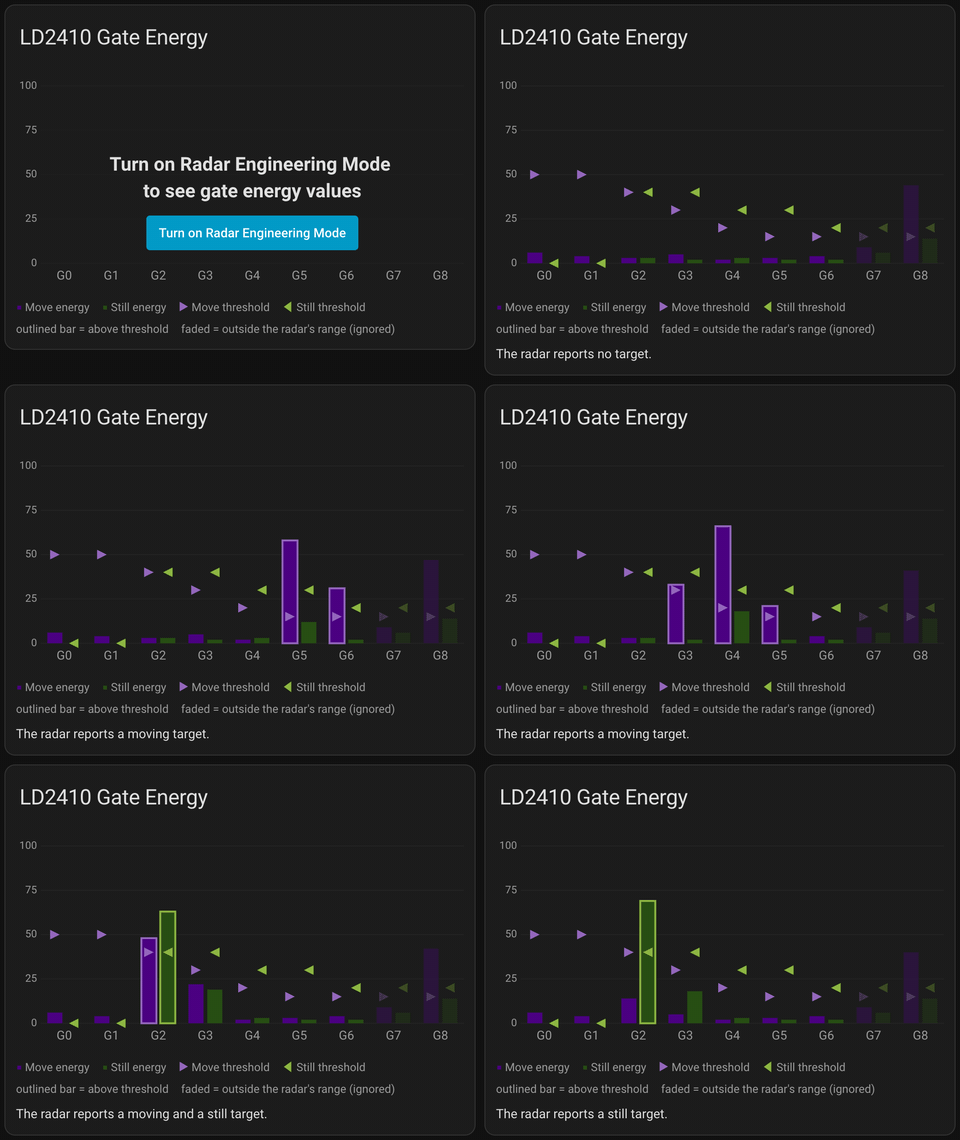
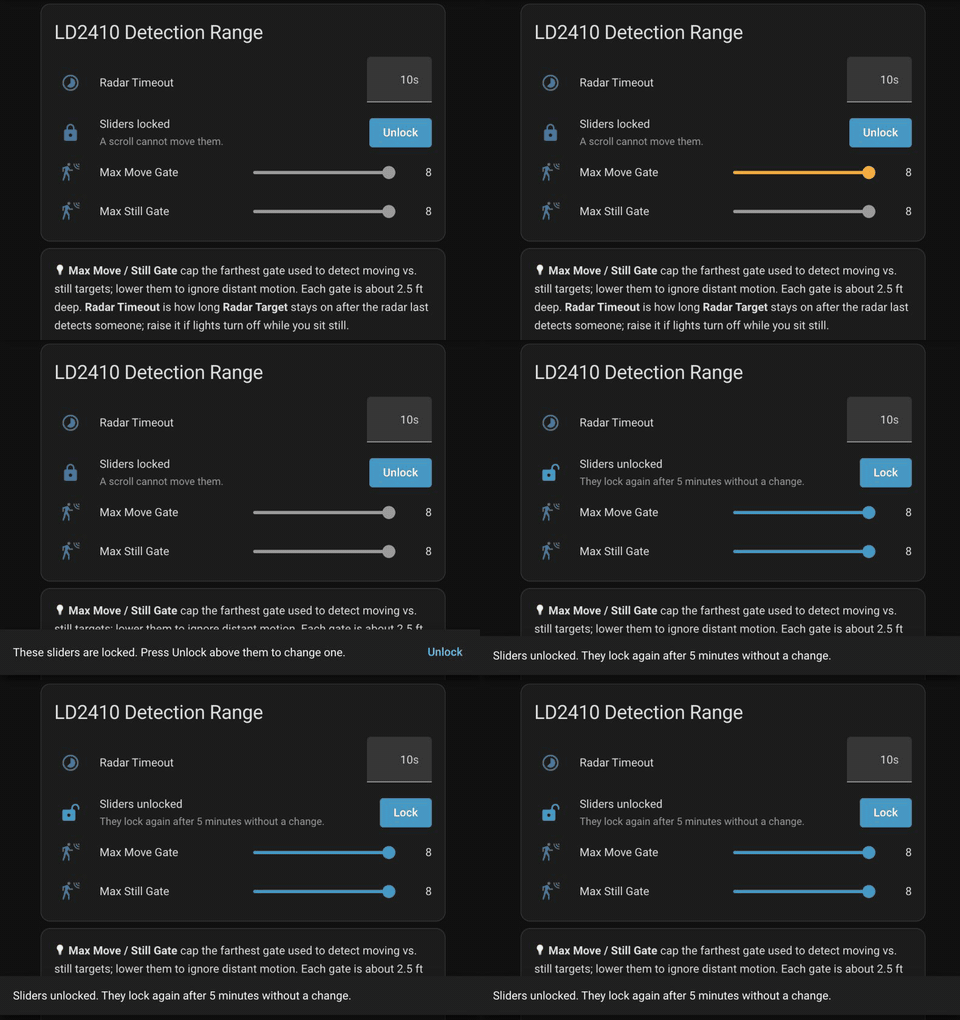
Screenshots From the README of ApolloAutomation/apollo-mmwave-main.
About
Apollo mmWave tuning dashboard for Home Assistant (HACS integration)
Description from ApolloAutomation/apollo-mmwave-main

Shows in Vulpo
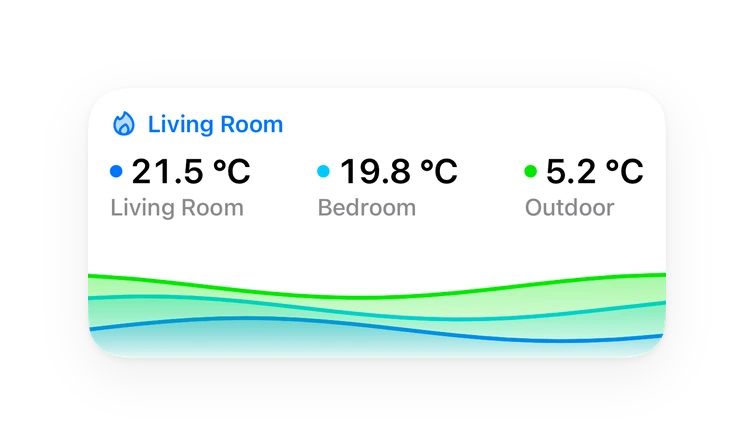
Chart card, Apple Watch.Supports
- Works locallyTalks to your devices on your own network. No vendor cloud in between.
- From the MarketplaceInstalled through the Marketplace, formerly HACS.
- Actively maintainedIts author released or pushed a change in the last six months.
Provides
- Sensors
Setting it up
Install it from the Marketplace and restart Home Assistant, then add it under Settings, Devices and services.
Connect
- Add the Apollo mmWave dashboard to the sidebarCreates the dashboard once, when you press Submit. Turn this off to place the cards on your own dashboards instead; you can still add it later from the integration's options.
- Only administrators can see itOther users do not see the dashboard. You can change this later in the dashboard's settings under Settings > Dashboards.
After setup
- Only administrators can see itOther users do not see the dashboard. You can change this later in the dashboard's settings under Settings > Dashboards.
- Dashboard devicesLeave empty to show every Apollo mmWave device automatically; offline ones get a tab with an offline note. Select devices to show exactly those and hide the rest. Once you take control of the dashboard, add or remove devices in the dashboard itself.
Texts from the code of ApolloAutomation/apollo-mmwave-main.
Troubleshooting
- DiagnosticsDownloads a diagnostics file to attach to a bug report.
- Repair noticesNotices it can show in Settings, Repairs:The Apollo mmWave dashboard is a saved copy
From the README
One Home Assistant integration for every Apollo mmWave sensor. It adds a dashboard where you calibrate each radar and, on sensors that support it, draw presence zones.
Information
- Installs
- 55 sharing analytics
- GitHub stars
- 1
- Connection
- Works locally
- Upkeep
- Updated in the last 6 months
- Version
- 2.4.0,
- Category
- Sensors, Motion and presence
- Kind
- Marketplace integration
- Needs
- Needs the Marketplace (HACS on 2026.10 and older)
- Domain
apollo_mmwave- Issues
- Report an issue