
On Home Assistant 2026.10 or older? Open it in HACS
- Installs
- 55 sharing analytics
- GitHub stars
- 8
- Connection
- Works locally
- Upkeep
- Updated in the last 6 months
- Version
- 3.10.0,
- Category
- Lighting
- Kind
- Marketplace integration
- Needs
- Needs the Marketplace (HACS on 2026.10 and older)
- Domain
scene_studio- Issues
- Report an issue


Independent directory, made by the developer of Vulpo. Not affiliated with Home Assistant or the Open Home Foundation.
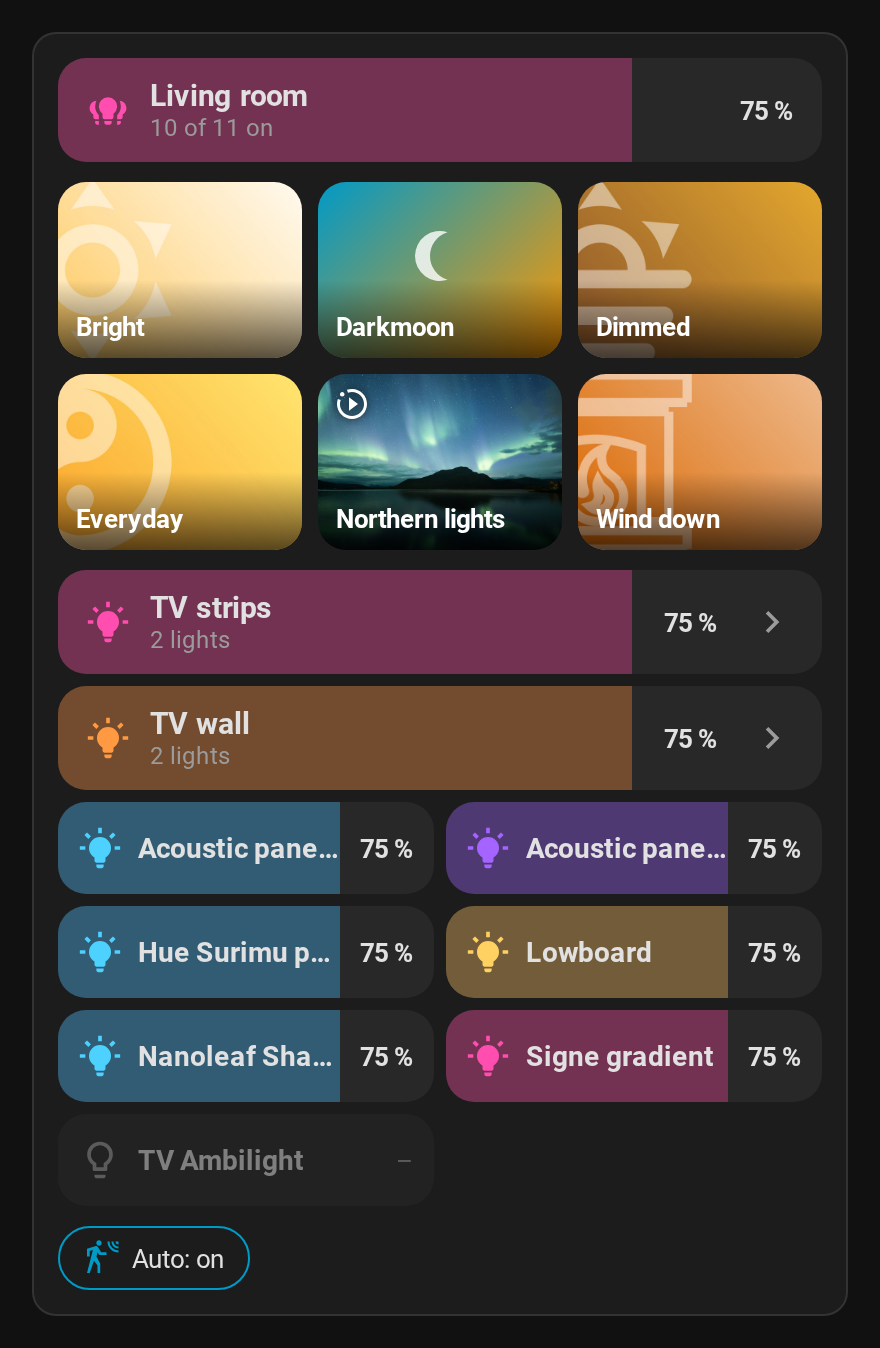
Screenshots From the README of andrejem/scene-studio.
About
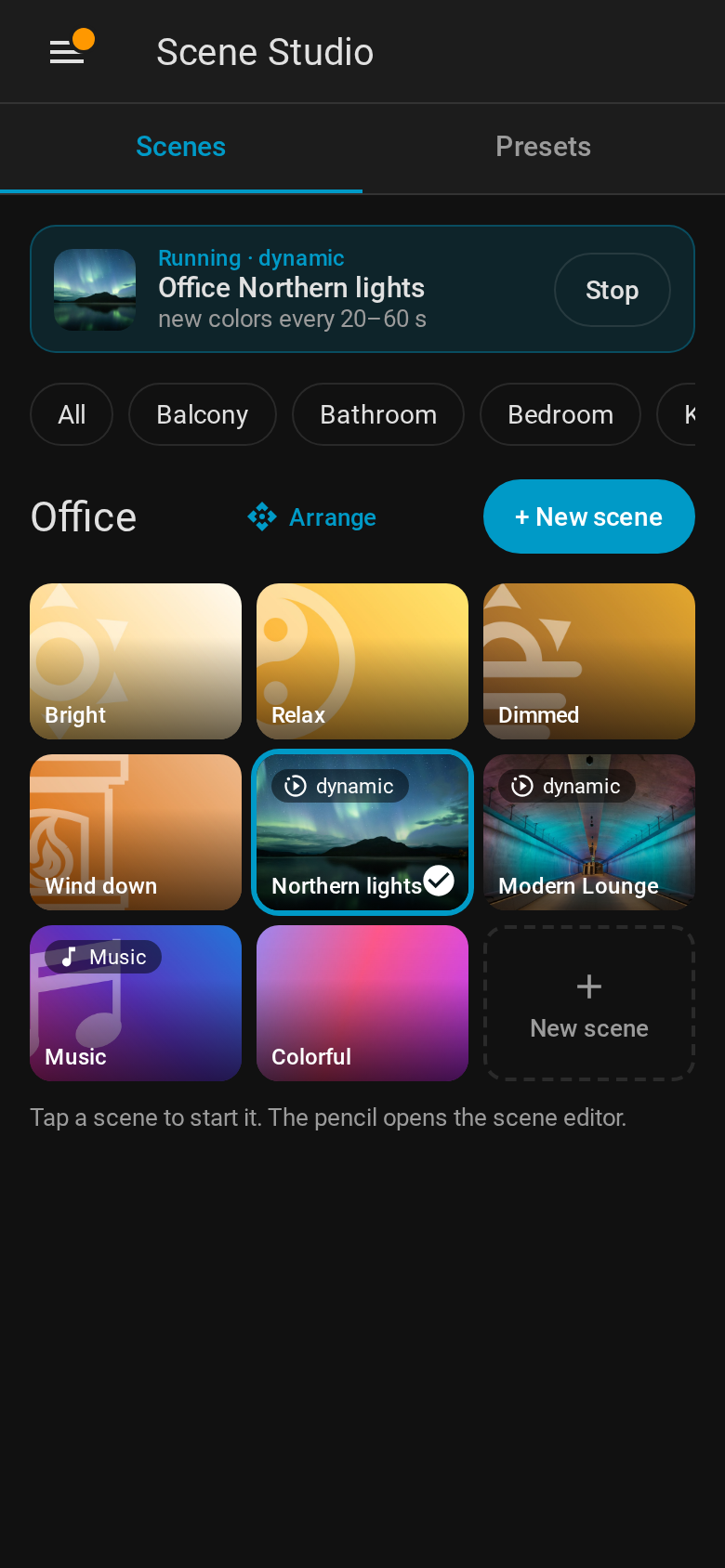
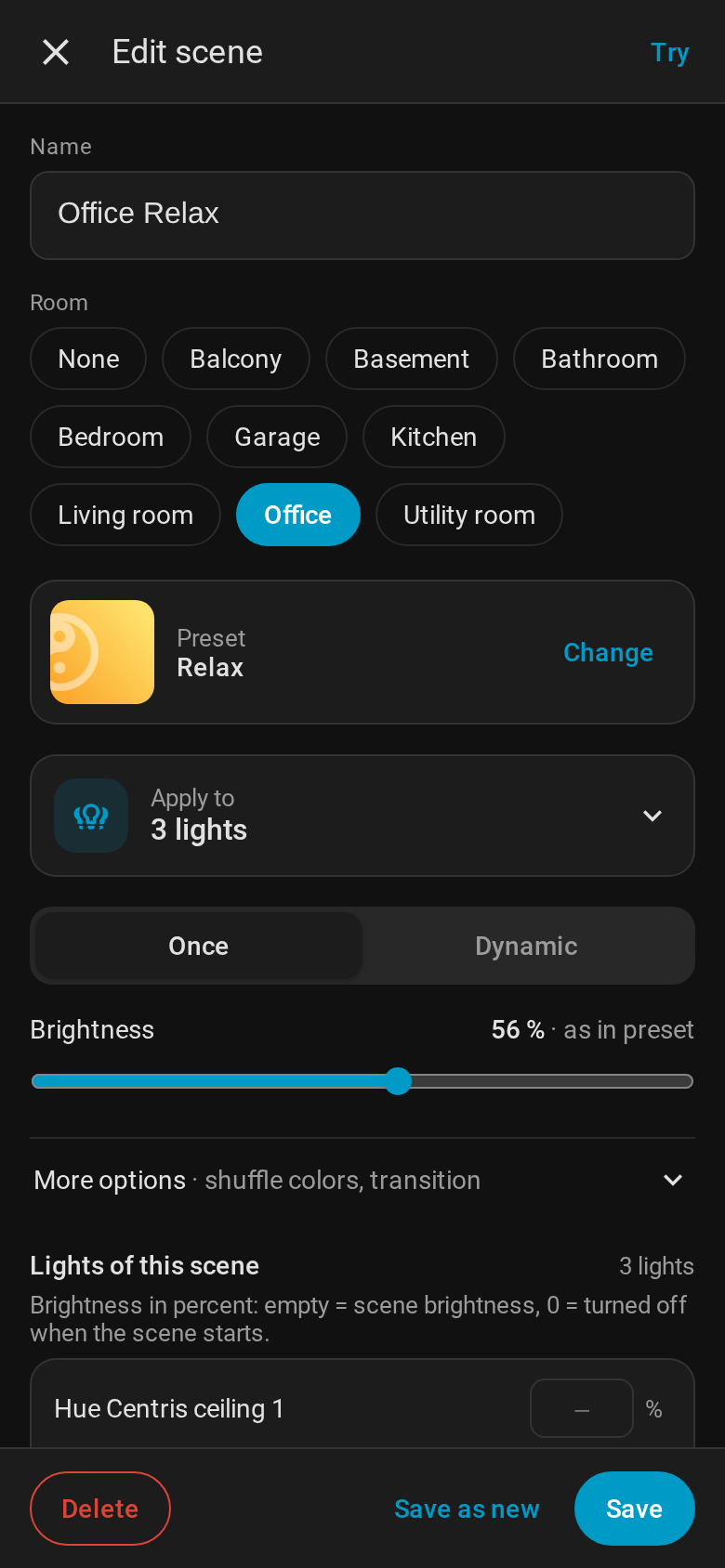
Scene Studio is an integration that creates and manages light scenes for any light in Home Assistant. It offers color presets, custom presets made from colors or a photo, and saved scenes that appear as scene entities for use in dashboards and automations. Dynamic scenes shuffle a preset on a repeating loop, and they can be started or stopped for chosen lights or all at once. A room card puts each room on the dashboard, and lights can also follow the album cover of the music playing. Saved scenes, own presets and pictures can be imported from the Scene Presets integration. It works locally, is set up in the UI, and needs the Marketplace or HACS for installation.
Automatic summary of the README and code of andrejem/scene-studio. Something wrong, or are you the maintainer and want your own text here? Get in touch

Shows in Vulpo
Scene card, Chart card, Apple Watch, Control Center.Installs over time
#1,610 of 1,684 Marketplace integrations. Installs sharing analytics.
Supports
- Works locallyTalks to your devices on your own network. No vendor cloud in between.
- From the MarketplaceInstalled through the Marketplace, formerly HACS.
- Actively maintainedIts author released or pushed a change in the last six months.
Provides
- Sensors
Setting it up
Install it from the Marketplace and restart Home Assistant, then add it under Settings, Devices and services.
Actions
- Apply presetApply a scene preset to specified light entities
- Preset
- Targets
- Brightness
- Transition
- Shuffle
- Smart shuffle
- Exclude
- Keep groups
- Optional lights
- Brightness per light
- Get dynamic scenesGet all currently active dynamic scenes
- Start dynamic sceneStart a loop that periodically applies a shuffled scene preset
- Preset
- Targets
- Brightness
- Transition
- Interval
- Interval min (per light)
- Interval max (per light)
- Transition min (per light)
- Transition max (per light)
- Exclude
- Stop dynamic sceneStop a dynamic scene by ID. A music scene on its lights ends too
- ID
- Stop dynamic scenes for targetsStops all dynamic scenes and music scenes that include any of the specified targets
- Targets
- Stop all dynamic scenesStops all currently running dynamic scenes and music scenes
- Save sceneSave a preset together with targets and settings as a reusable scene. Creates a scene entity.
- ID
- Name
- Preset
- Targets
- Dynamic
- Brightness
- Transition
- Shuffle
- Smart shuffle
- Interval
- Delete saved sceneDelete a saved scene and its scene entity
- ID
- Activate saved sceneActivate a saved scene (same as turning on its scene entity)
- ID
- Dynamic
- Targets
- Import from Scene PresetsBrings saved scenes, own presets and replaced pictures over from the Scene Presets integration. Scenes that were imported before are skipped.
- Take over scene entities
- Overwrite
From the README
Light scenes for every light in Home Assistant – no bridge, no vendor lock-in, no account. Pick one of 120+ color presets or make your own from colors or a photo, save scenes for your rooms, let the colors drift slowly as dynamic scenes, let the lights follow the album cover of your music and put each room on your dashboard with the room card.
Information
- Installs
- 55 sharing analytics
- GitHub stars
- 8
- Connection
- Works locally
- Upkeep
- Updated in the last 6 months
- Version
- 3.10.0,
- Category
- Lighting
- Kind
- Marketplace integration
- Needs
- Needs the Marketplace (HACS on 2026.10 and older)
- Domain
scene_studio- Issues
- Report an issue
You might also like








Try it with your own Home Assistant.
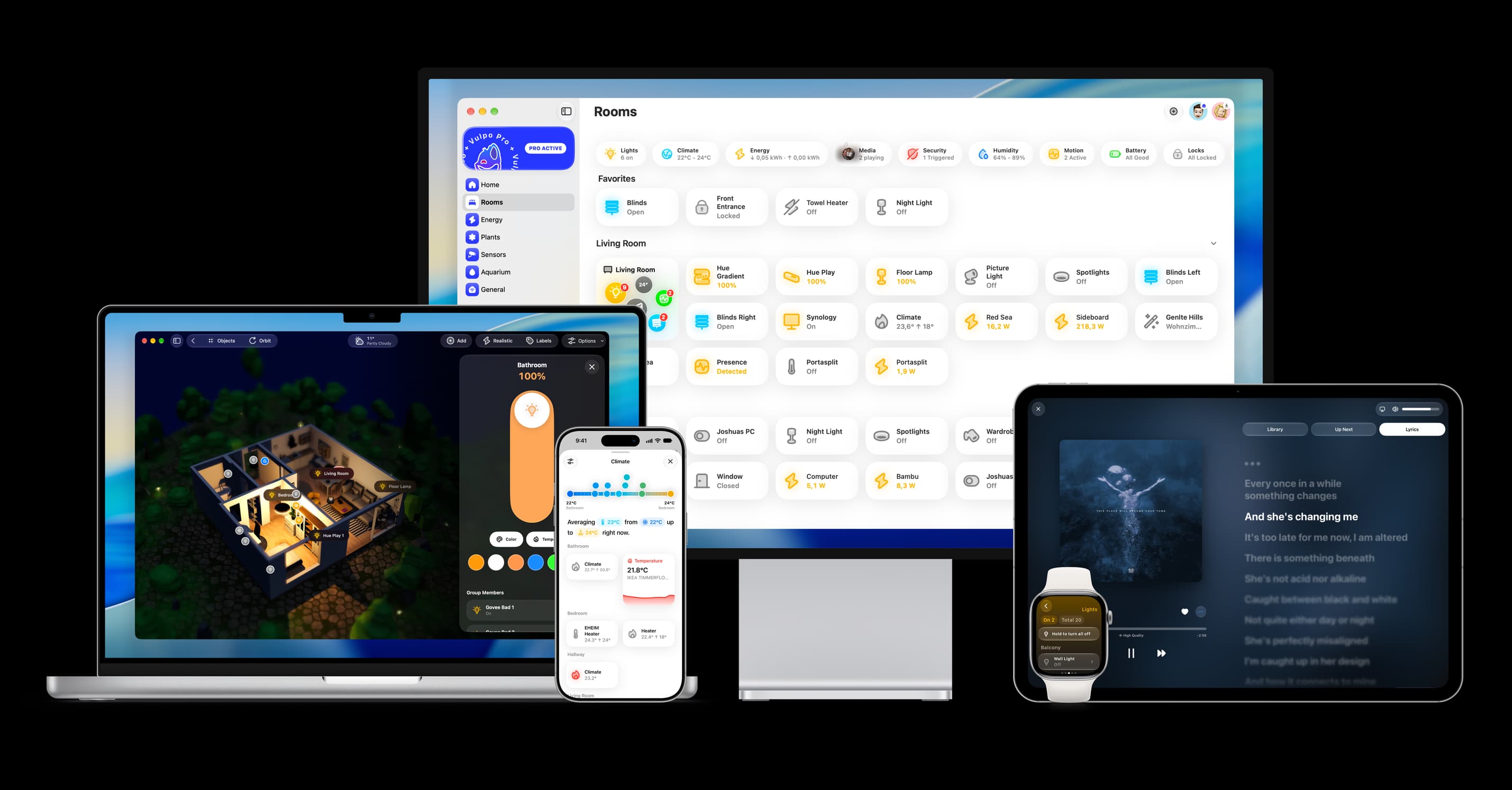
- Free to download
- iPhone, iPad, Mac and Apple Watch
- 40+ native card types
- Connects to your own Home Assistant