
On Home Assistant 2026.10 or older? Open it in HACS
- Installs
- 50 sharing analytics
- GitHub stars
- 16
- Connection
- Works locally
- Upkeep
- Updated in the last 6 months
- Version
- v1.19.0,
- Category
- Productivity and information
- Kind
- Marketplace integration
- Needs
- Needs the Marketplace (HACS on 2026.10 and older)
- Domain
device_inventory- Issues
- Report an issue


Independent directory, made by the developer of Vulpo. Not affiliated with Home Assistant or the Open Home Foundation.
Screenshots From the README of AlphaLima/ha-device-inventory.
About
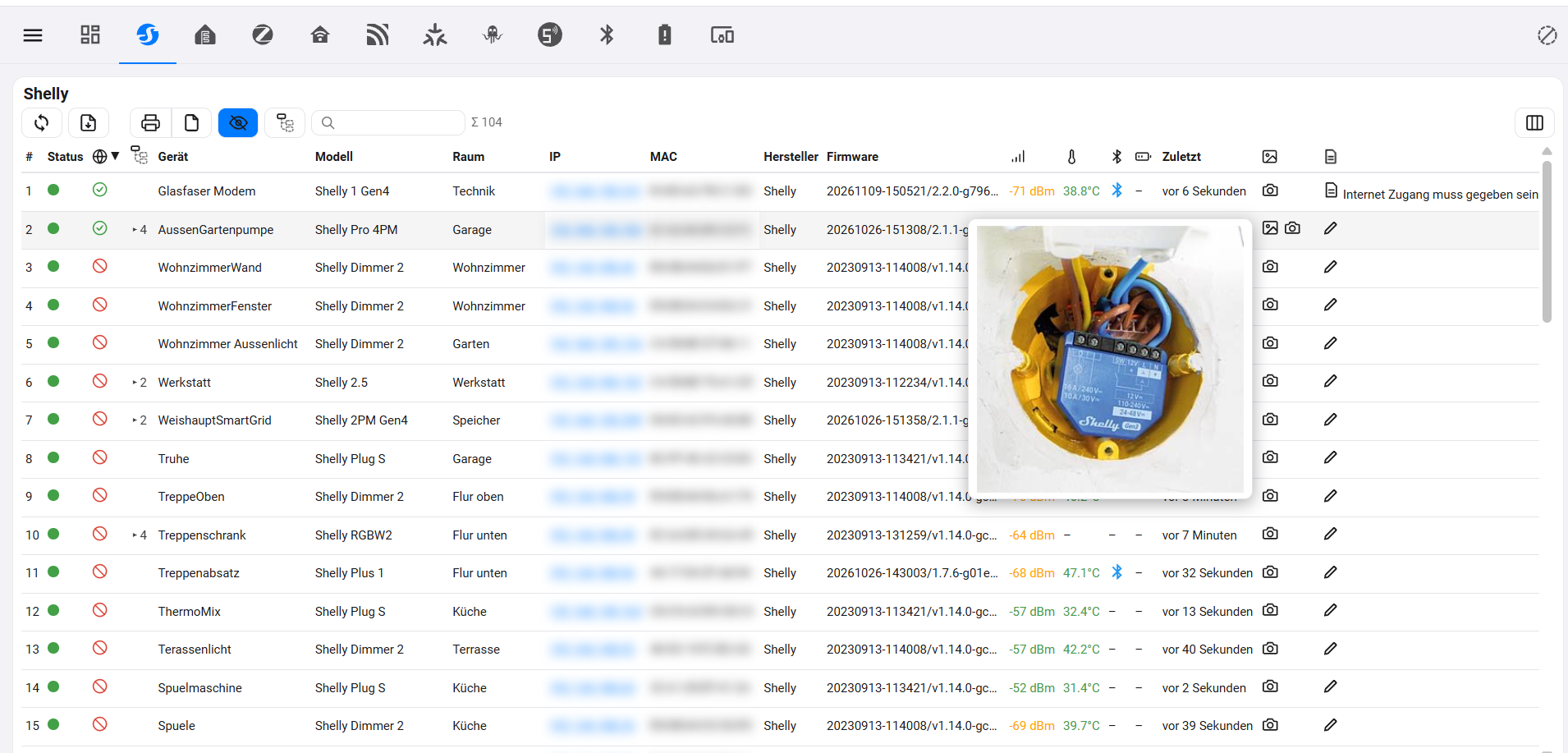
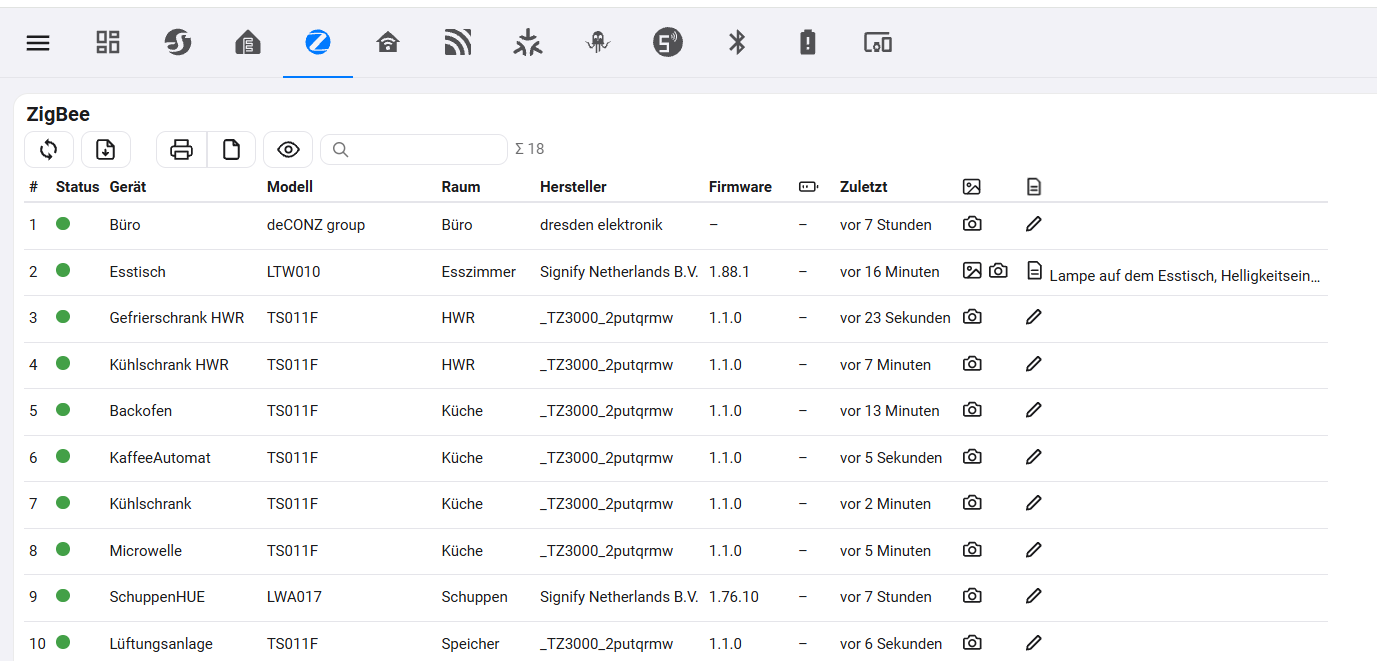
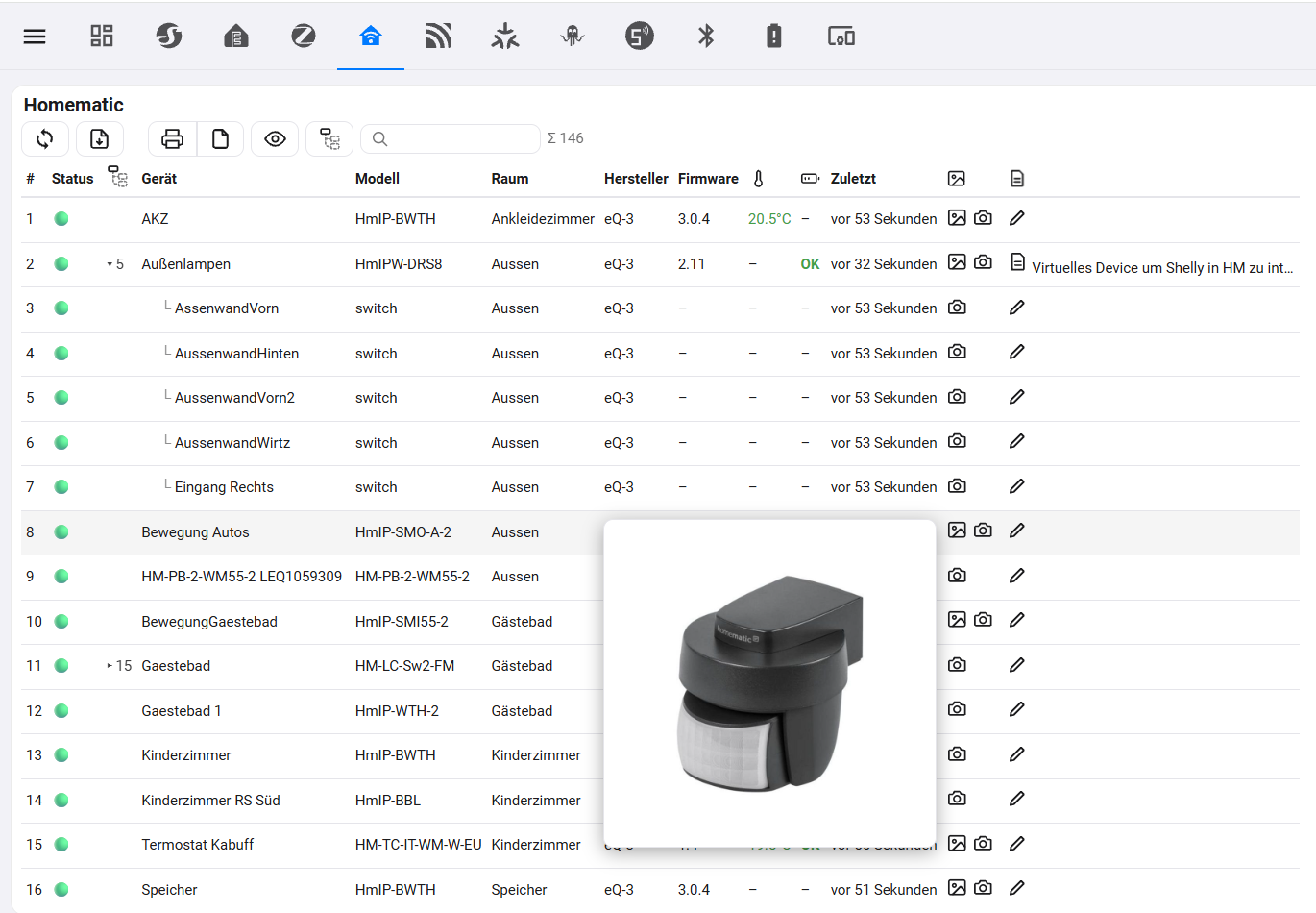
All your Home Assistant devices in one table: IP, MAC, battery, photos, notes and manuals.
Description from AlphaLima/ha-device-inventory

Shows in Vulpo
Chart card, Apple Watch.Supports
- Works locallyTalks to your devices on your own network. No vendor cloud in between.
- From the MarketplaceInstalled through the Marketplace, formerly HACS.
- Actively maintainedIts author released or pushed a change in the last six months.
Provides
- Sensors
Setting it up
Install it from the Marketplace and restart Home Assistant, then add it under Settings, Devices and services.
After setup
- AI task entity
- Archive found PDFs in Home Assistant (recommended)Stores every PDF manual the AI finds on your Home Assistant (config/device_inventory/_archive). The archive keeps the state of the manual of today, works without internet and keeps the manuals of old devices even if they disappear from the website of the manufacturer.
- Also store a product photo found by the AIFor devices without any photo, the AI also looks for an original product photo on the own website of the manufacturer (never shops or image sites); it is stored on your Home Assistant like your own photos. Please use it only for your own documentation.
Texts from the code of AlphaLima/ha-device-inventory.
From the README
One overview of all devices in your smart home, sorted by device class – with IP and MAC address, status, photos, notes and a printable documentation. Made for installations with many devices where nobody remembers any more which device sits where, under which address, e.g. when an electrician has to take over or when you search for a fault.
Photos and notes are stored on the server (.storage/device_inventory, config/device_inventory/tab/device/): shared by all users and part of your backups.
Information
- Installs
- 50 sharing analytics
- GitHub stars
- 16
- Connection
- Works locally
- Upkeep
- Updated in the last 6 months
- Version
- v1.19.0,
- Category
- Productivity and information
- Kind
- Marketplace integration
- Needs
- Needs the Marketplace (HACS on 2026.10 and older)
- Domain
device_inventory- Issues
- Report an issue
You might also like











Try it with your own Home Assistant.
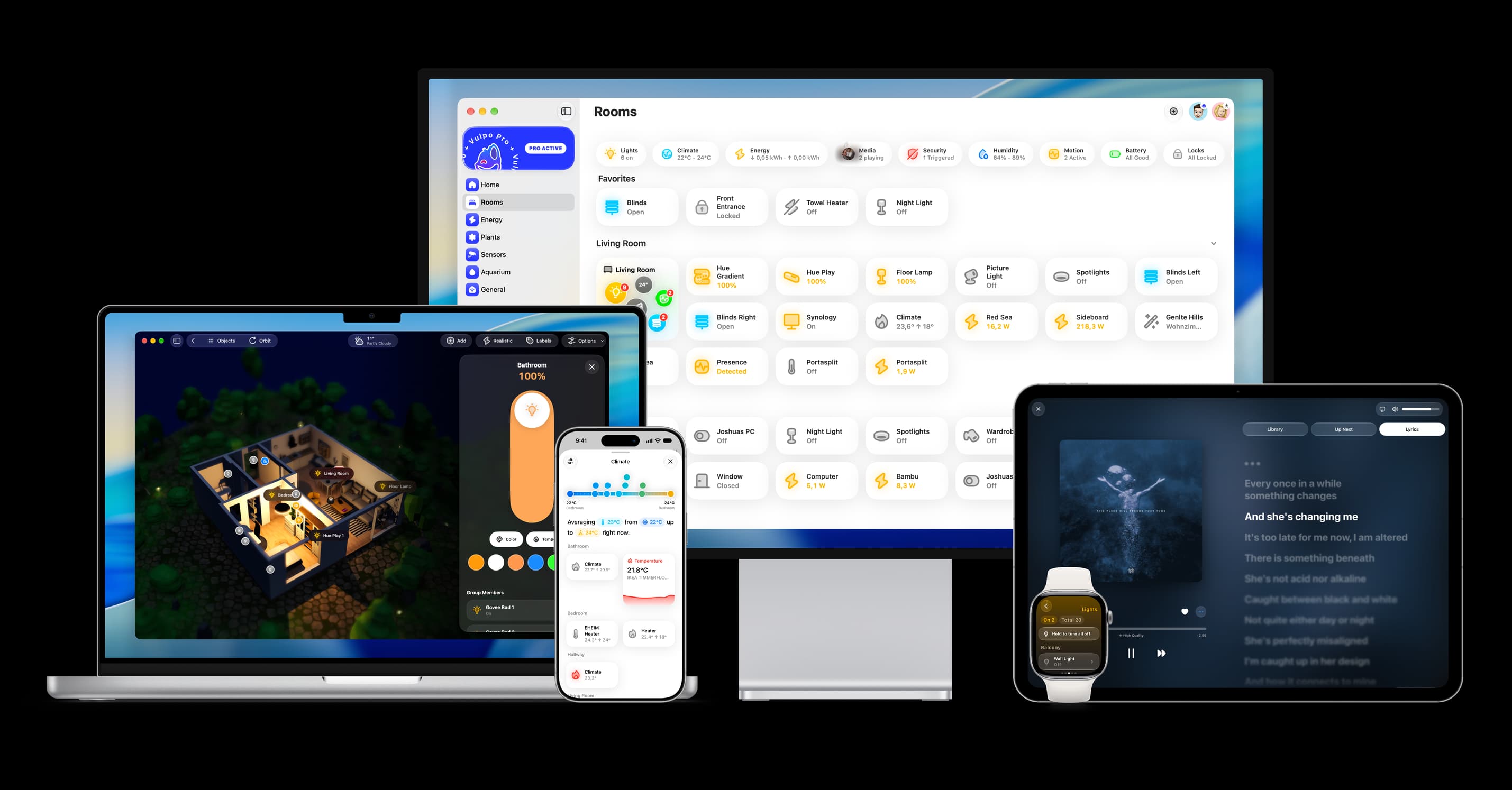
- Free to download
- iPhone, iPad, Mac and Apple Watch
- 40+ native card types
- Connects to your own Home Assistant