
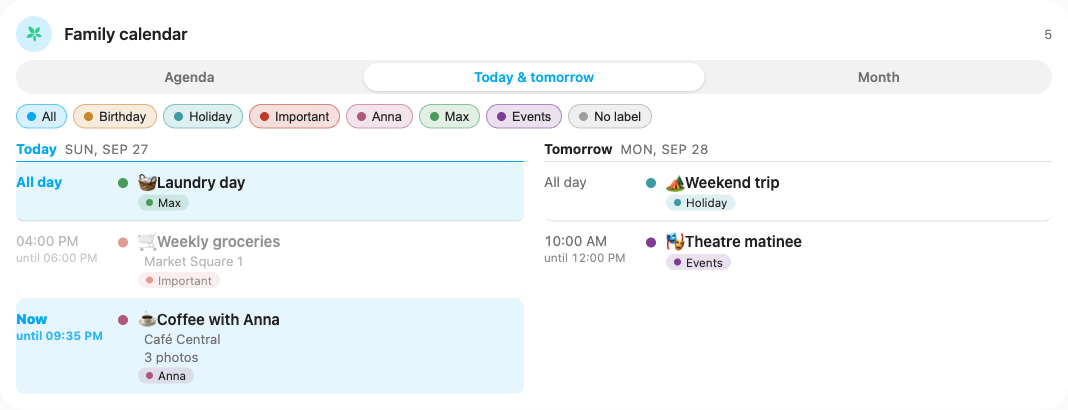
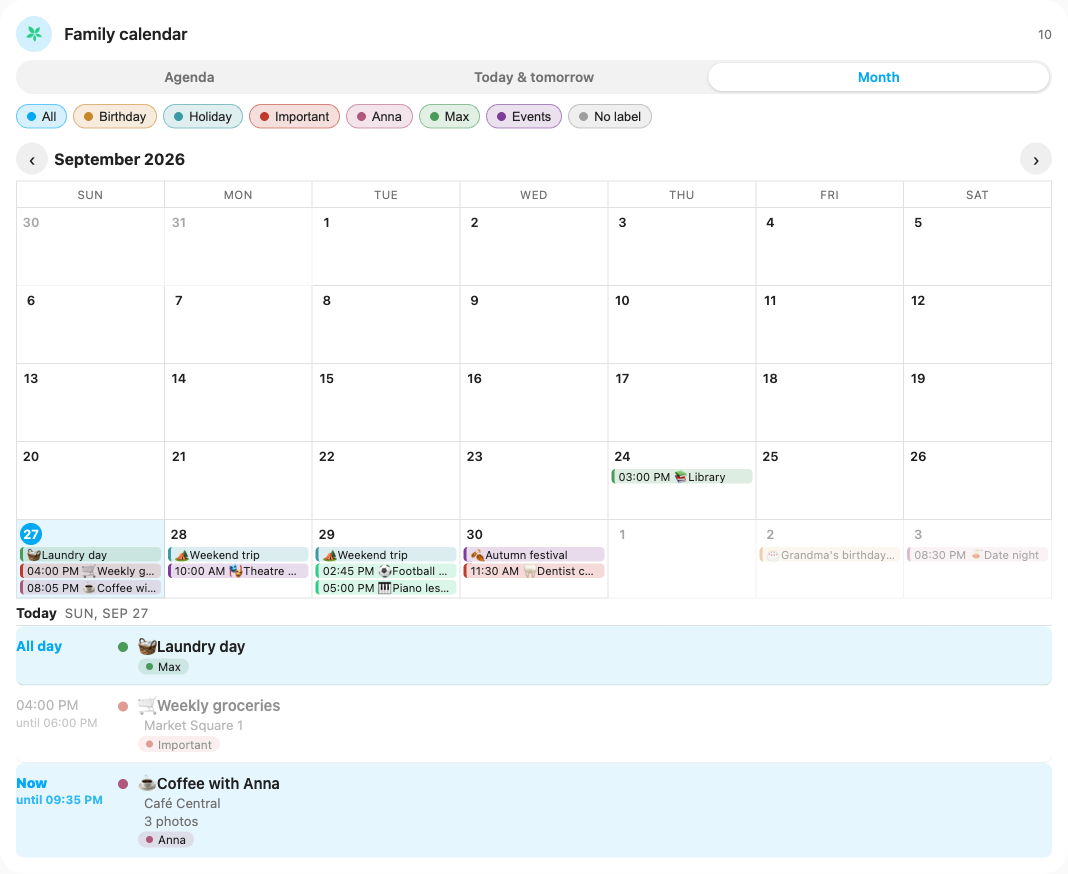
Screenshots From the README of tmsbyr87/TimeTree-HA.
About
TimeTree is an unofficial integration that brings TimeTree shared calendars into Home Assistant as calendar entities. It signs in with a TimeTree e-mail and password, so social logins do not work, and it relies on TimeTree's internal web API through the vendor's cloud. Each selected calendar becomes its own device, and sensors report events today, the next event and the last sync. Recurring events are expanded correctly, and timed and all-day events keep their proper time zones and dates. Sync is incremental, with a refresh interval of 5 to 120 minutes that can be changed in the options, along with the list of calendars. An action returns event details with comments and photo count, and a repair notice appears if TimeTree changes its web API.
Automatic summary of the README and code of tmsbyr87/TimeTree-HA. Something wrong, or are you the maintainer and want your own text here? Get in touch
Supports
Uses the vendor's cloud Needs an internet connection and an account with the vendor.
From the Marketplace Installed through the Marketplace, formerly HACS.
Actively maintained Its author released or pushed a change in the last six months.
Provides
- Sensors
- Calendars
Setting it up
Install it from the Marketplace and restart Home Assistant, then add it under Settings, Devices and services.
Sign in to TimeTree
- Password
Choose calendars
- Calendars
Re-authenticate TimeTree
- Password
After setup
- Calendars
- Refresh interval (minutes)
Texts from the code of tmsbyr87/TimeTree-HA.
Entities
- SensorsEvents today, Next event, Last sync
Actions
- Get event detailsReturns an event of a TimeTree calendar with its comments and the number of photos. Without an event id, the next upcoming event is used.Fields: Calendar, Event id
Troubleshooting
- DiagnosticsDownloads a diagnostics file to attach to a bug report.
- Repair noticesNotices it can show in Settings, Repairs:TimeTree changed its web API
From the README
Bring your shared TimeTree calendar into Home Assistant — sign in once, and every family event shows up as a native calendar entity you can put on dashboards and use in automations.

Shows in Vulpo
Calendar card, Chart card, Apple Watch.Information
- Installs
- 197 sharing analytics
- GitHub stars
- 1
- Connection
- Uses the vendor's cloud
- Upkeep
- Updated in the last 6 months
- Version
- v1.6.7,
- Category
- Productivity and information, Calendars and to-dos
- Kind
- Marketplace integration
- Needs
- Needs the Marketplace (HACS on 2026.10 and older)
- Domain
timetree- Issues
- Report an issue










