
Screenshots From the README of tempus2016/taskmate.
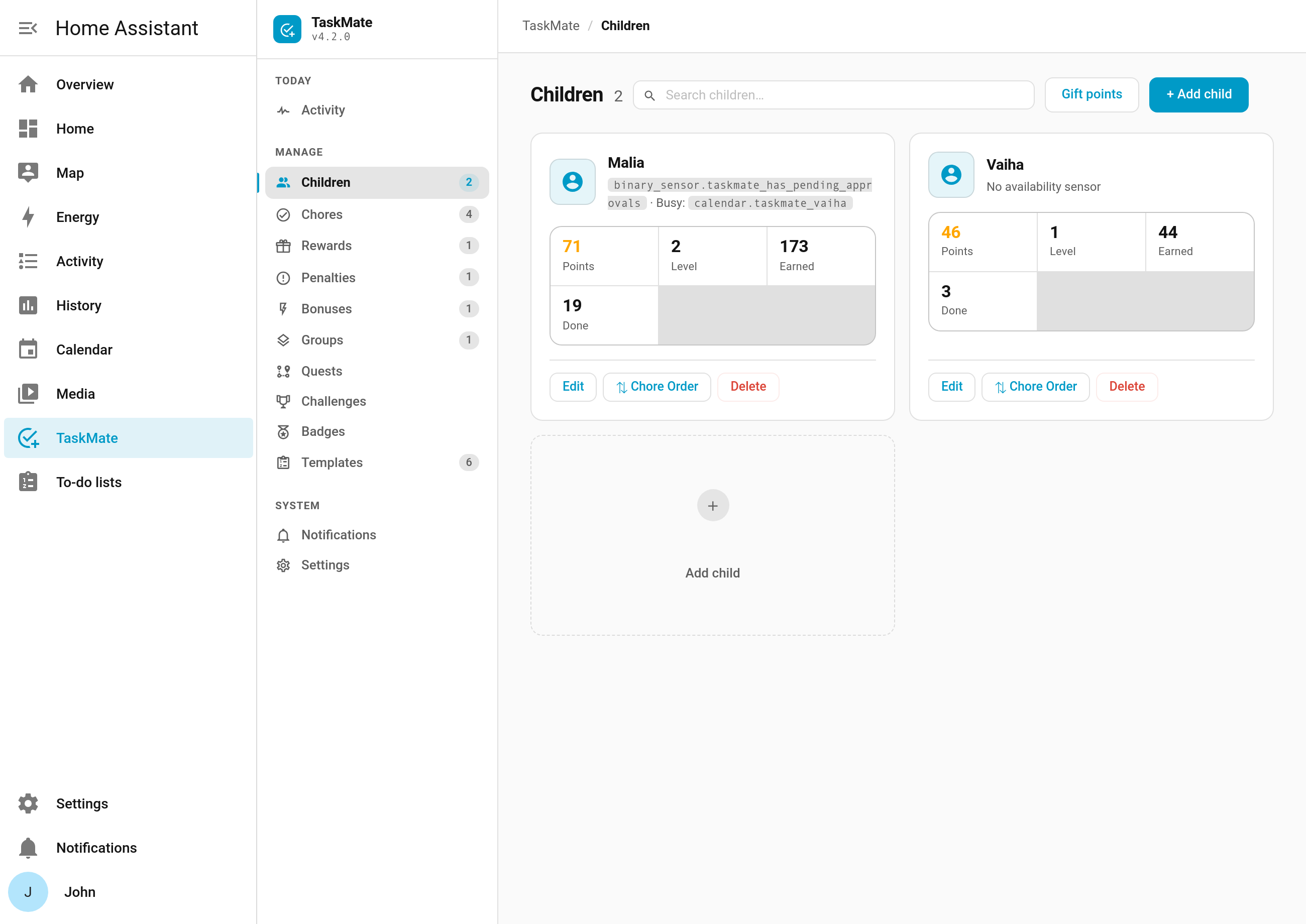
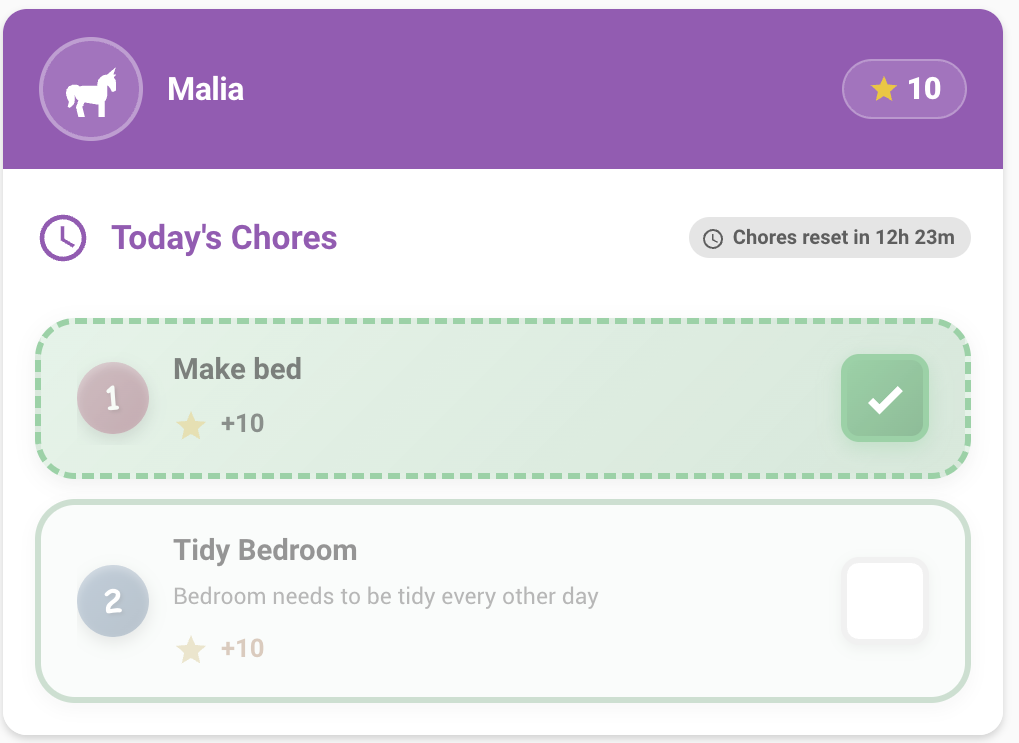
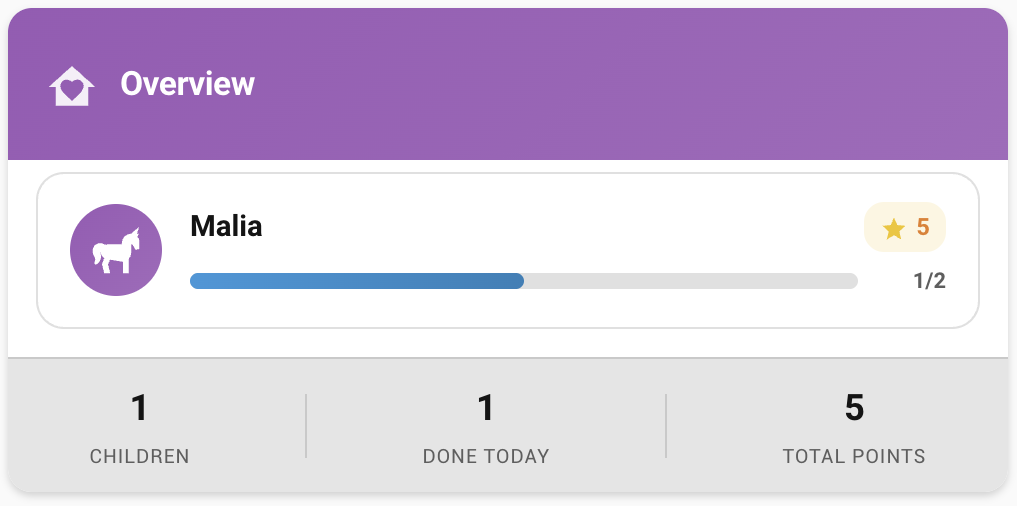
About
TaskMate is a Home Assistant integration for family chore management, rewards, and streak tracking. Chores are assigned to children with point values and schedules, and those marked as requiring approval wait in a pending queue until a parent approves them. Children claim rewards with their points, and points are deducted only after a parent approves the claim. It adds actions for adding or removing points, applying penalties, and undoing approvals or transactions, plus entities such as calendars, to-do lists, sensors, and numbers for the weekend multiplier and the weekly bonus. It works locally, keeps data inside Home Assistant, and is set up in the UI by choosing a points name and icon.
Automatic summary of the README and code of tempus2016/taskmate. Something wrong, or are you the maintainer and want your own text here? Get in touch
Supports
Works locally Talks to your devices on your own network. No vendor cloud in between.
From the Marketplace Installed through the Marketplace, formerly HACS.
Actively maintained Its author released or pushed a change in the last six months.
Provides
- Sensors
- Calendars
Setting it up
Install it from the Marketplace and restart Home Assistant, then add it under Settings, Devices and services.
Welcome to TaskMate!
- Points Currency Name (e.g., Stars, Coins, Bucks)
- Points Icon
Texts from the code of tempus2016/taskmate.
Entities
- EventsTaskMate activity, TaskMate family activity
- NumbersWeekend multiplier, Perfect week bonus
- SelectsStreak reset mode, Card design
Actions
- Complete ChoreMark a chore as completed by a childFields: Chore ID, Child ID, Note, Suggested points, Quantity, Set time
- Complete Bonus Sub-taskComplete a bonus sub-task after the parent chore is doneFields: Chore ID, Bonus Sub-task ID, Child ID
- Approve ChoreApprove a completed chore and award pointsFields: Completion ID, Points, Quality rating, Praise note
- Approve All ChoresApprove all pending chore completions (or a specific set) and award pointsFields: Completion IDs, Quality rating
- Reject ChoreReject a completed choreFields: Completion ID, Reason
- Undo ChoreLet a child take back their own chore — a pending submission until a parent reviews it, or an automatically approved one within the chore undo window. Off unless the window is set above 0 in TaskMate settings; anything a parent has reviewed needs a parent to undo it.Fields: Completion ID
- Undo Chore ApprovalReverse an accidental chore approval — removes the awarded points and returns the completion to pending so it can be approved again.Fields: Completion ID
- Undo TransactionReverse a points transaction by its ID — penalties, bonuses, manual add/remove adjustments and gifts (both legs). Automatic transactions (weekend/streak/perfect-week bonuses, pool moves, decay, interest) can't be undone.Fields: Transaction ID
- Claim RewardChild claims a reward using their pointsFields: Reward ID, Child ID, Recipient ID
- Approve RewardApprove a reward claimFields: Claim ID
- Allocate Points to PoolMove points from a child's spendable balance into a reward's savings pool (locked).Fields: Child ID, Reward ID, Points
- Add PointsAdd bonus points to a childFields: Child ID, Points, Reason
- Remove PointsRemove points from a child (penalty)Fields: Child ID, Points, Reason
- Reject RewardReject a reward claimFields: Claim ID, Reason
- Preview SoundPreview a completion sound effect in the browserFields: Sound
- Set Chore OrderSet the display order of chores for a childFields: Child ID, Chore Order
- Add PenaltyCreate a new penalty definitionFields: Name, Points, Description, Icon, Assigned To
- Update PenaltyUpdate an existing penalty definitionFields: Penalty ID, Name, Points, Description, Icon, Assigned To
- Remove PenaltyRemove a penalty definitionFields: Penalty ID
- Apply PenaltyApply a penalty to a child, deducting pointsFields: Penalty ID, Child ID
Troubleshooting
- DiagnosticsDownloads a diagnostics file to attach to a bug report.
From the README
Turn chores into a game your kids actually want to play.
A Home Assistant integration for family chore management, rewards, and streak tracking.

Shows in Vulpo
Button card, Select card, Calendar card, Chart card, Apple Watch.Information
- Installs
- 112 sharing analytics
- GitHub stars
- 43
- Connection
- Works locally
- Upkeep
- Updated in the last 6 months
- Version
- v7.4.1,
- Category
- Productivity and information, Calendars and to-dos
- Kind
- Marketplace integration
- Needs
- Needs the Marketplace (HACS on 2026.10 and older)
- Domain
taskmate- Issues
- Report an issue










