
Divoom Pixoo 64
gickowtf
On Home Assistant 2026.11 or newer? Open it in the Marketplace
- Installs
- 336 sharing analytics
- GitHub stars
- 259
- Connection
- Works locally
- Upkeep
- Updated in the last 6 months
- Version
- 1.24.0,
- Category
- Messaging and notifications
- Kind
- Marketplace integration
- Needs
- Needs the Marketplace (HACS on 2026.10 and older)
- Domain
divoom_pixoo- Issues
- Report an issue
Independent directory, made by the developer of Vulpo. Not affiliated with Home Assistant or the Open Home Foundation.
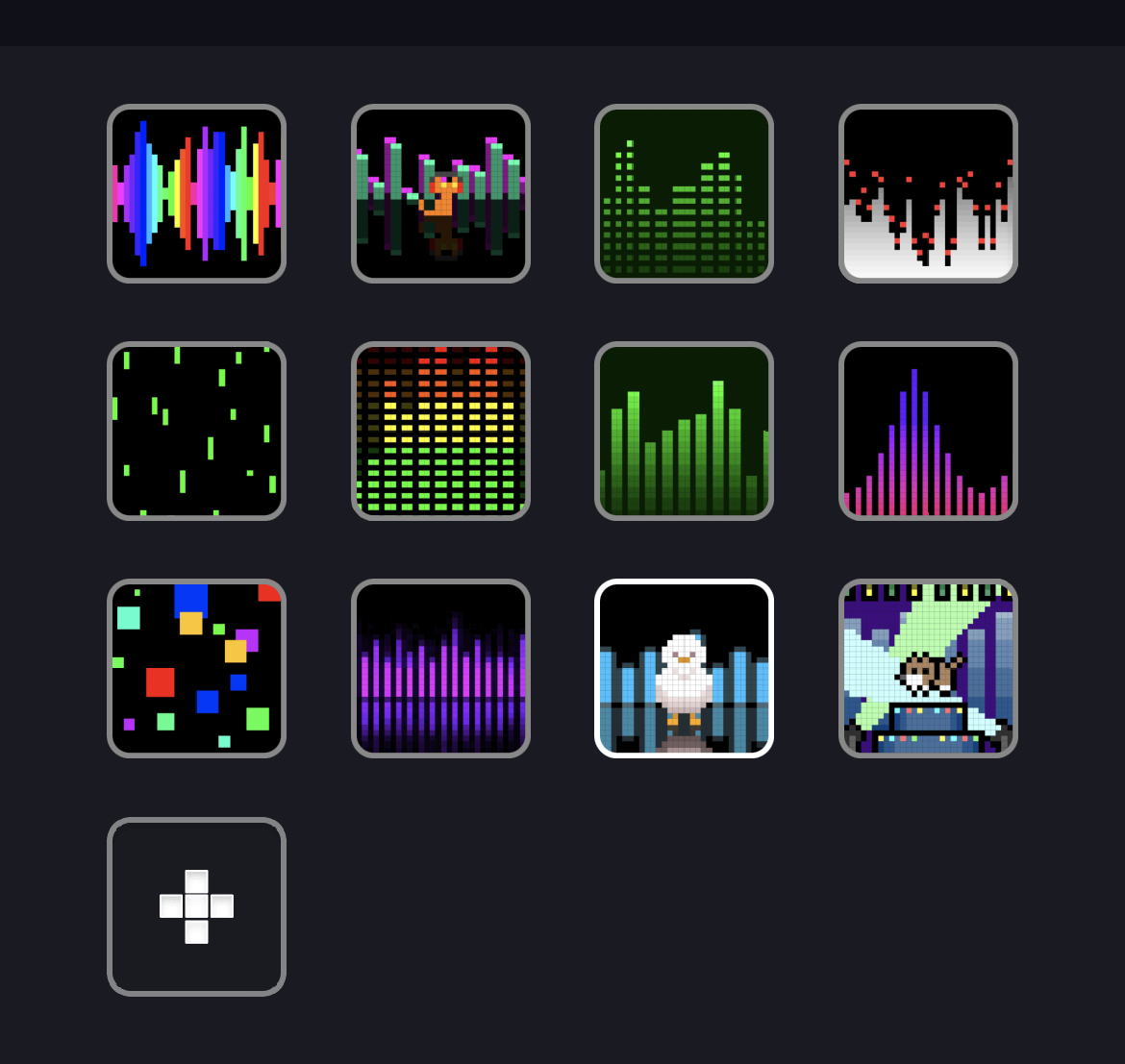
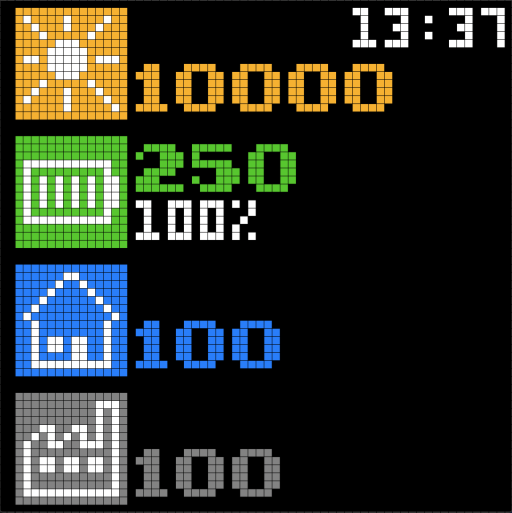
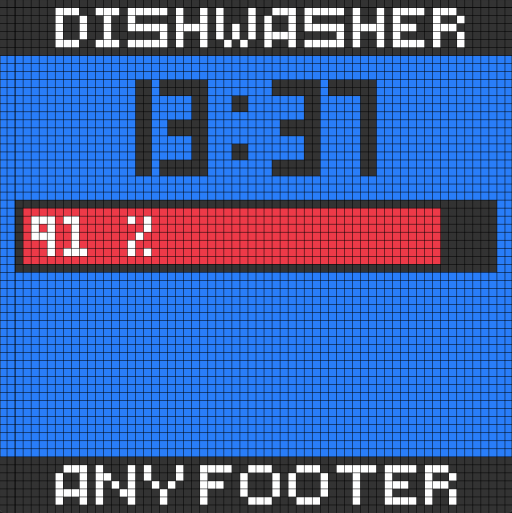
Screenshots From the README of gickowtf/pixoo-homeassistant.
About
Divoom Pixoo 64 is an integration that controls a Pixoo 64 display from Home Assistant over the local network. It adds a light entity for switching the display on and off and changing its brightness, along with sensors. Pages can combine several text templates and images, filled with data from Home Assistant, and other page types include animated GIFs, custom channels and clocks. Each page has a display duration, and the default is the scan interval, so pages rotate on a timer. Pages can also be enabled or disabled based on entity states, and automations can push a page to the display. Setup is done in the UI, where a discovered device is picked or an IP address is entered by hand.
Automatic summary of the README and code of gickowtf/pixoo-homeassistant. Something wrong, or are you the maintainer and want your own text here? Get in touch
Supports
Works locally Talks to your devices on your own network. No vendor cloud in between.
From the Marketplace Installed through the Marketplace, formerly HACS.
Actively maintained Its author released or pushed a change in the last six months.
Provides
- Lights
- Sensors
Setting it up
Install it from the Marketplace and restart Home Assistant, then add it under Settings, Devices and services.
Auto-discovered devices
- Select the device to setup
Configure your new Pixoo device
- IP address of the device
- Scan interval (in seconds)
- List of pages in JSON
After setup
- IP address of the device
- Scan interval (in seconds)
- List of pages in YAML
Texts from the code of gickowtf/pixoo-homeassistant.
From the README
Custom component for easy use of a Pixoo64 within Home Assistant. With this integration you have the possibility to display different designs and personalize them with information from the Home Assistant. For example, you can use this integration to display several texts {{ templates }} and images on one page. You can also use this integration to determine how long you want to see a page, e.g. you can set the page to change every 15 seconds. In addition, you also have a light entity for switching the display on and off or changing the brightness. Last but not least, you can create automations with which you can use certain triggers to display the pages that are available to you as a push.

Shows in Vulpo
Light card, Chart card, Apple Watch, Control Center.Information
- Installs
- 336 sharing analytics
- GitHub stars
- 259
- Connection
- Works locally
- Upkeep
- Updated in the last 6 months
- Version
- 1.24.0,
- Category
- Messaging and notifications
- Kind
- Marketplace integration
- Needs
- Needs the Marketplace (HACS on 2026.10 and older)
- Domain
divoom_pixoo- Issues
- Report an issue