
Screenshots from nfasano.
No screenshots yetAre you nfasano? Add your screenshots and they show here, at the top of the page.
What it does
Runs your own actions when buttons on an Inovelli LZW31 dimmer are pressed through Z-Wave JS. You pick the dimmer, then set actions for a single press of the up, down and config buttons, and for holding up or down.
Written by vulpo.app from the blueprint file by nfasano. Something wrong, or are you the author? Get in touch
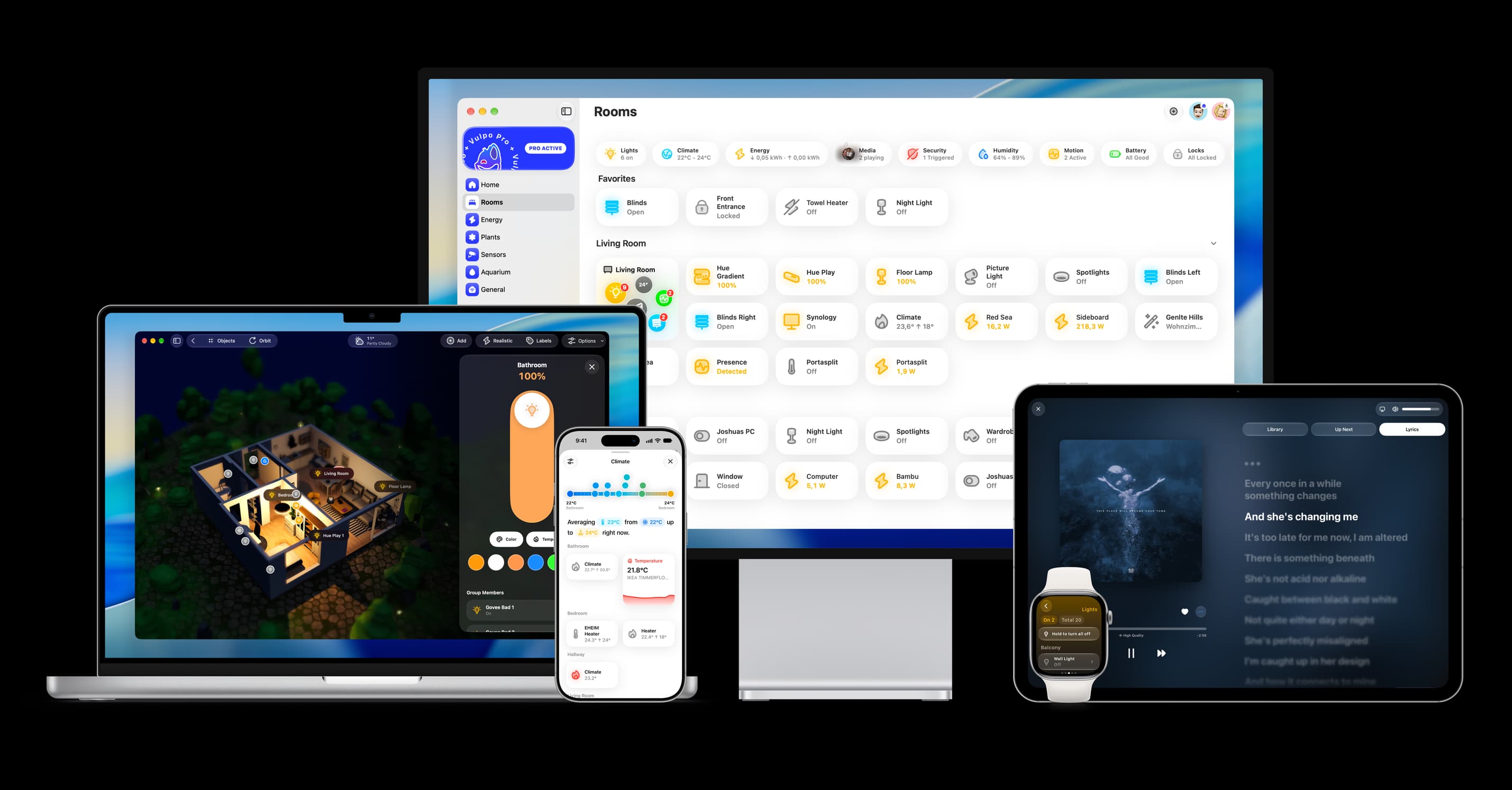
Set it up from your iPhone Vulpo's automation editor turns this blueprint's settings into a form, and shows each run as it happens.
Works with
- Logbook
logbook  Z-Wave
zwave_js
What you'll pick when you import it.
- Inovelli Dimmer
- Button C - Config press 1xOptional
- Button A - Up/On press 1xOptional
- Button B - Down/Off press 1xOptional
- Button A - Up/On held downOptional
- Button B - Down/Off held downOptional
Information
- Forum views
- 1k
- Likes
- 1
- Checked
- Imports cleanly
- Category
- Remotes and buttons
- Discussion
- 2 replies on the forum
Try it with your own Home Assistant.
- Free to download
- iPhone, iPad, Mac and Apple Watch
- 40+ native card types
- Connects to your own Home Assistant