
Screenshots from Johan71.
No screenshots yetAre you Johan71? Add your screenshots and they show here, at the top of the page.
What it does
Blocks heating during the most expensive hours by setting a virtual temperature, based on Nordpool prices. In cheap periods it passes the real temperature on at a set refresh delay. You pick the grid area, temperature and controllable sensors, and the virtual temperature number.
Written by vulpo.app from the blueprint file by Johan71. Something wrong, or are you the author? Get in touch
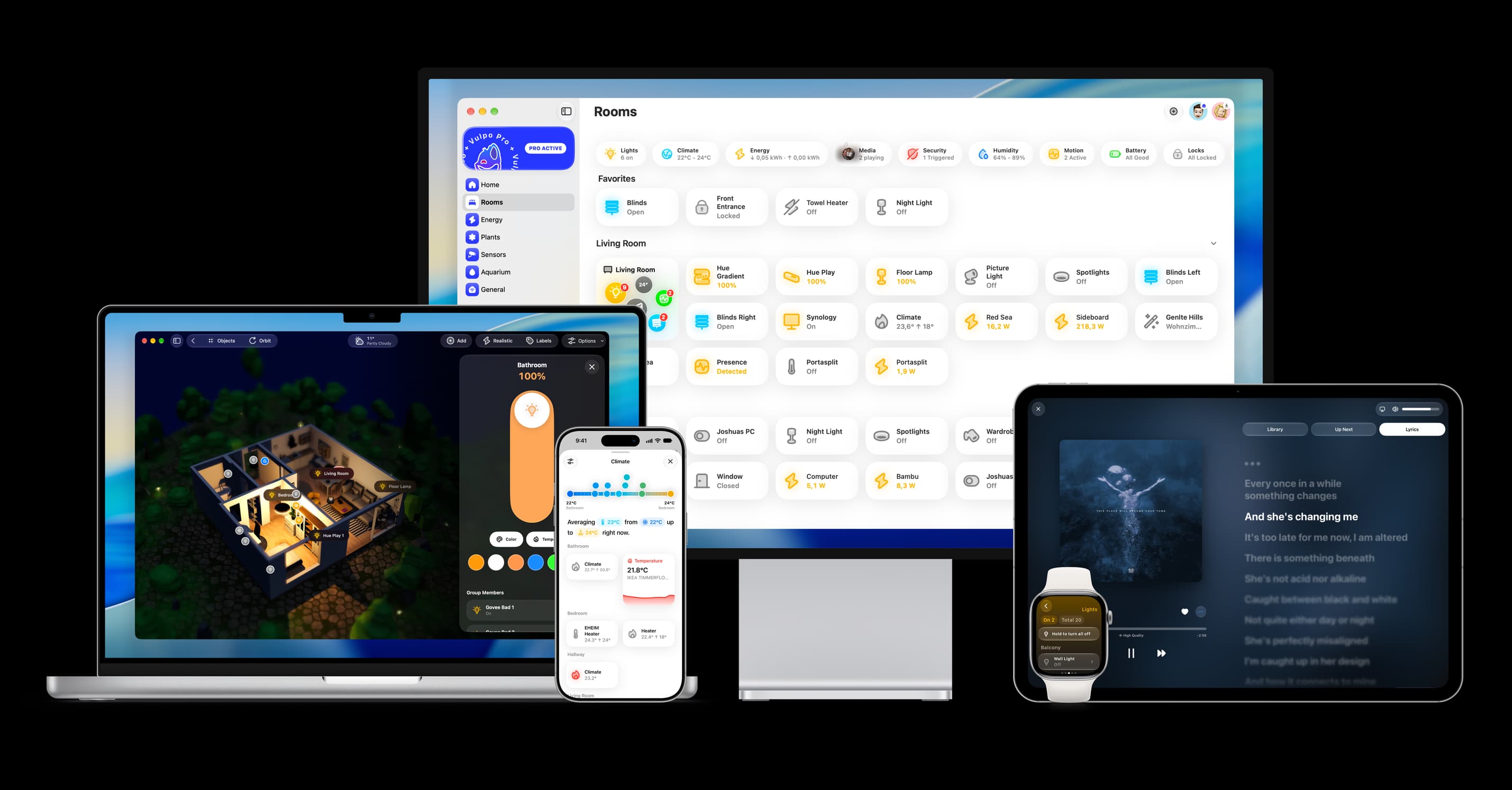
Set it up from your iPhone Vulpo's automation editor turns this blueprint's settings into a form, and shows each run as it happens.
Works with
 MQTT
mqtt Nord Pool
nordpool- Number
number - Sensor
sensor
What you'll pick when you import it.
- Grid Area Sensor
- Expensive HoursOptional
- Temperature Sensor
- Cheap Hours - Refresh Controllable Temperature Delay TimeOptional
- Controllable Sensor
- Virtual Block TempOptional
Information
- Forum views
- 1k
- Likes
- 1
- Checked
- Imports cleanly
- Category
- Energy
- Discussion
- 1 reply on the forum
Try it with your own Home Assistant.
- Free to download
- iPhone, iPad, Mac and Apple Watch
- 40+ native card types
- Connects to your own Home Assistant